
 CAD
CAD
 USD
USD
 EUR
EUR
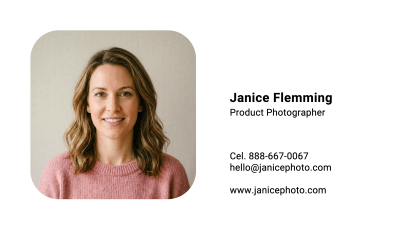
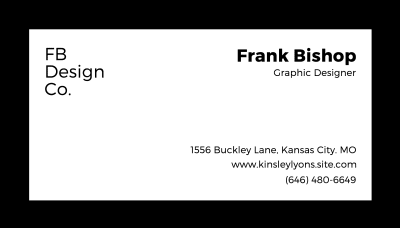
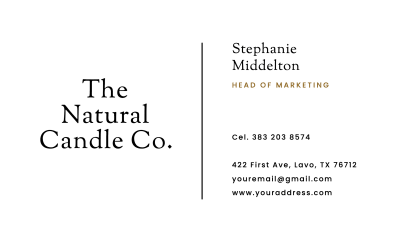

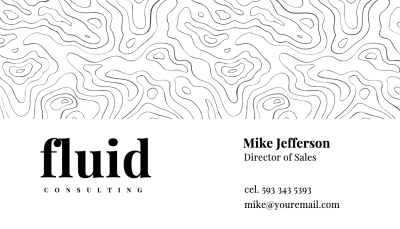
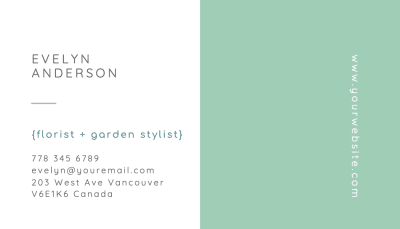
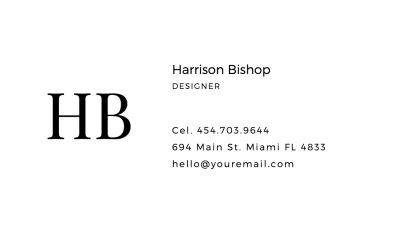
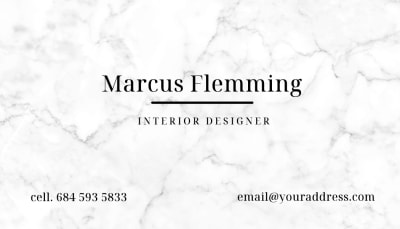

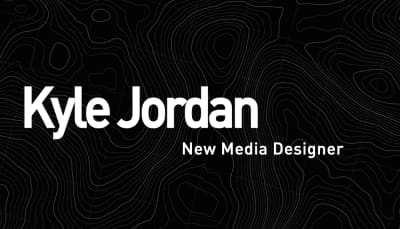
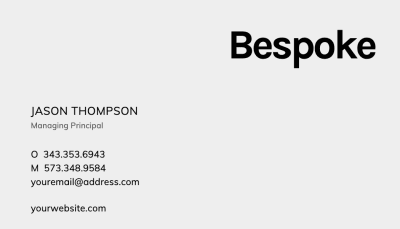
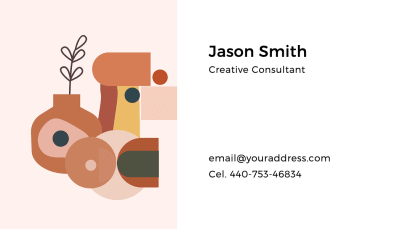
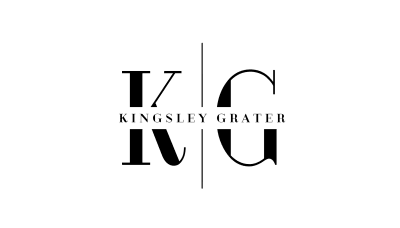
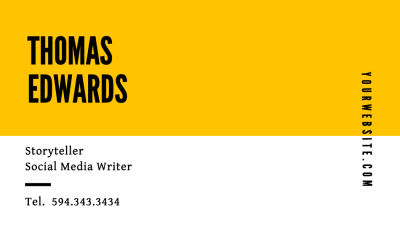
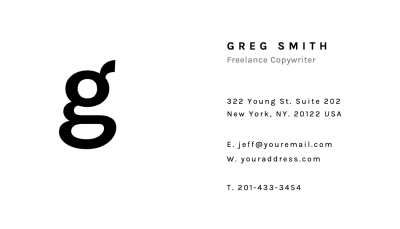
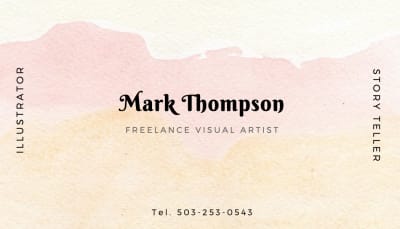
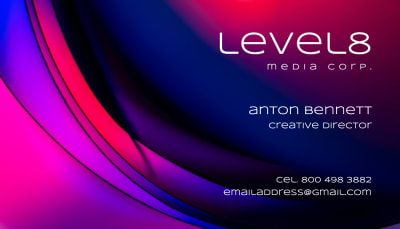
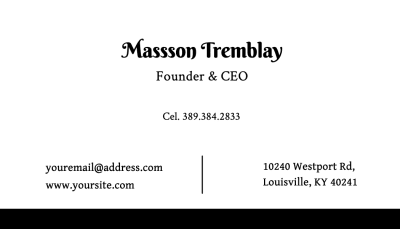
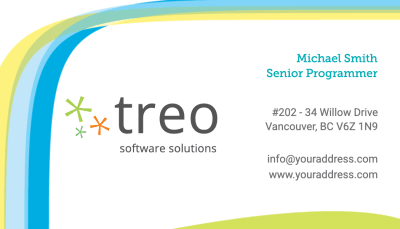
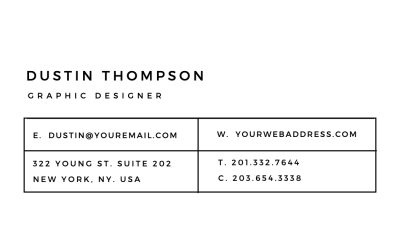
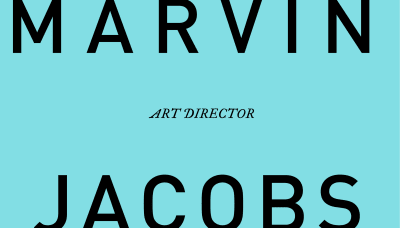
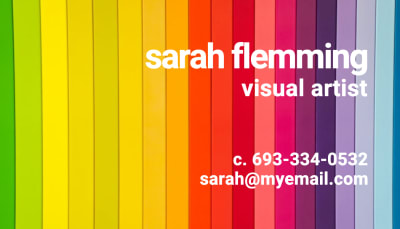
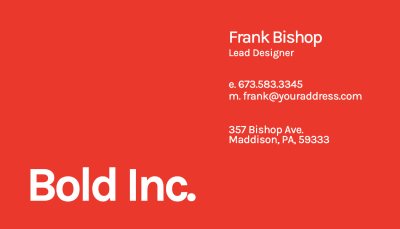
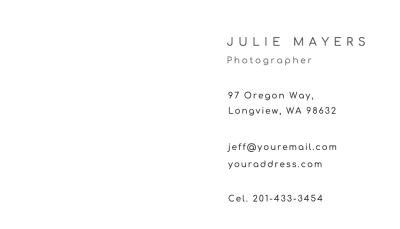
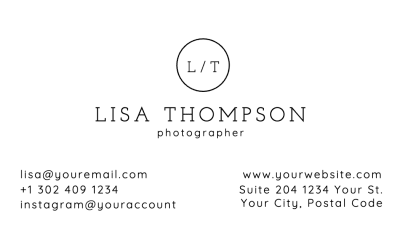
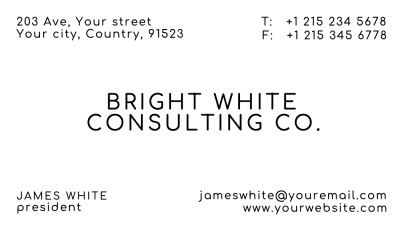
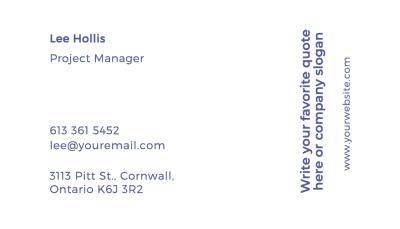
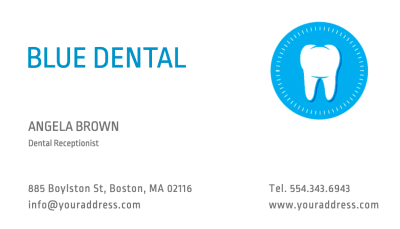

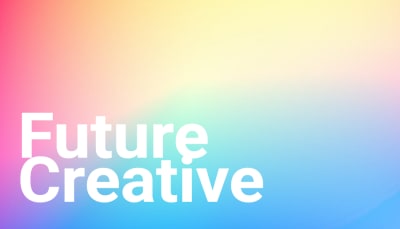
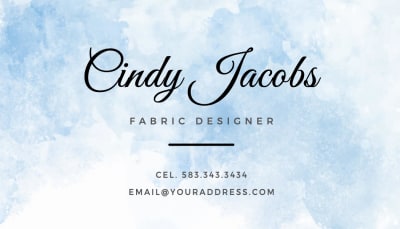
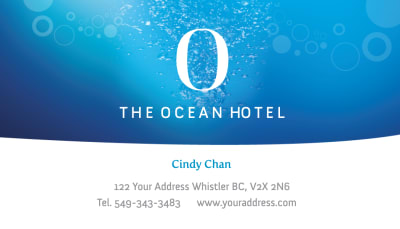
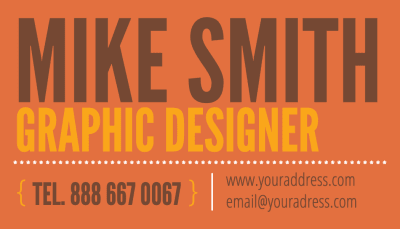
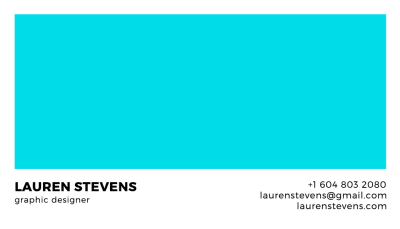

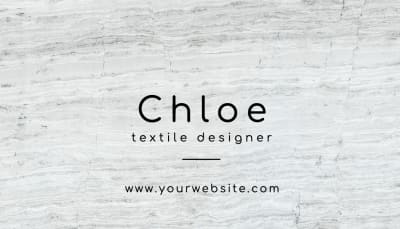

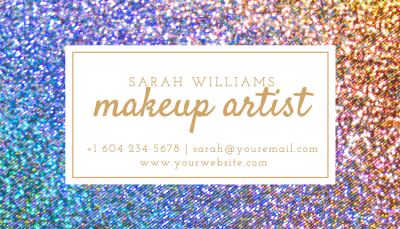

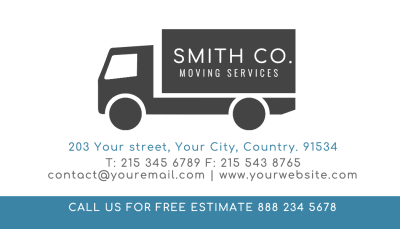
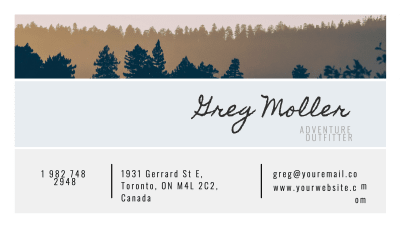
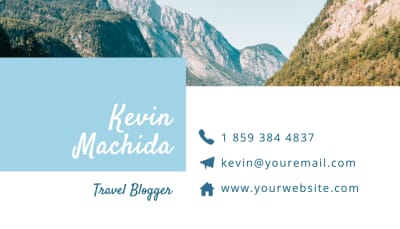
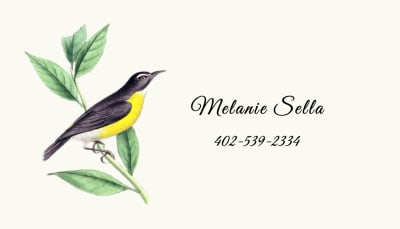
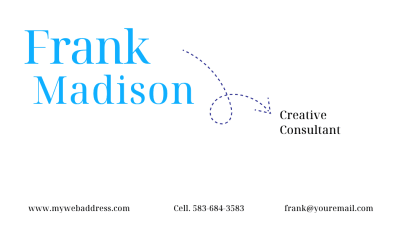
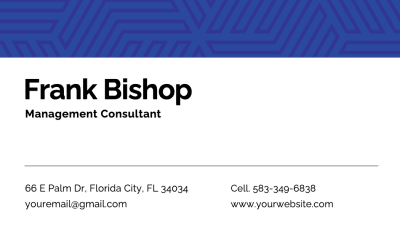

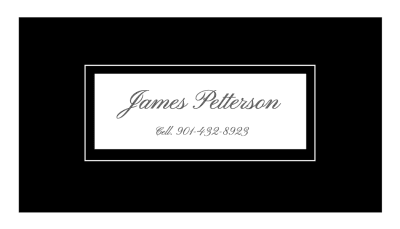
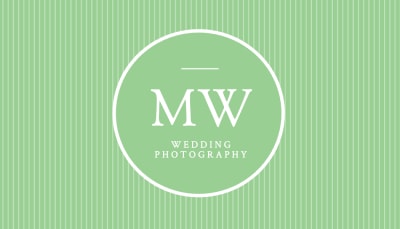
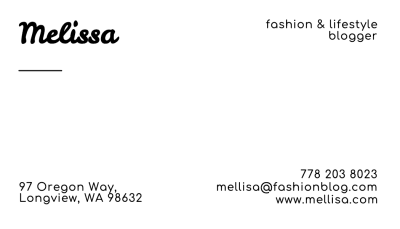
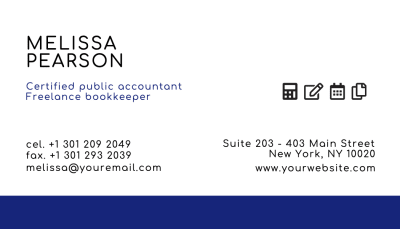



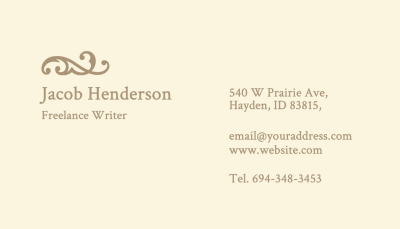
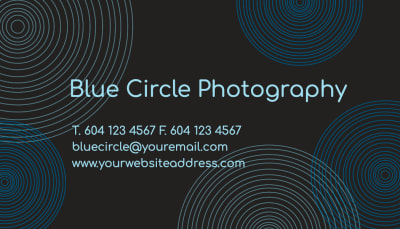
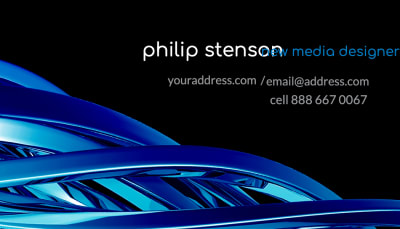
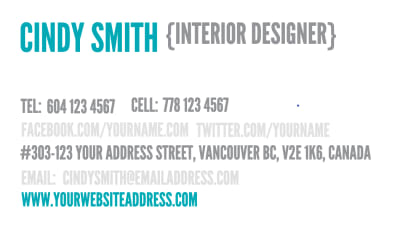



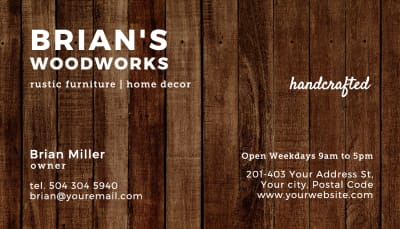
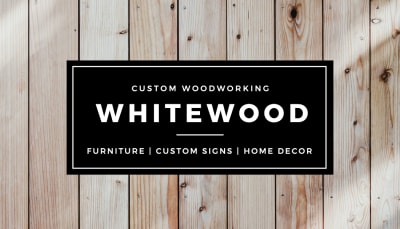
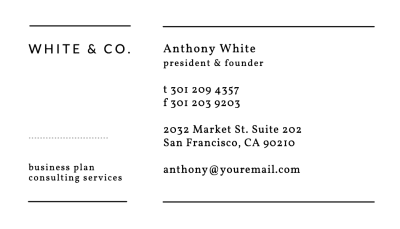
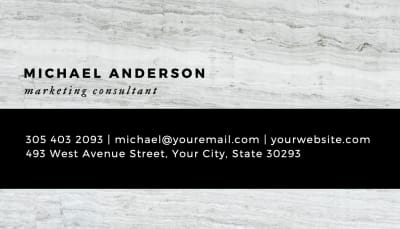
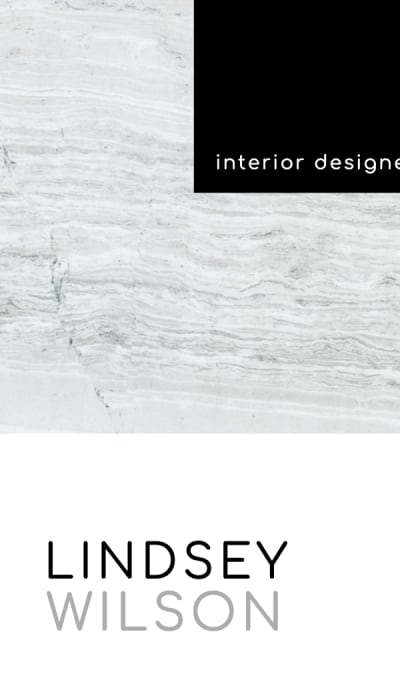
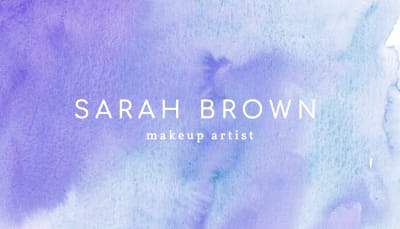
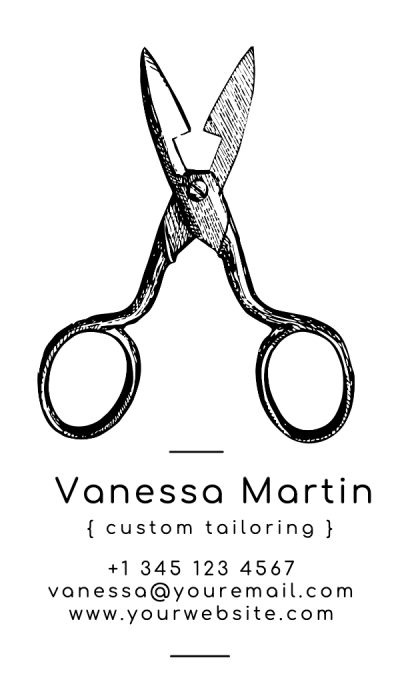
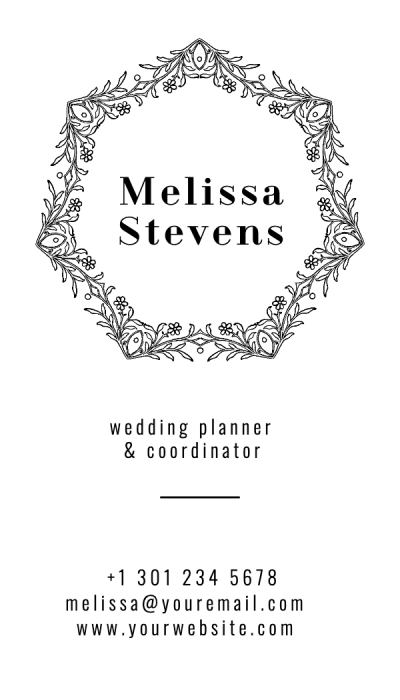

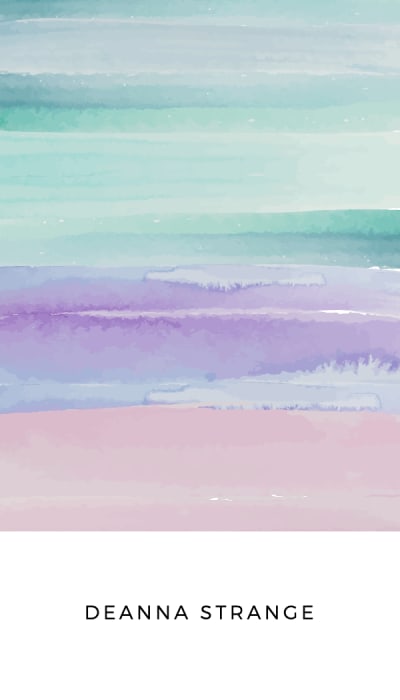
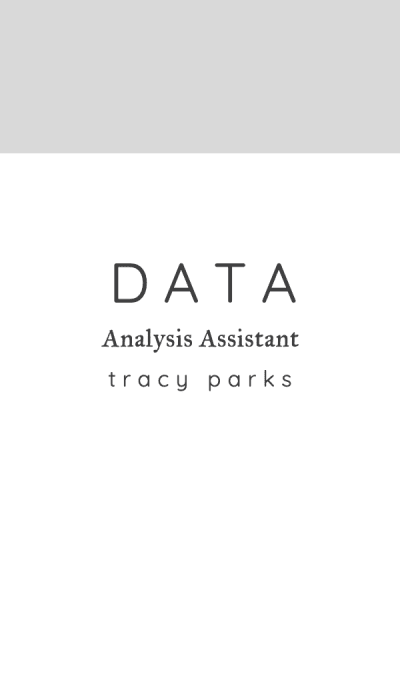
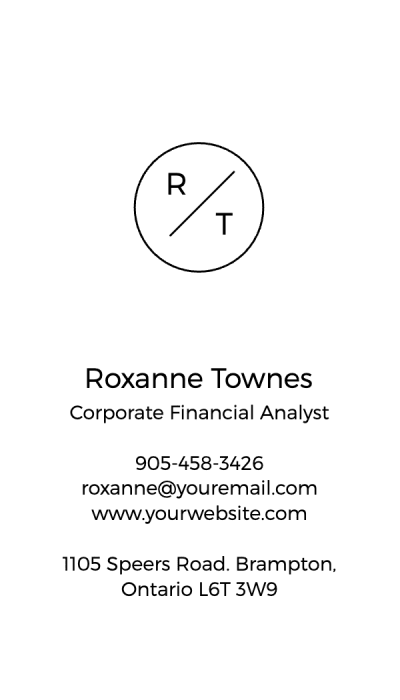
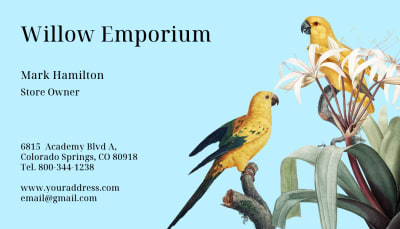
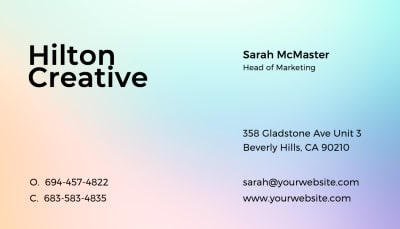
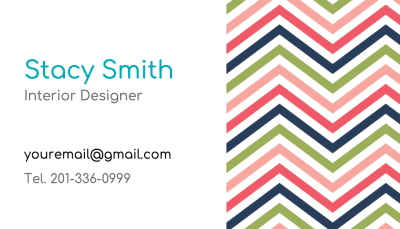
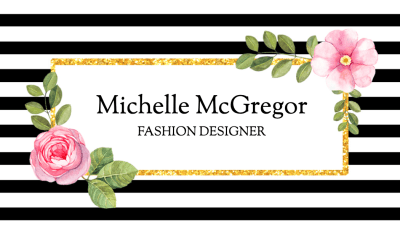
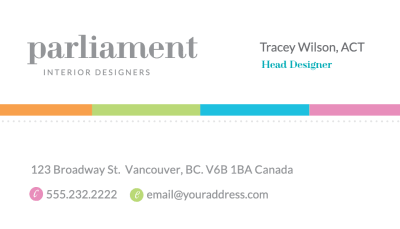
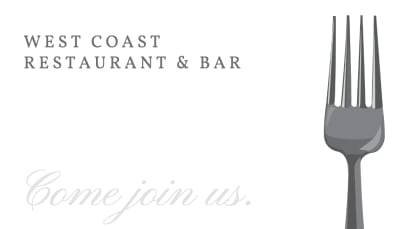
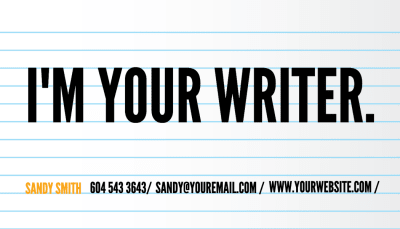
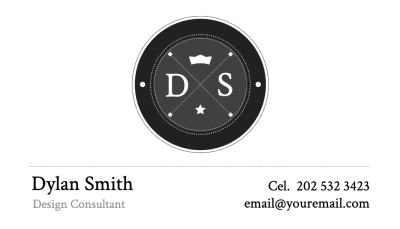
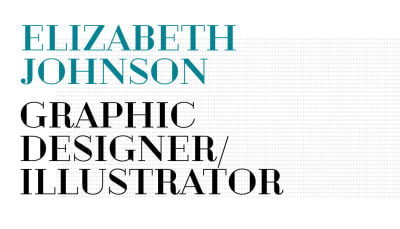
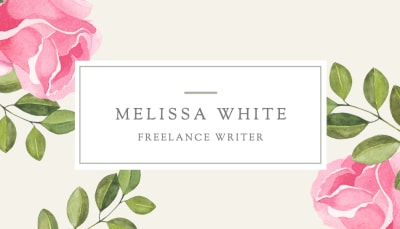
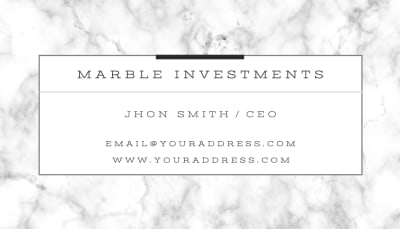
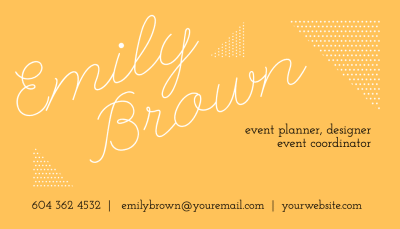
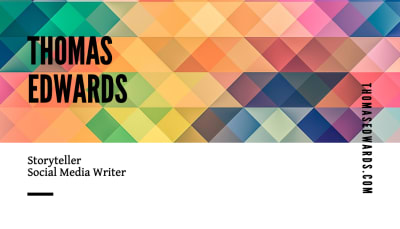





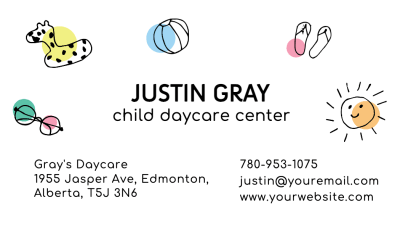
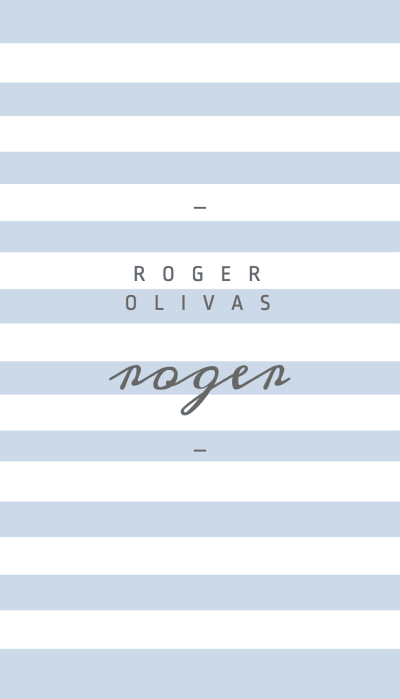
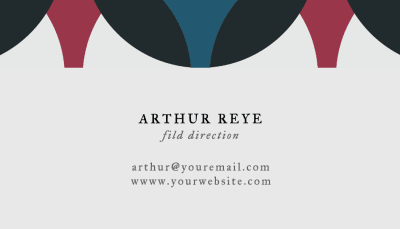
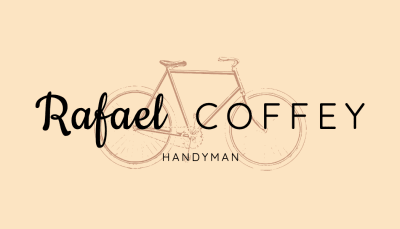
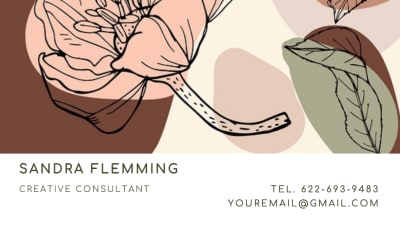
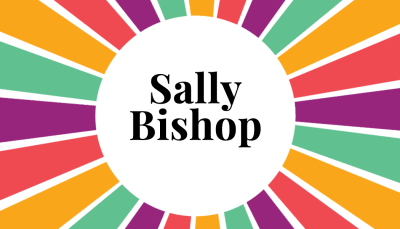
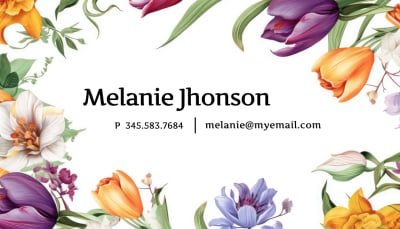
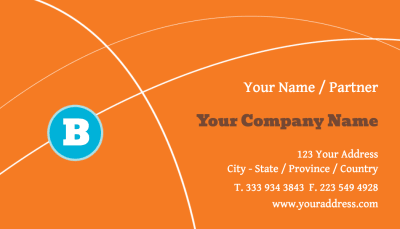




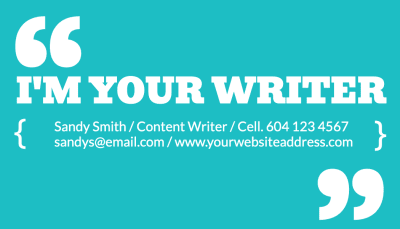
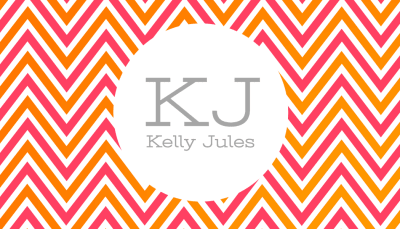

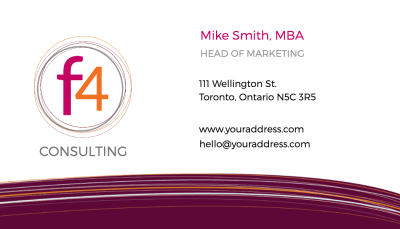
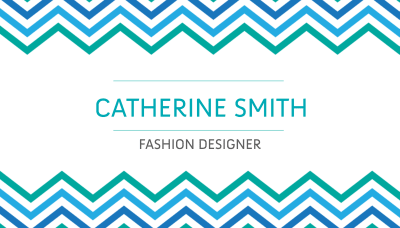

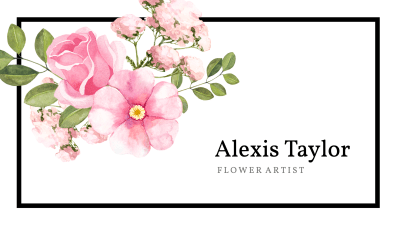

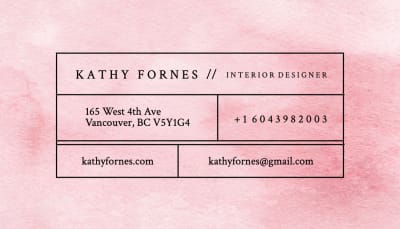
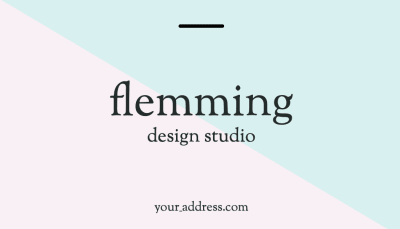
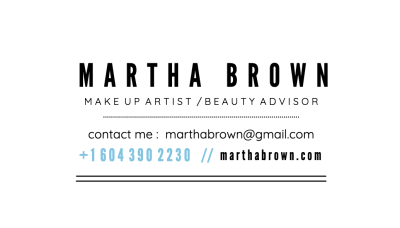
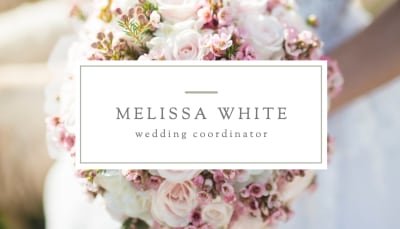

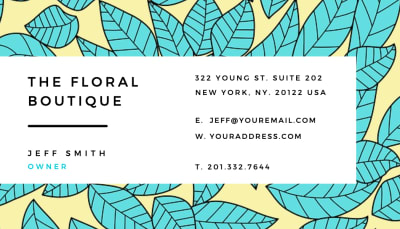
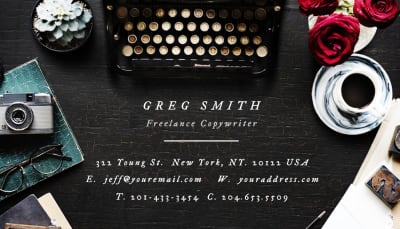

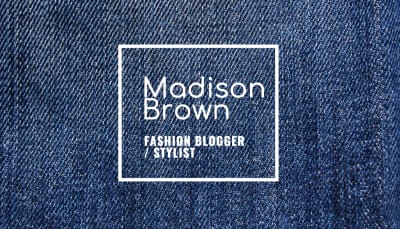
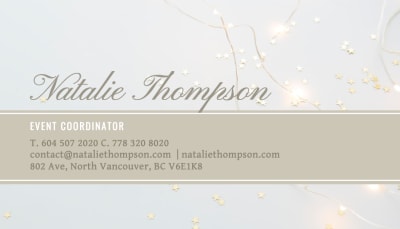
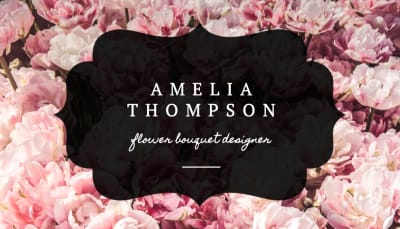
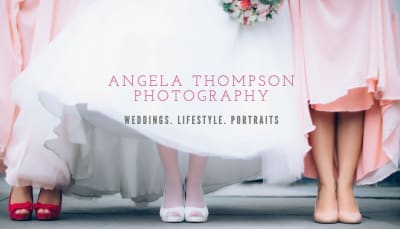



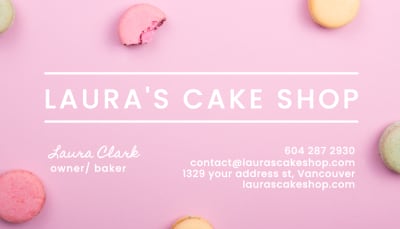








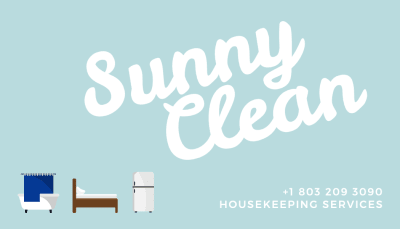
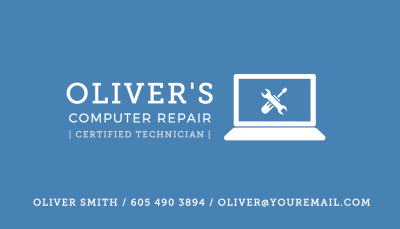
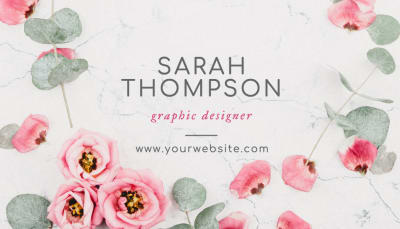
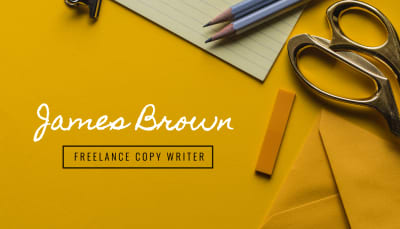



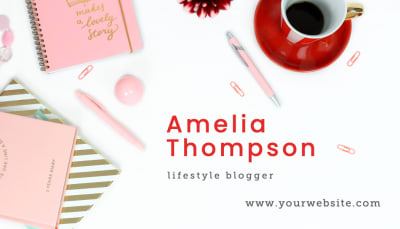
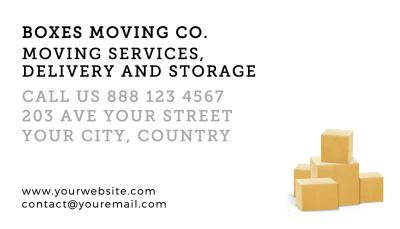
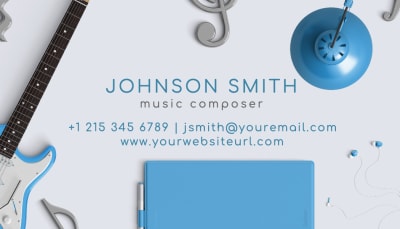
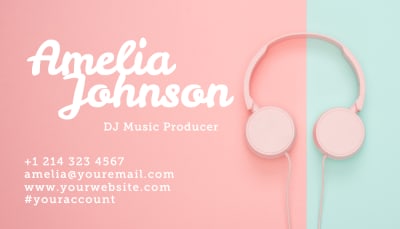

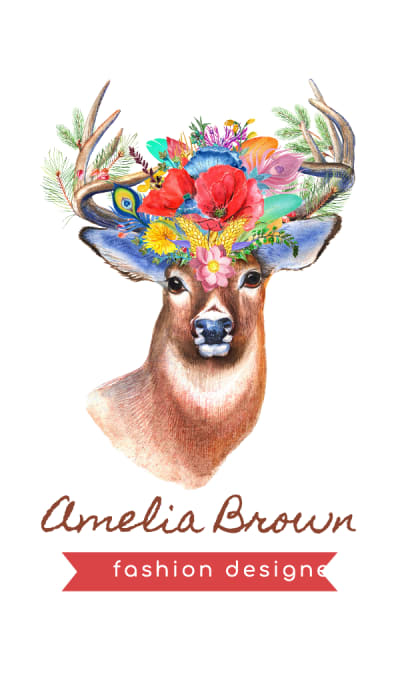
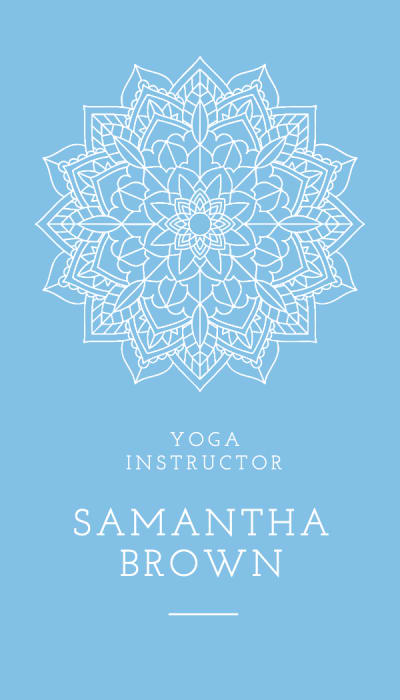
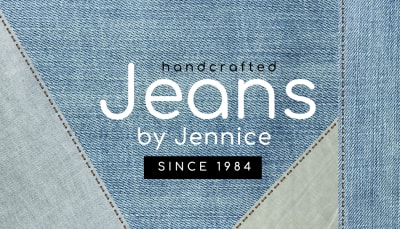
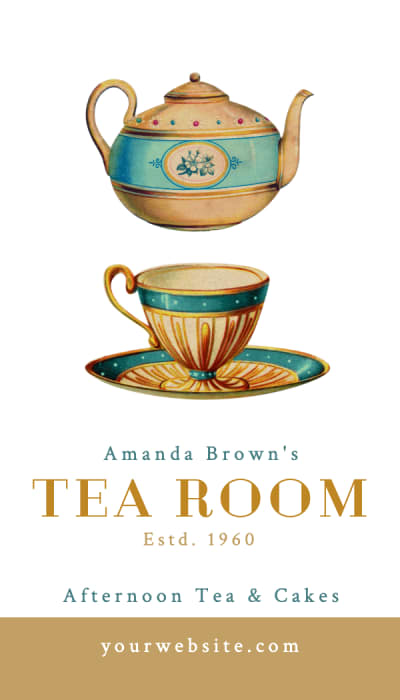
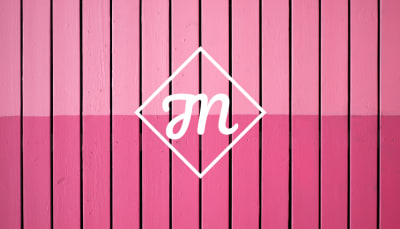
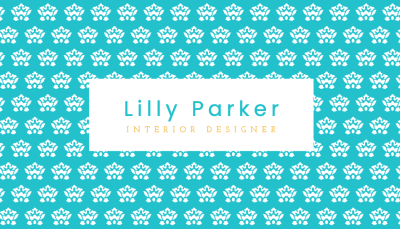
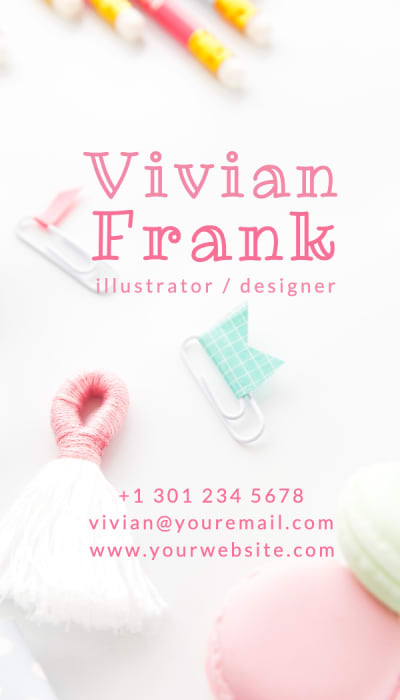
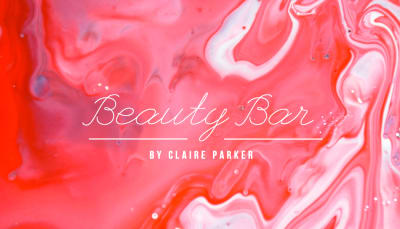
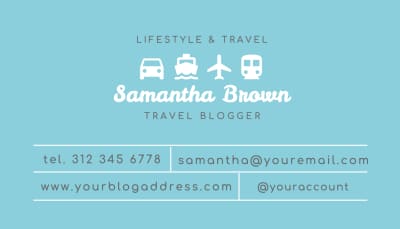
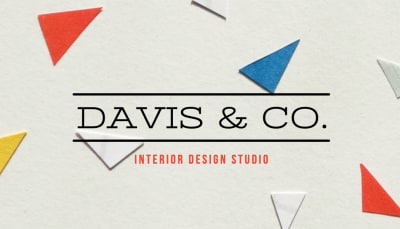
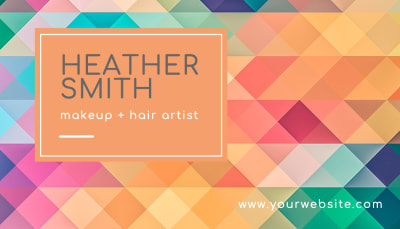
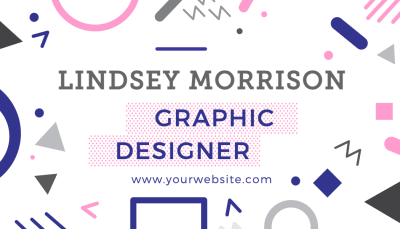
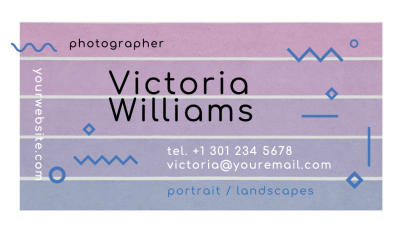
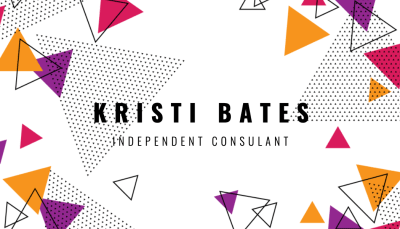
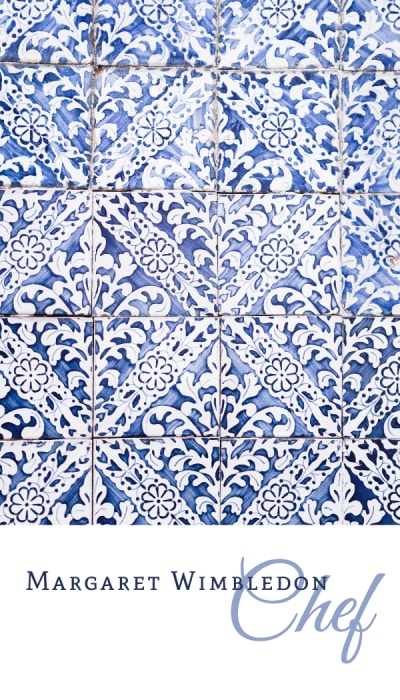
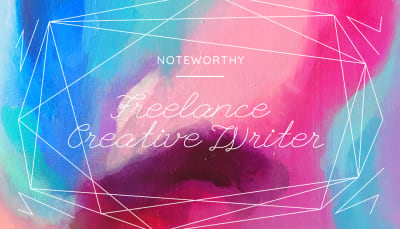



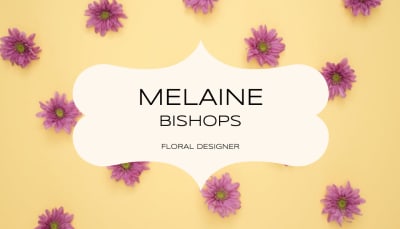
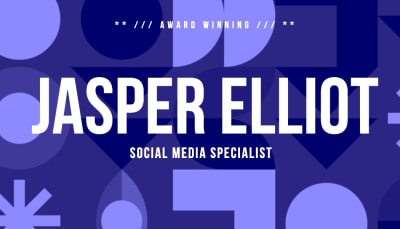
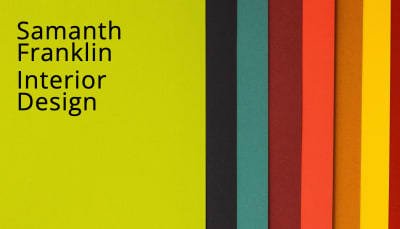
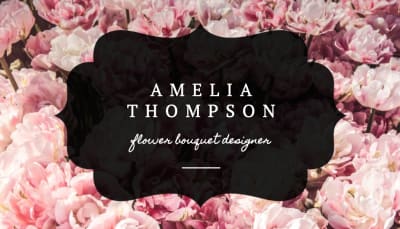
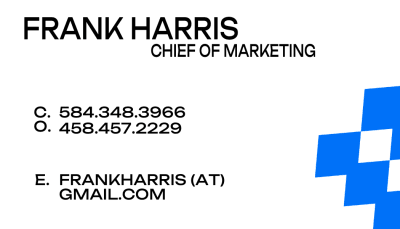

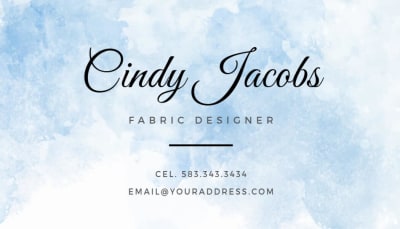

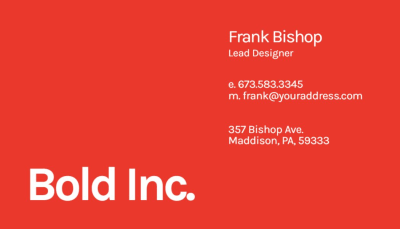
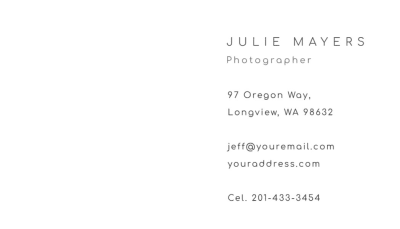
Yes, completely free. Design your business card, customize both sides, and download a print-ready PDF at no cost. No account required. You only pay when you decide to order printed cards through Jukebox.

Free Business Card Maker
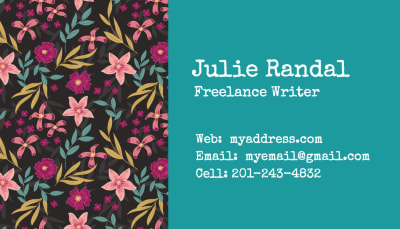
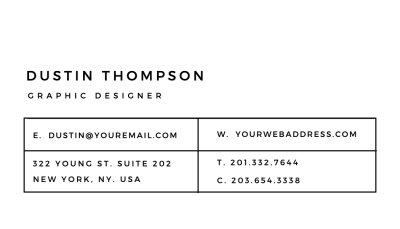
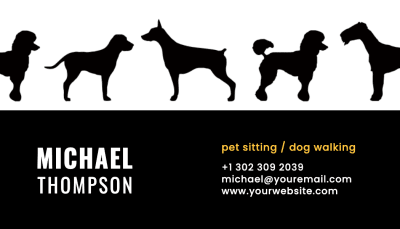
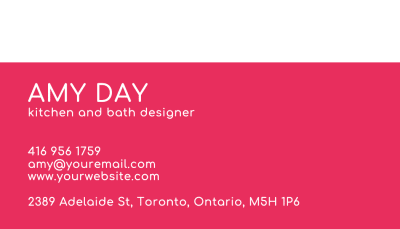
Make a great first impression with a custom business card. Choose a template, add your details, and download your print-ready file instantly for free. No design experience required.
No Account Needed
Start designing instantly, no sign up required.
Easy to Customize
Edit text, layout, and colors directly in your browser.
Built for Print
Includes bleed, crop marks, and safe spacing from the start.
Instant Download
Export a print-ready PDF in seconds.
Design Custom Business Cards Online in Minutes
Start from a template or design from scratch. Ready to order? Shop all business cards.
Orientation
Industry
Show:
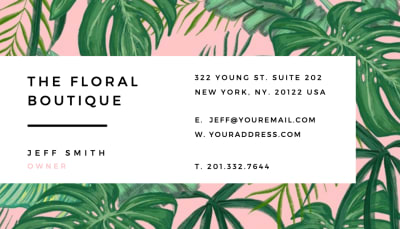
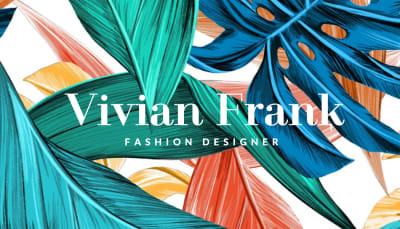
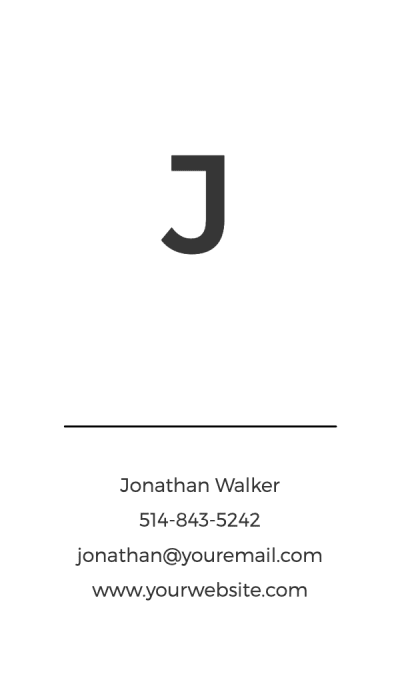
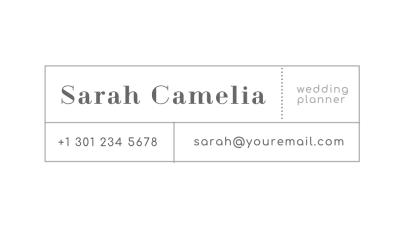
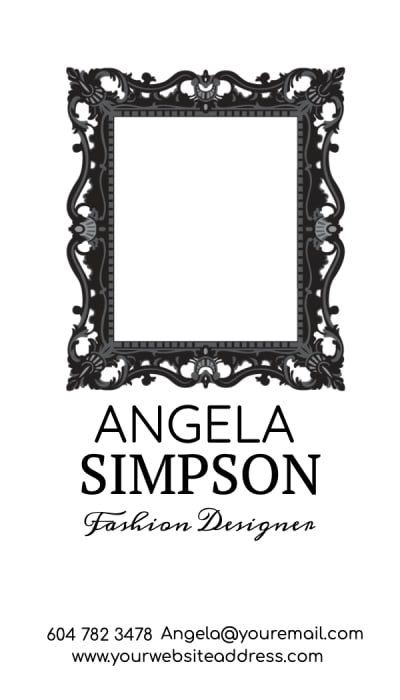
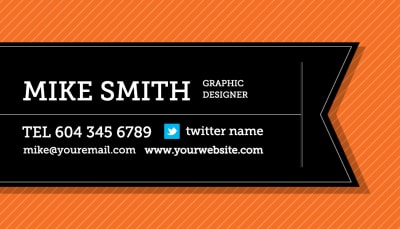
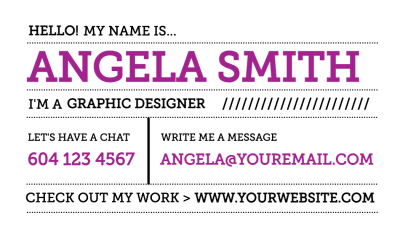
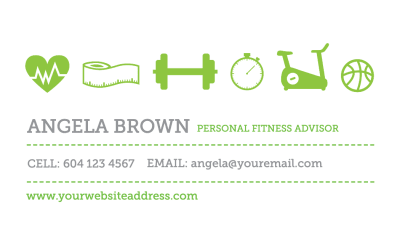
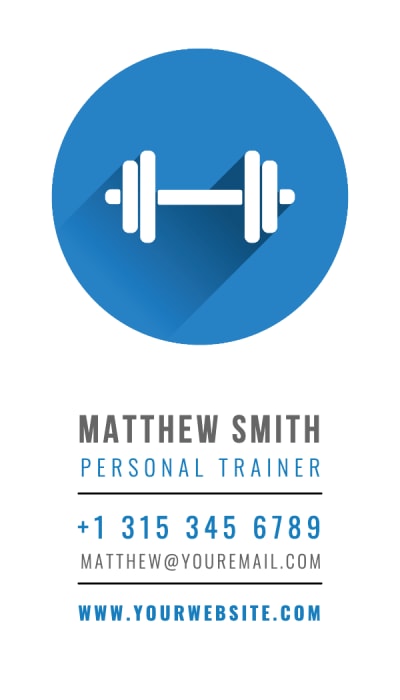
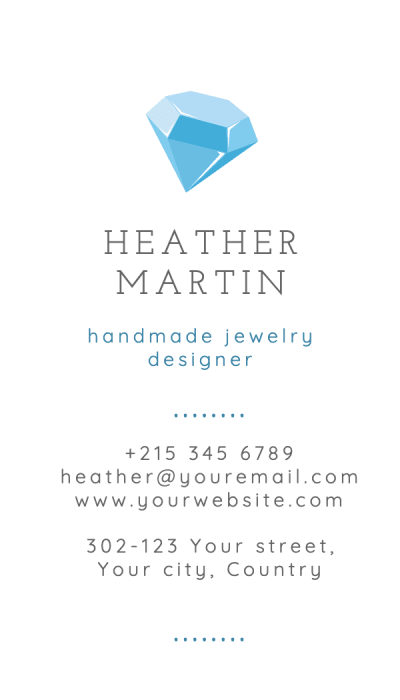
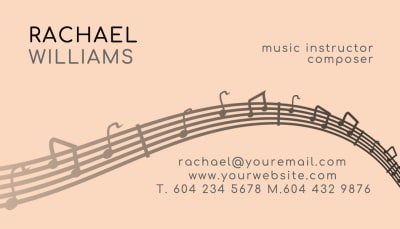
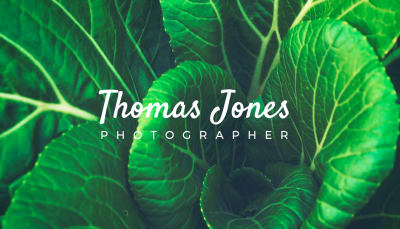
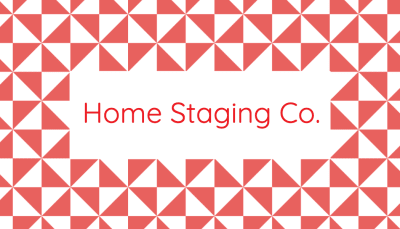
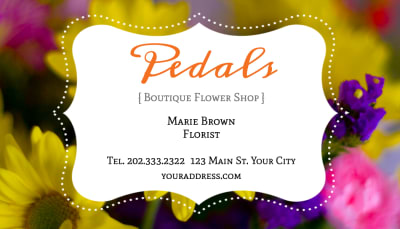
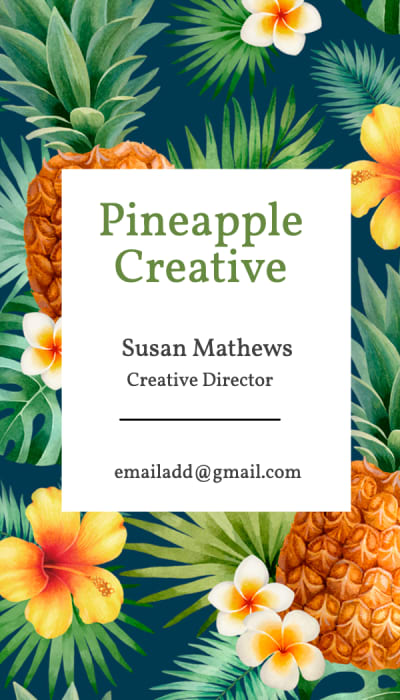
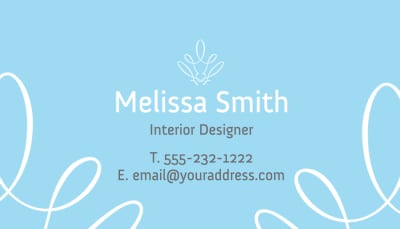
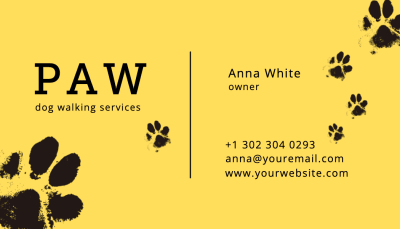
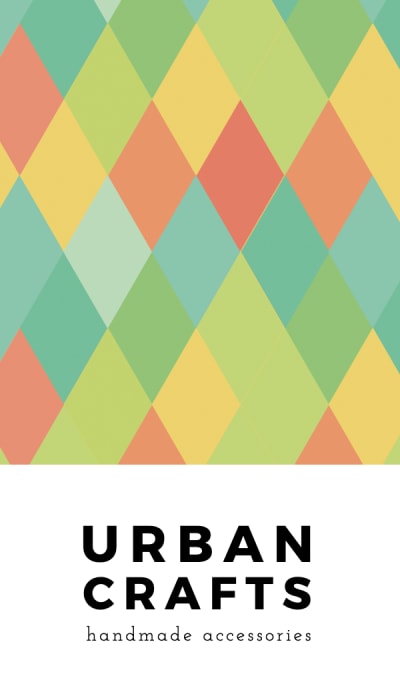
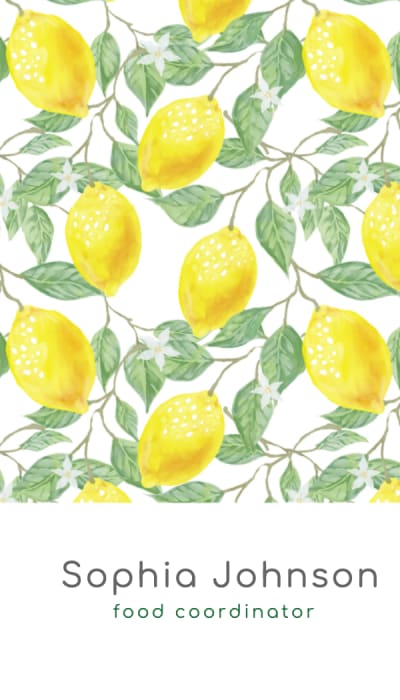
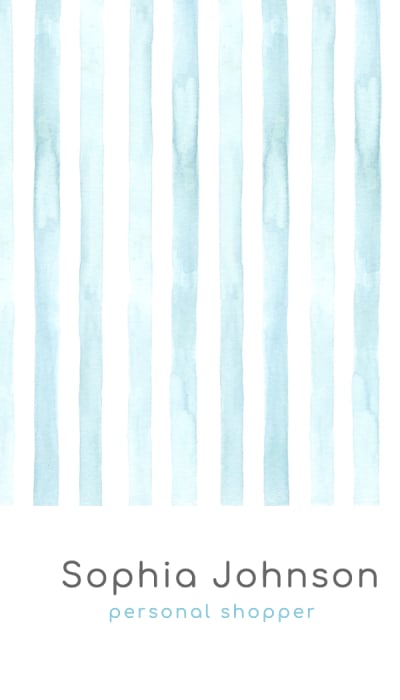
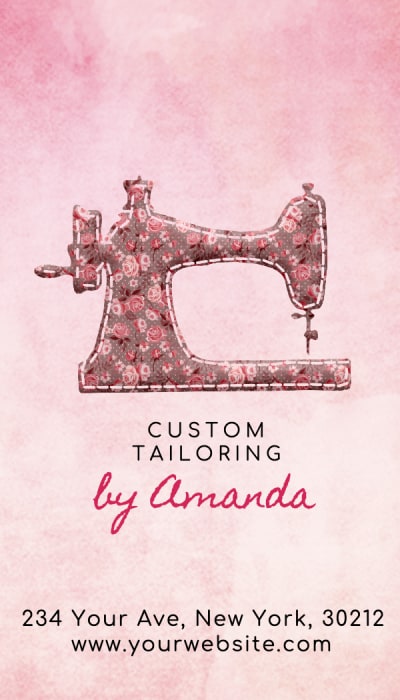
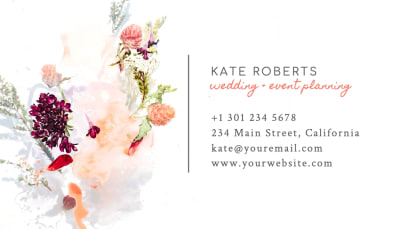
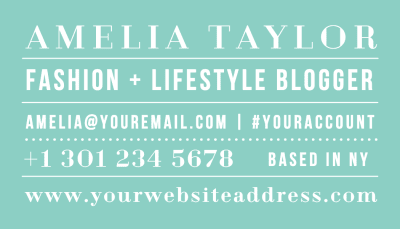
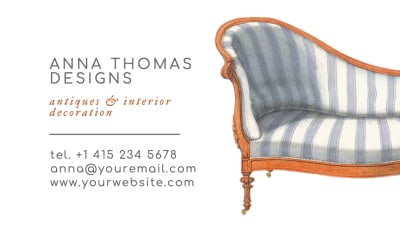
Showing 40 / 299 Templates
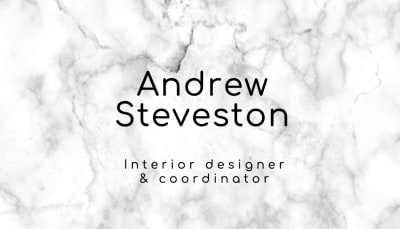
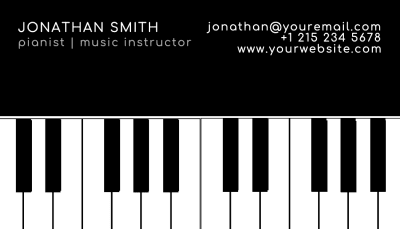
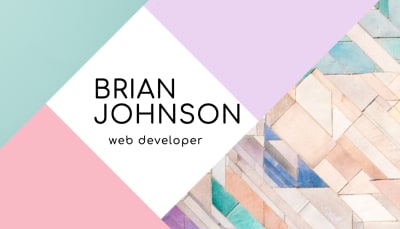
Design a business card that's uniquely yours
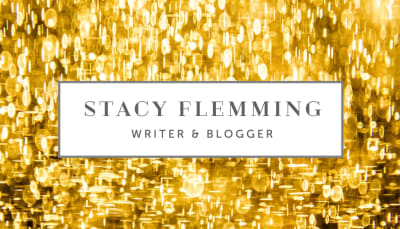
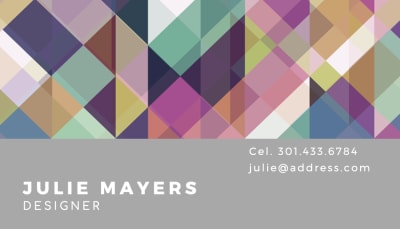
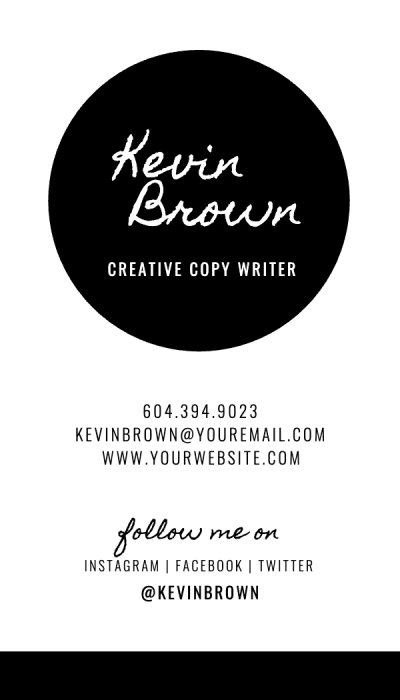
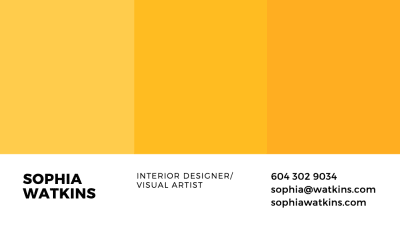
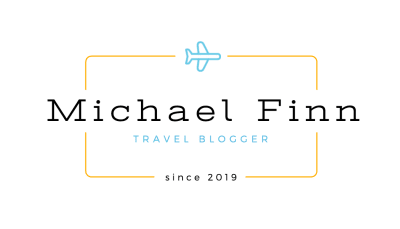
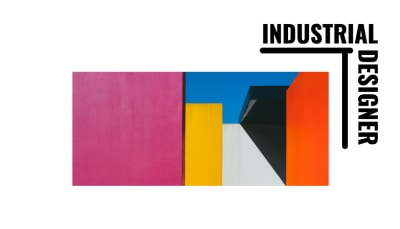
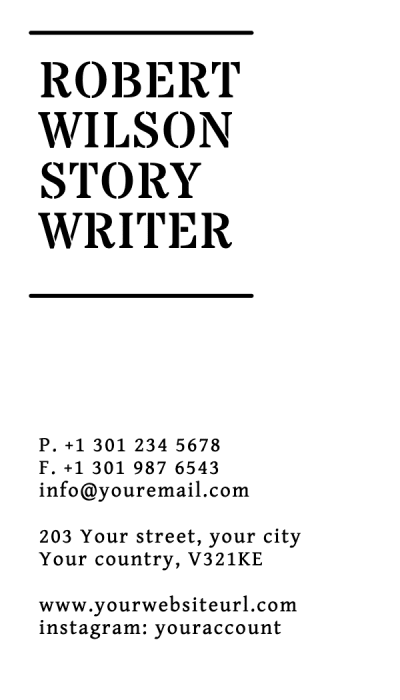
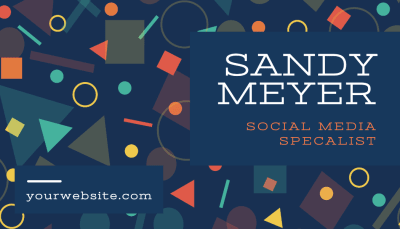
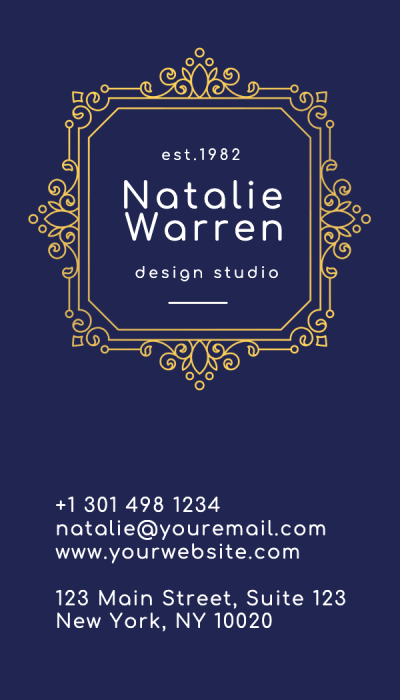
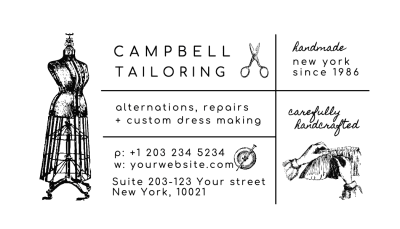
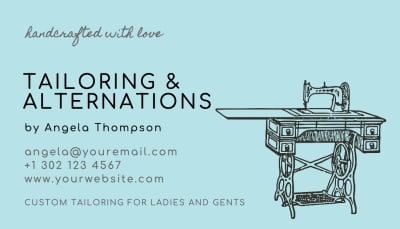
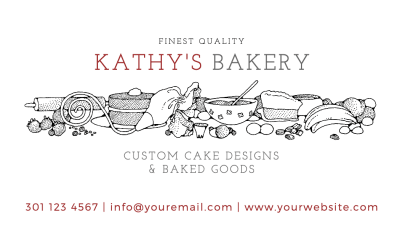
Your business card is often the first physical impression someone has of your brand so it should look the part. Our free business card maker lets you upload your own logo, apply your brand colors, and choose from a wide range of fonts to match your style. Everything stays consistent with who you are and what your business stands for.
We also include a growing library of icons and design elements you can use to fill out your layout. Whether you want something minimal and typographic or bold and image-forward, the tools are there to make it happen no design background needed.
Add a QR code to your business card for free
Our business card maker includes a built-in QR code generator — nothing to install or set up separately. Link directly to your website, portfolio, social profiles, or any URL you choose. It's a simple way to make your card interactive and give people a faster way to connect with you.
Free to use, built for everyone
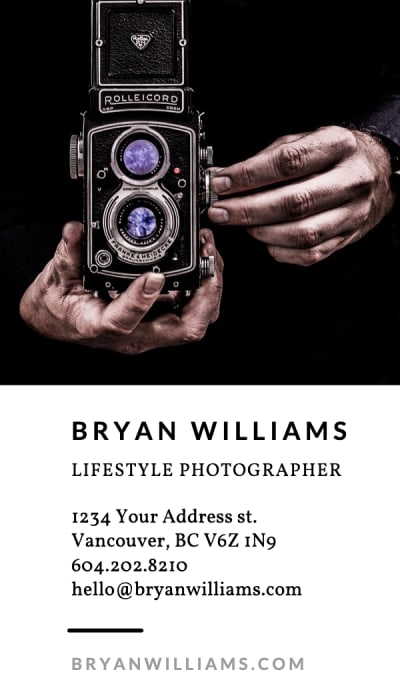
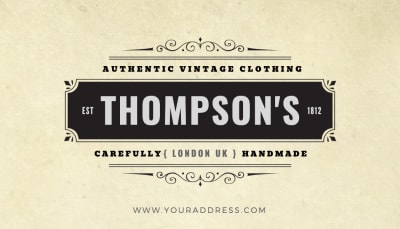
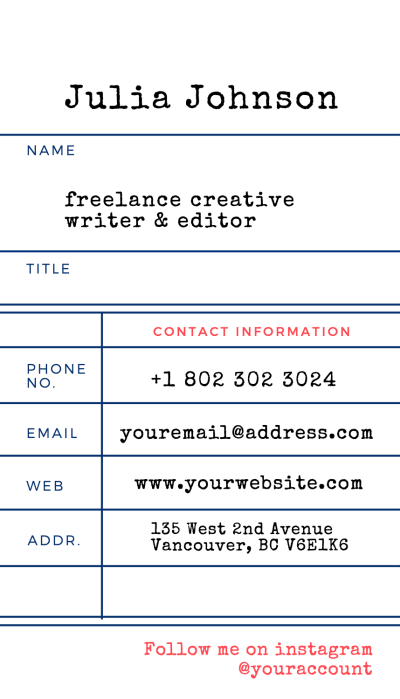
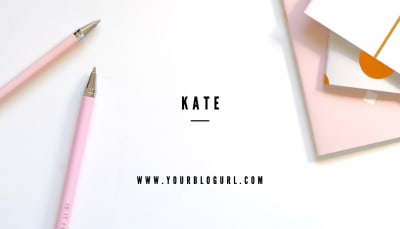
No software to install, no account required to get started. Our business card maker runs entirely in your browser, so you can jump straight into designing. Choose from hundreds of professionally made templates as a starting point organized by style, industry, and orientation so it's easy to find what fits your work.
You don't need a big budget to get a card that looks premium. With the right template and your own details plugged in, you can go from blank canvas to print-ready in a matter of minutes and order directly on paper stocks like Soft Touch, Mohawk Superfine, and Cotton.
Print-ready every time
Every design in our card maker is built to print specifications from the start correct bleed, crop marks, and safe zones are already handled. What you see on screen is what you get in print, with CMYK color profiles built into every template so there are no surprises when your order arrives.
Once you're happy with your design, download a print-ready PDF instantly or place an order directly through Jukebox. We print on premium paper stocks made to be touched and remembered and with next day delivery available, you're never far from having cards in hand.
Business card designer
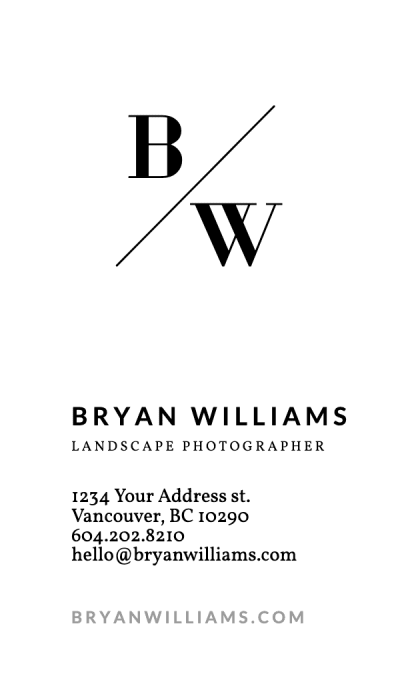
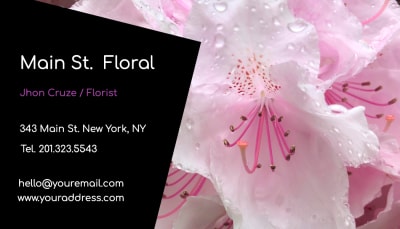
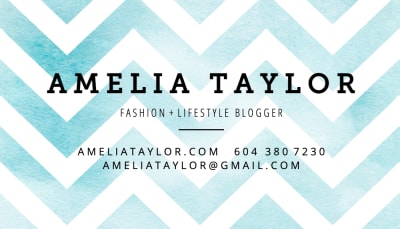
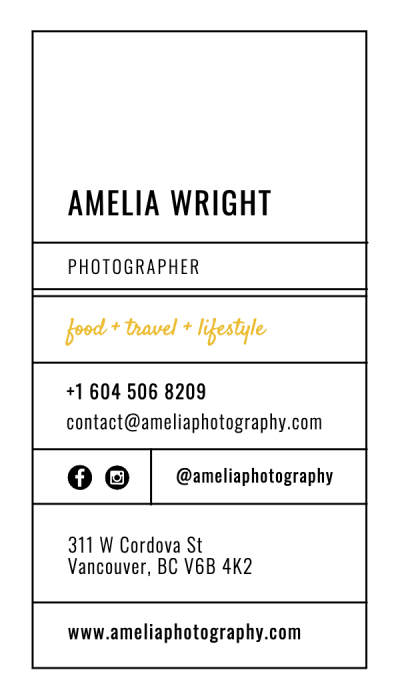
Our online business card designer makes it easy to control every part of your layout. Move text and images, adjust fonts, change colors, upload your logo, and edit both sides of the card. Every design starts at the correct size with print guides already in place, so you can focus on how your card looks.
Free business card maker
The free business card maker runs directly in your browser and gives you everything needed to create a polished card. Start with a template or a blank canvas, add your details, and download a print-ready PDF when your design is complete. There is no software to install and no account required to begin.
Free business cards
You can design and download your business card file for free using our online maker. Choose a template or start from scratch, add your information, and export a print-ready PDF without paying for design software. Printing is priced separately, so you can save the file, share it with your team, or place an order when you are ready.
Premium business cards
A strong design deserves paper and finishing that bring it to life. Once your layout is ready, order premium business cards on distinctive stocks such as Soft Touch, Cotton, Kraft, or Mohawk Superfine. You can also explore options such as foil, painted edges, and specialty shapes for a card that feels more refined in hand.
Best business cards
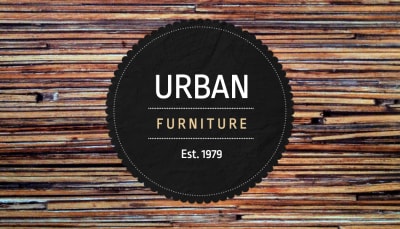
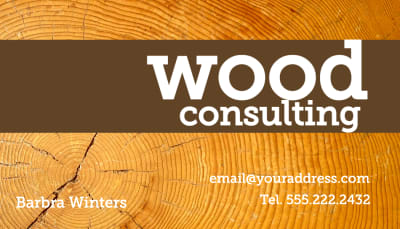
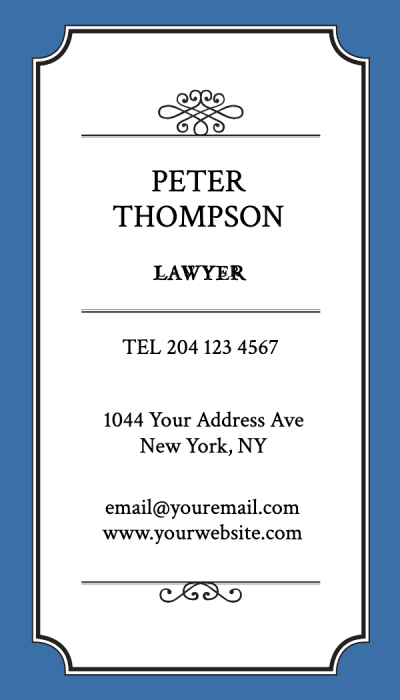
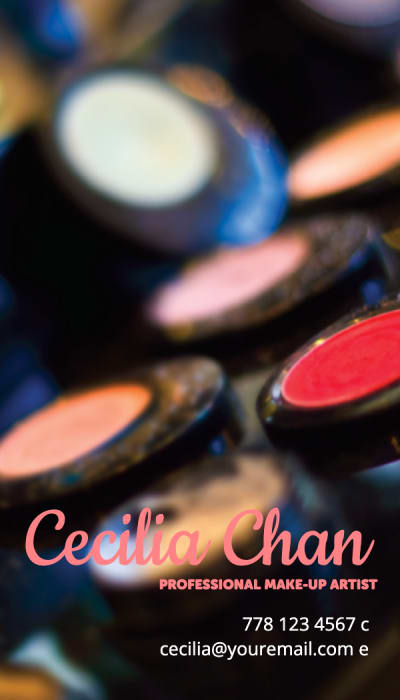
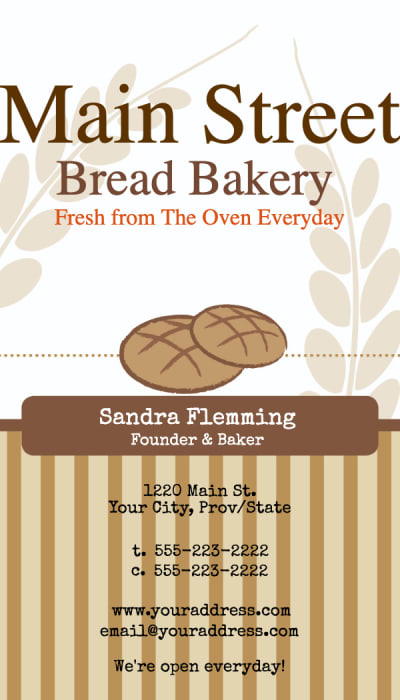
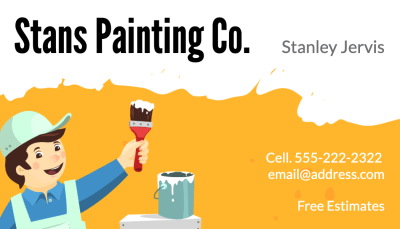
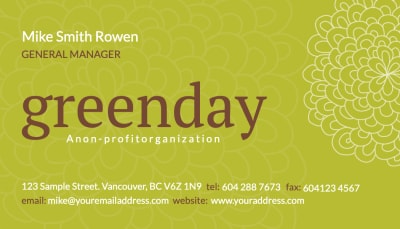
The best business cards are clear, memorable, and easy to read. A strong layout, good contrast, thoughtful typography, and the right paper stock all work together to make your brand feel more established. Start with a professionally made template, then adjust the colors, fonts, logo, and spacing until the design feels true to your business.
How to make a business card
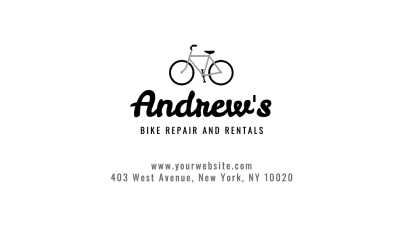
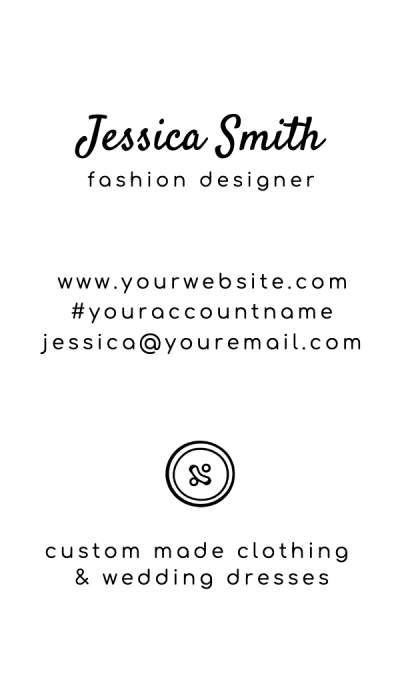
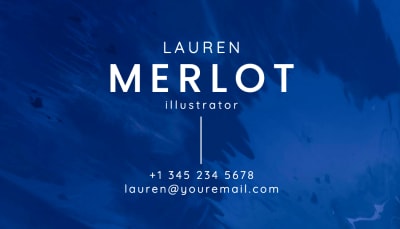
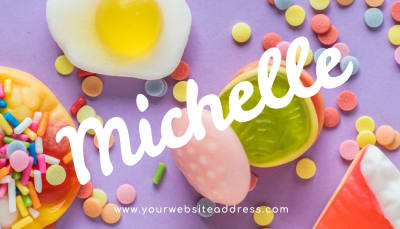
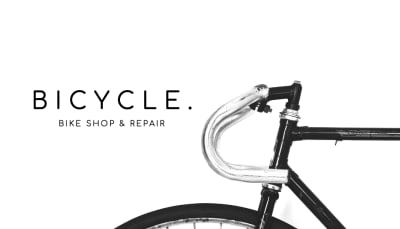
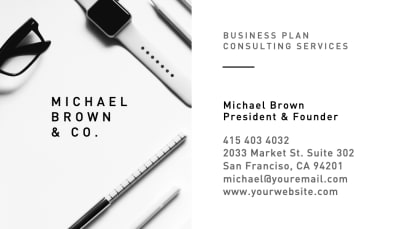
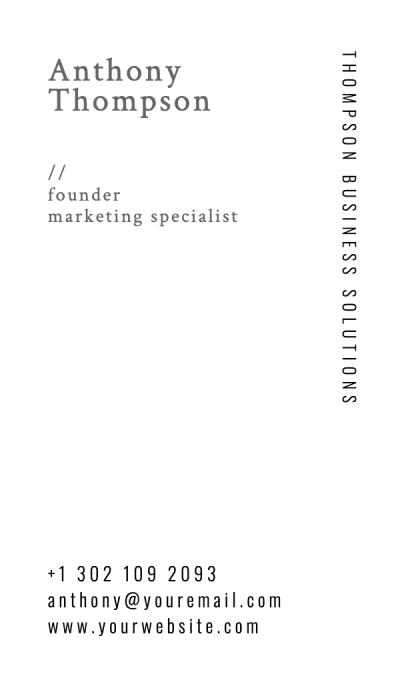
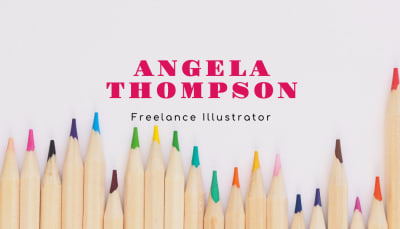
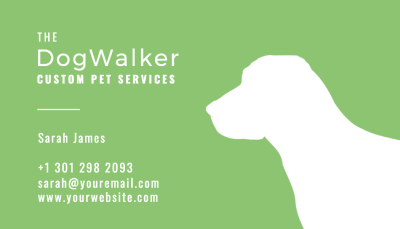
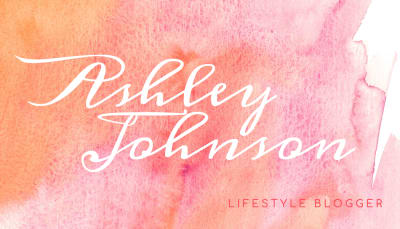
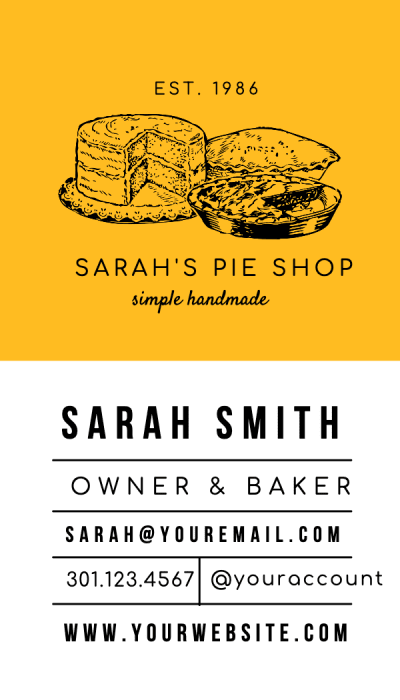
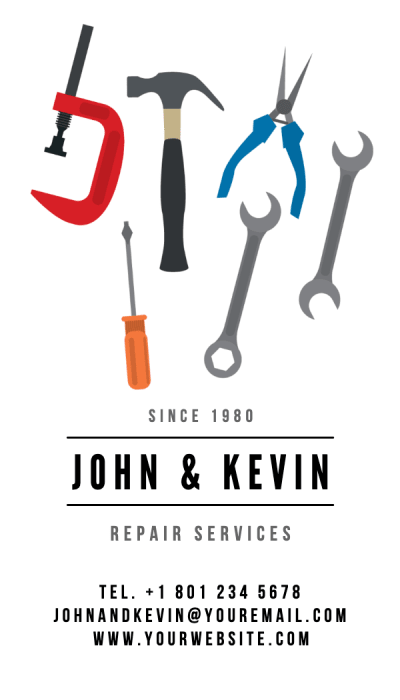
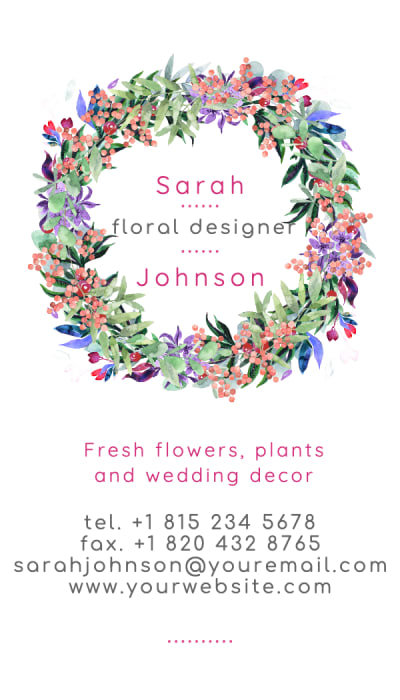
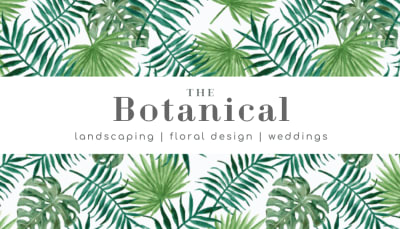
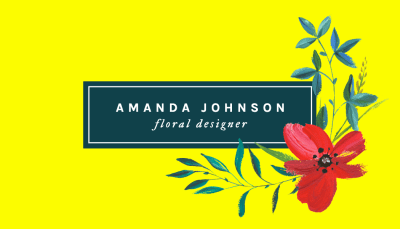
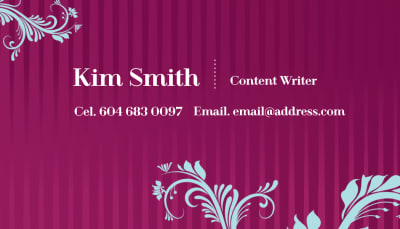
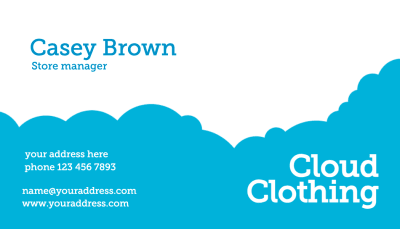
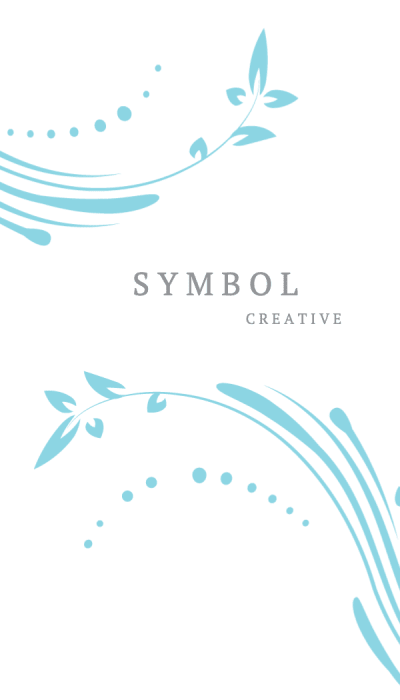
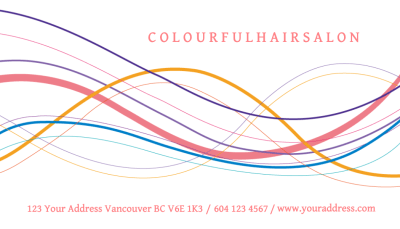
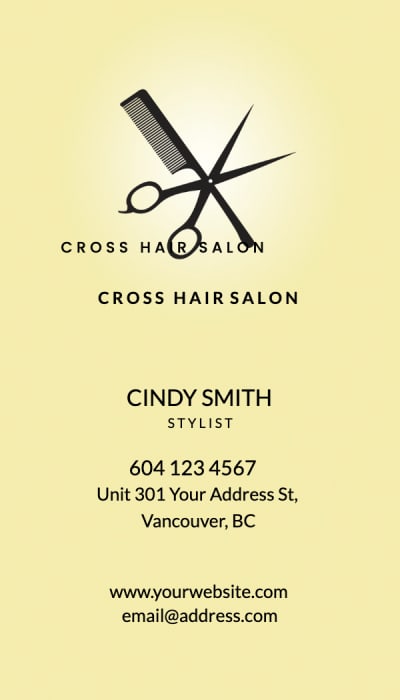
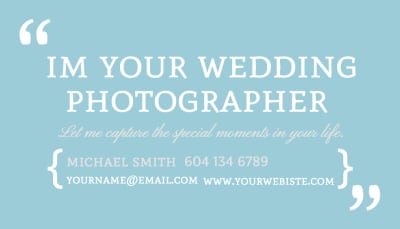
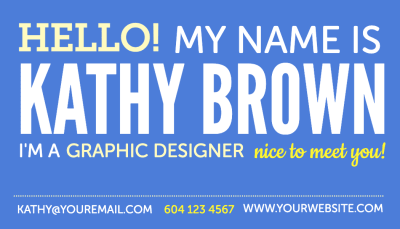
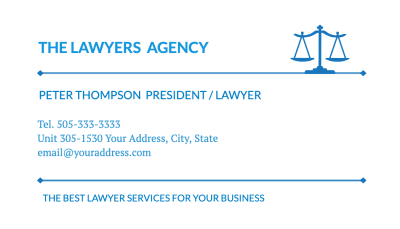
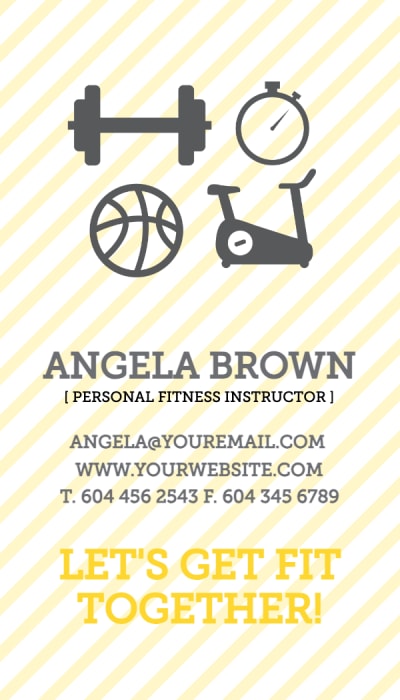
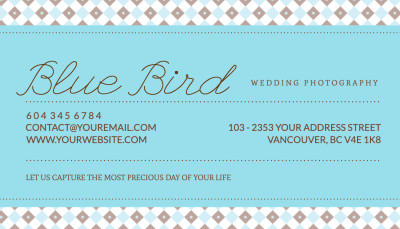
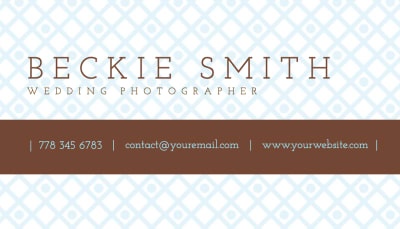
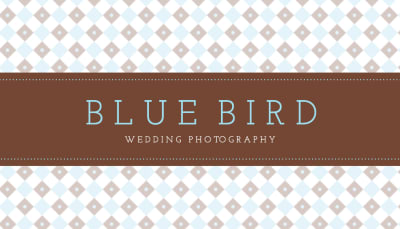
Start with a template
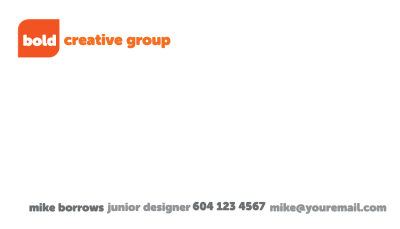
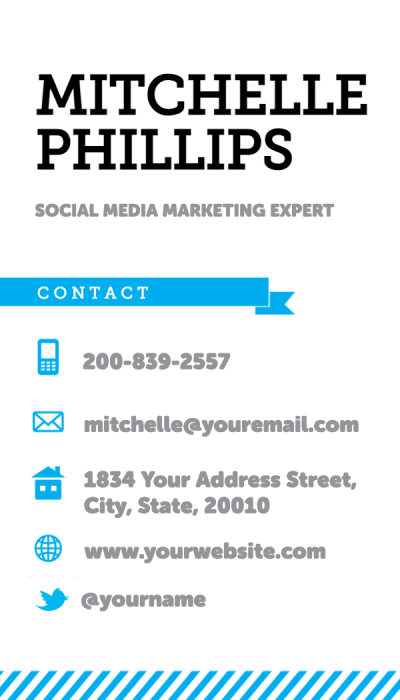
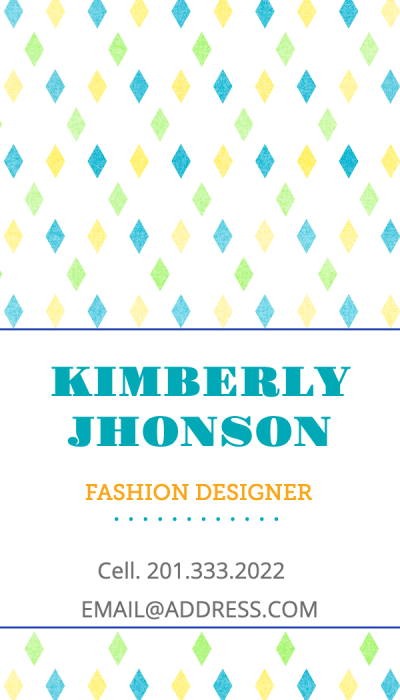
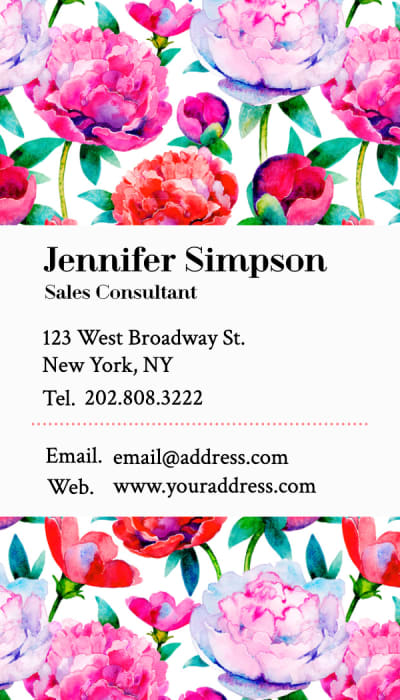
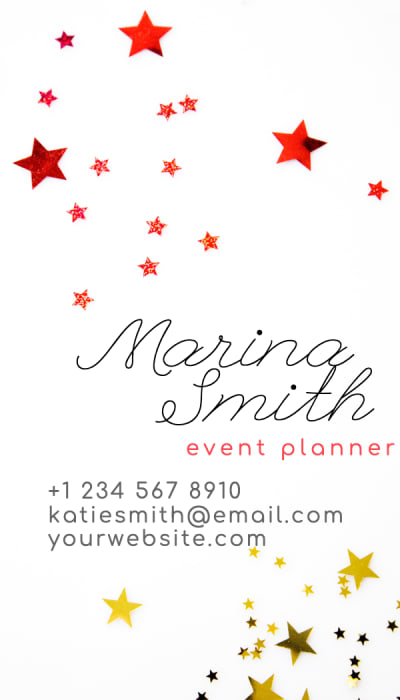
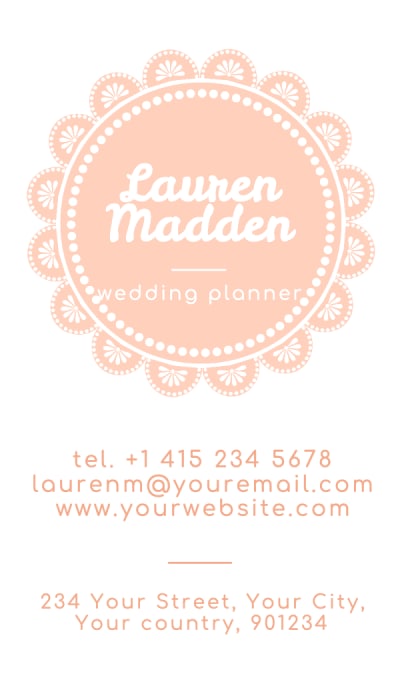
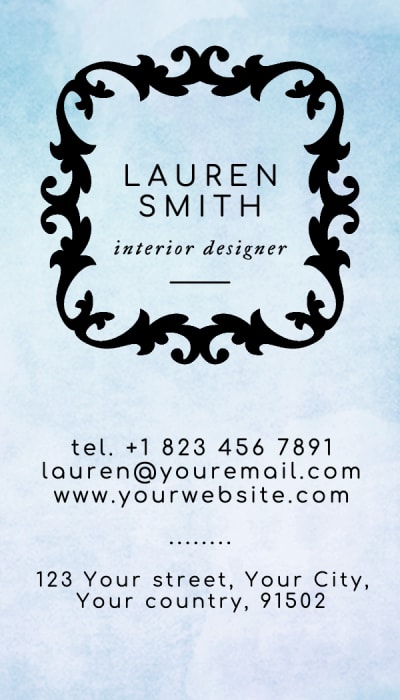
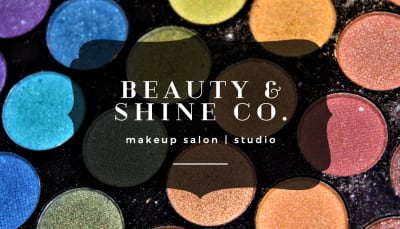
Pick from hundreds of templates or start blank. Sized and set up for print from the start.
Add your details
Add your details, upload your logo, and pick your colors. Edit both sides. No design experience needed.
Download or print
Download a print-ready PDF instantly, or order on Soft Touch, Cotton, Kraft, and more. Next day delivery available.
Print-ready from day one.
No setup required
Every design comes with the correct bleed, crop marks, and safe zones already set up. There's nothing to adjust before you send to print.
What you see is what you get
Our templates are built with CMYK color profiles so the colors you see on screen are the colors you get in print. No surprises. Learn more about RGB vs. CMYK
Designed for the paper you'll print on
Colors look different on different paper. Our templates are tested on the stocks we actually print on so Soft Touch, Cotton, Kraft, and Mohawk Superfine all look exactly as good as they should.
Room for specialty finishes
Want painted edges or foil accents? Our layouts are built with the right spacing so those finishes land exactly where they should nothing gets crowded or clipped.

Trusted by brands and creators around the world.
Forbes Advisor named us Best Overall Business Card Printing Service 2025. The New York Times Wirecutter chose us as a Top Pick. Every design you create here gets printed on paper that earned those recognitions.
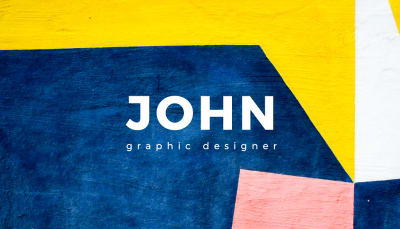
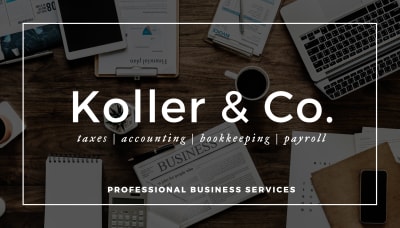
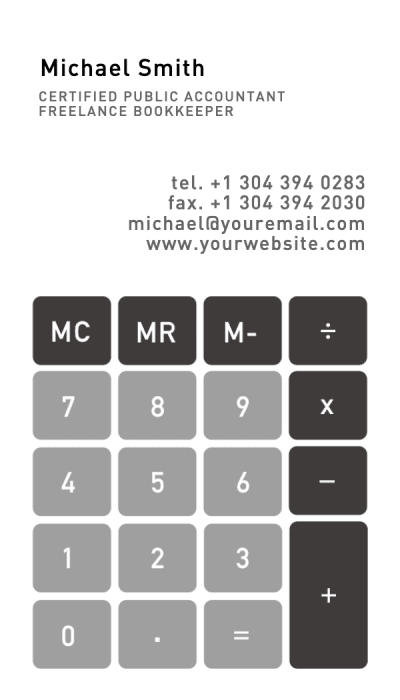
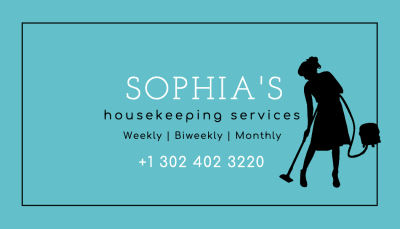
A template for every industry.
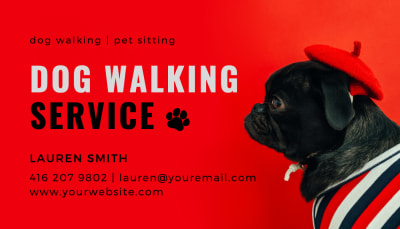
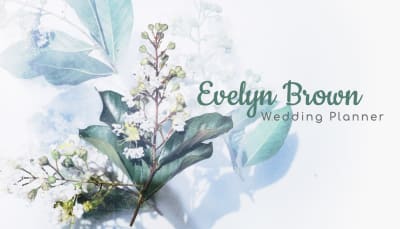
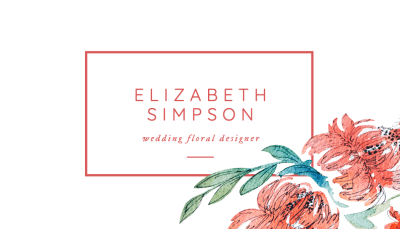
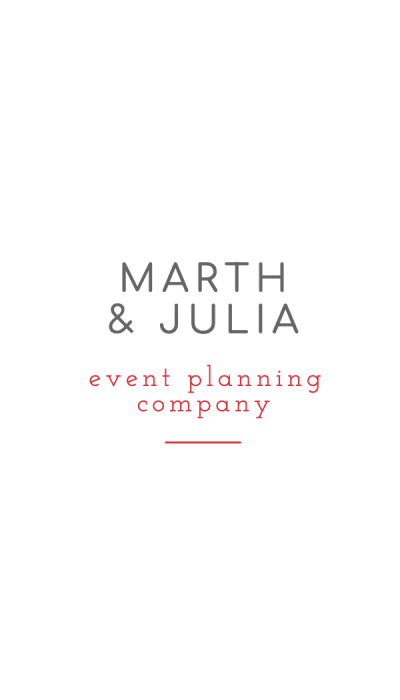
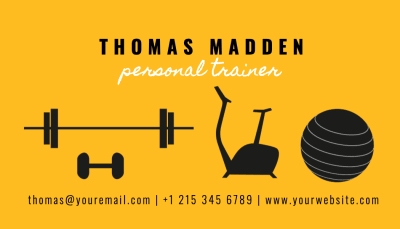
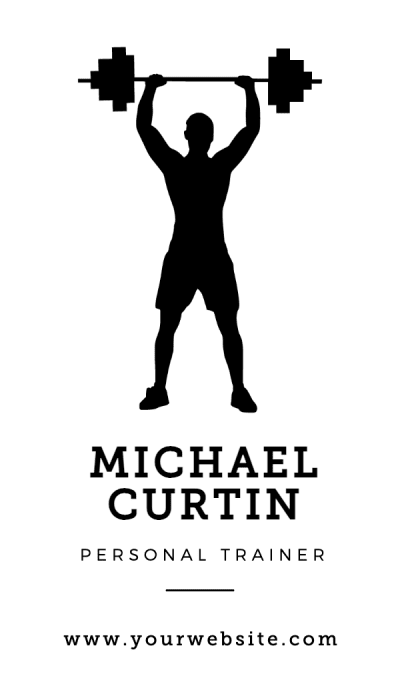
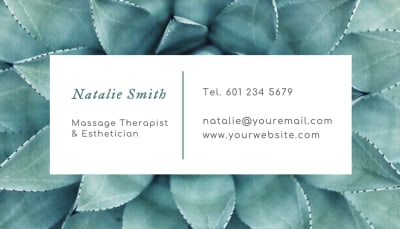
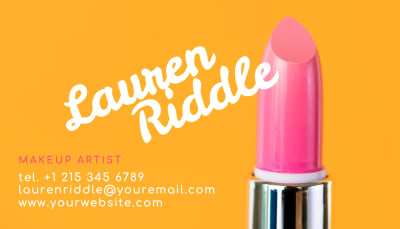
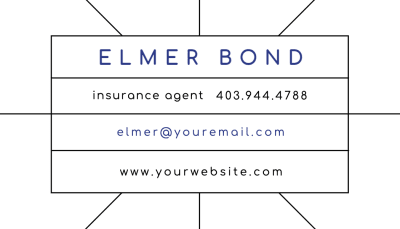
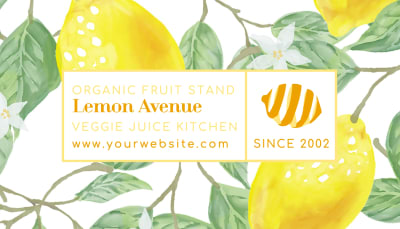
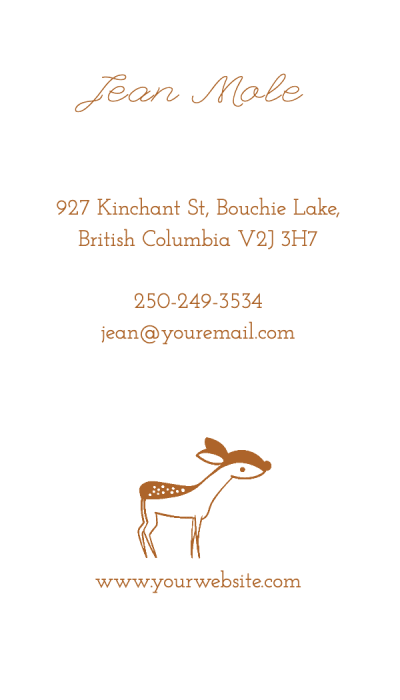
Whatever your industry, there's a template that fits. Find your style and make it yours in minutes.
More free tools for your next project
New Calendar makerFree online calendar maker, add your photos and download a print-ready file
 Pixel stretch generatorMake the pixel stretch effect online in seconds
 Anti-AI text makerAnti-AI text maker for creating text that AI can't read
 Image to pixel artPixelate any photo with retro palettes, then download PNG, SVG or animation
 Color palettesBrowse 1,416 curated palettes by color, tone, mood and season
 Font generatorCopy and paste fonts for Instagram, TikTok and Discord bios
 Gradient makerMake vibrant custom gradients for web and print instantly
 Bitmap makerTurn any photo into 1-bit dither and halftone bitmap art
 Pattern generatorTurn any color palette into seamless geometric patterns
 RGB to CMYK converterTrue CMYK conversion with a print ready download in seconds
 Remove BackgroundCut out the background from any image in one click
 Image upscalerSharpen and enlarge photos up to 4x without losing detail
 Color palette generatorPull HEX, RGB, CMYK, and Pantone codes from any image
 Contrast checkerCheck color contrast for accessible, readable designs
 Convert DOC to PDFTurn any Word document into a print ready PDF instantly
 Sticker sheet makerArrange your designs and print custom sticker sheets
 Sticker makerDesign custom die cut stickers in any shape from your artwork
 Instagram name makerTurn your Instagram handle into a custom sticker in seconds
Calendar makerFree online calendar maker, add your photos and download a print-ready filePixel stretch generatorMake the pixel stretch effect online in secondsAnti-AI text makerAnti-AI text maker for creating text that AI can't readImage to pixel artPixelate any photo with retro palettes, then download PNG, SVG or animationColor palettesBrowse 1,416 curated palettes by color, tone, mood and seasonFont generatorCopy and paste fonts for Instagram, TikTok and Discord biosGradient makerMake vibrant custom gradients for web and print instantlyBitmap makerTurn any photo into 1-bit dither and halftone bitmap artPattern generatorTurn any color palette into seamless geometric patternsRGB to CMYK converterTrue CMYK conversion with a print ready download in secondsRemove BackgroundCut out the background from any image in one clickImage upscalerSharpen and enlarge photos up to 4x without losing detailColor palette generatorPull HEX, RGB, CMYK, and Pantone codes from any imageContrast checkerCheck color contrast for accessible, readable designsConvert DOC to PDFTurn any Word document into a print ready PDF instantlySticker sheet makerArrange your designs and print custom sticker sheetsSticker makerDesign custom die cut stickers in any shape from your artworkInstagram name makerTurn your Instagram handle into a custom sticker in seconds


