
 CAD
CAD
 USD
USD
 EUR
EUR
Upscale Images Online
Increase image resolution up to 4x and restore lost detail so your stickers, posters, business cards, and print designs look sharp and ready to print.
Choose an image
JPG, PNG, or WebP • Max 20MB
By uploading an image you agree to our terms of service.
This site is protected by reCAPTCHA and the Google
privacy policy apply.
Free Image Upscaler
Upscale images online for free and improve sharpness and detail in seconds. Increase image resolution up to 4x for photos, graphics, stickers, posters, business cards, and other designs. Free to use with no signup or registration required.
Upscale Images Without Losing Quality
Make an image larger while keeping edges, textures, and details sharp. Instead of simply stretching the image, the upscaler improves the resolution so smaller images hold up better on screen and in print.
Free Photo Upscaler for Sharper Images
Upscale photos and improve soft, blurry, or low-resolution images. Use Face Enhance for portraits or choose the model that works best for your photo. No account or signup required.
Increase Image Resolution Up to 4x
Increase image resolution by 2x or 4x in a few clicks. The extra resolution gives you a larger, sharper image for posters, stickers, printed products, presentations, and digital projects.
AI Image Upscaler for Photos, Graphics and Text
Choose the model that best fits your image. Standard works well for everyday images, High Fidelity keeps fine details, Low Resolution improves smaller files, Text Refine helps sharpen type, and CGI is made for rendered graphics and digital artwork.
How to Upscale an Image Online
Upload a JPG, PNG, or WebP image, choose 2x or 4x, and select the model you want to use. Turn on Face Enhance for portraits if needed, process the image, and download the higher-resolution result. It’s free to use online with no registration required.
More free tools for your next project
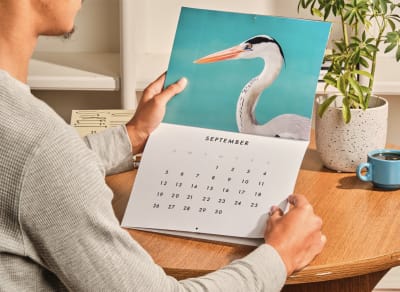 Calendar makerFree online calendar maker, add your photos and download a print-ready file
 Pixel stretch generatorMake the pixel stretch effect online in seconds
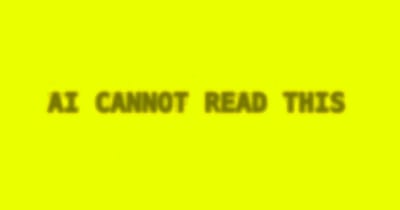 Anti-AI text makerAnti-AI text maker for creating text that AI can't read
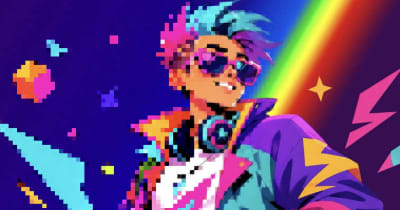 Image to pixel artPixelate any photo with retro palettes, then download PNG, SVG or animation
 Color palettesBrowse 1,416 curated palettes by color, tone, mood and season
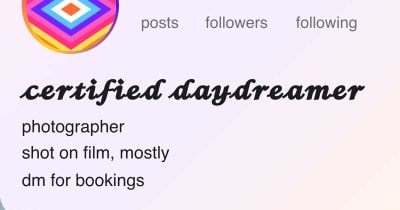 Font generatorCopy and paste fonts for Instagram, TikTok and Discord bios
 Gradient makerMake vibrant custom gradients for web and print instantly
 Bitmap makerTurn any photo into 1-bit dither and halftone bitmap art
 Pattern generatorTurn any color palette into seamless geometric patterns
 RGB to CMYK converterTrue CMYK conversion with a print ready download in seconds
 Remove BackgroundCut out the background from any image in one click
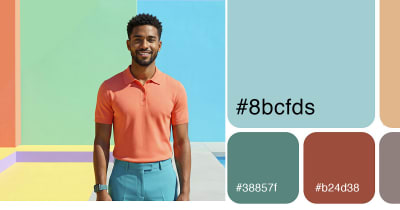 Color palette generatorPull HEX, RGB, CMYK, and Pantone codes from any image
 Contrast checkerCheck color contrast for accessible, readable designs
 Convert DOC to PDFTurn any Word document into a print ready PDF instantly
 Business card makerCreate custom business cards and download print ready files
 Sticker sheet makerArrange your designs and print custom sticker sheets
 Sticker makerDesign custom die cut stickers in any shape from your artwork
 Instagram name makerTurn your Instagram handle into a custom sticker in seconds


