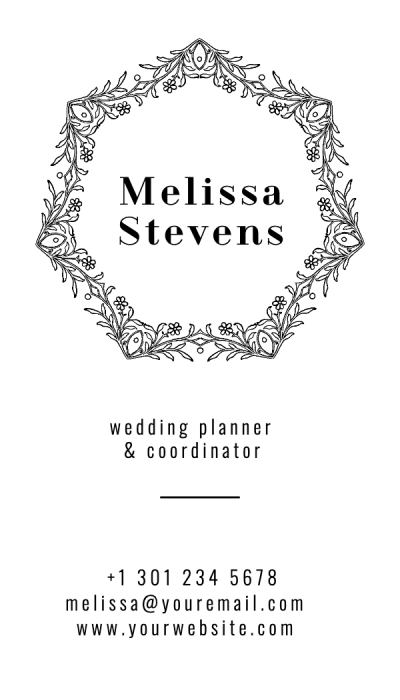
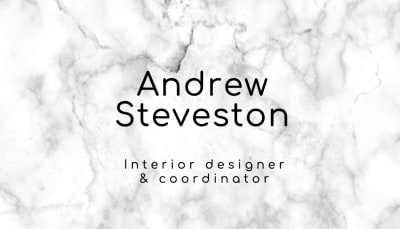
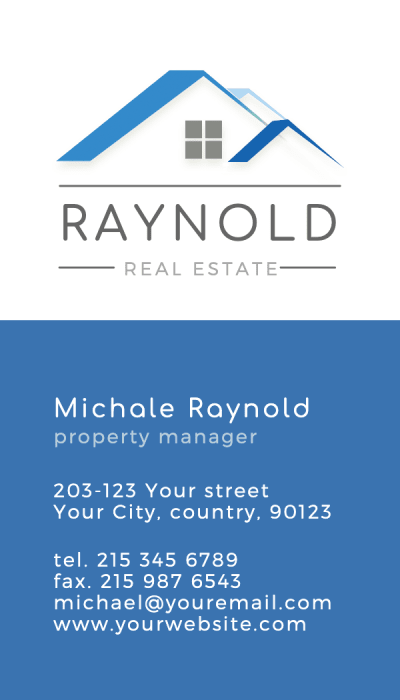
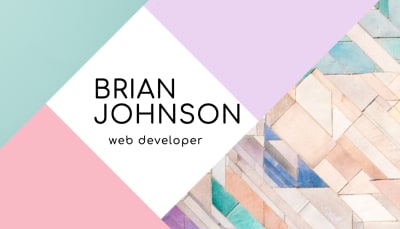
Use the free visiting card maker to browse premade layouts, add your name and contact details, and create a print-ready design. No design skills required. Start from a template or a blank canvas, adjust typography and colors, and move into print when your layout is ready.
Visiting Card Design
Design your visiting card online, free
Most people searching for visiting card design are not ready to print yet. They are looking for layout ideas, typography guidance, and a starting point. Browse real card designs below, then use the free tool to create your own.
Visiting Card Design Ideas
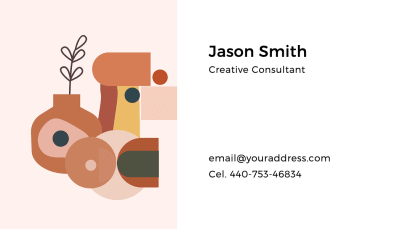
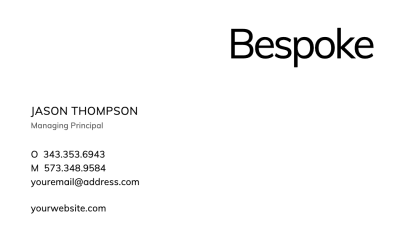
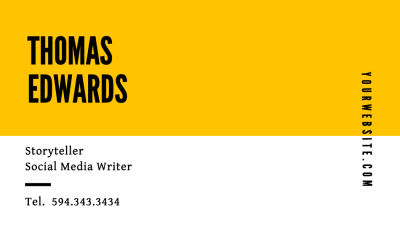
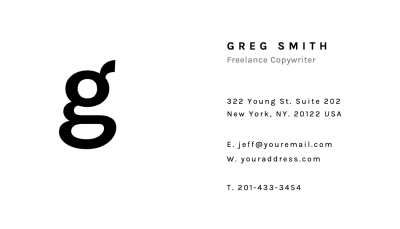
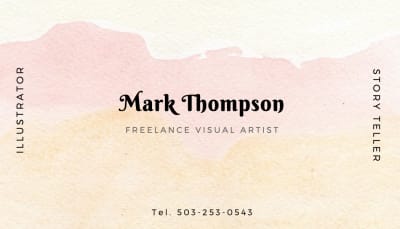
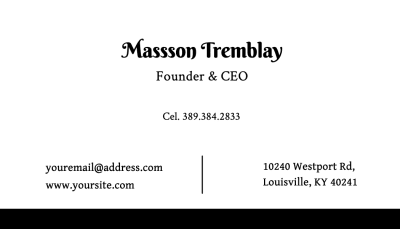
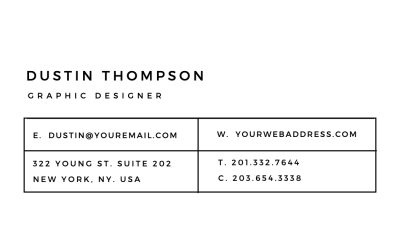
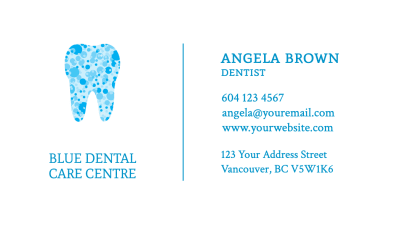
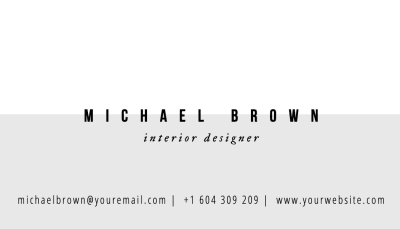
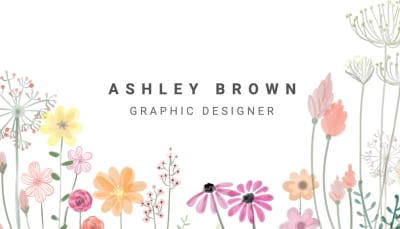
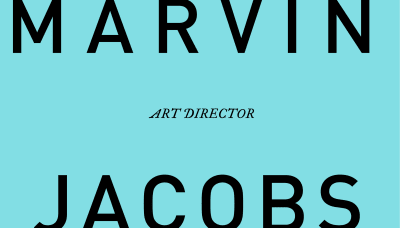
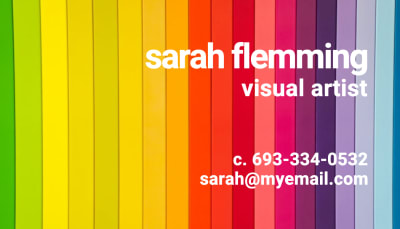
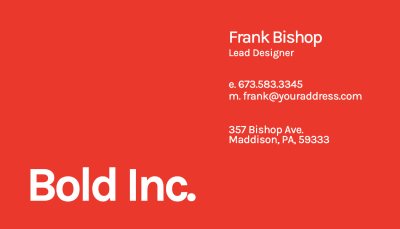
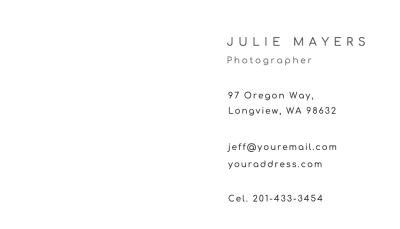
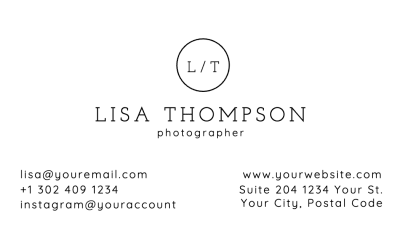
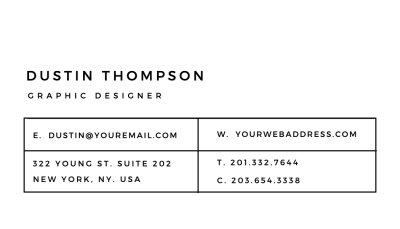
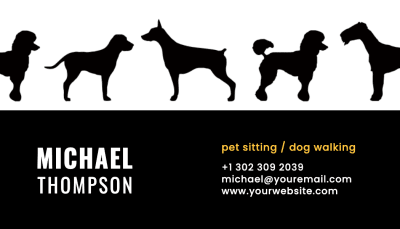
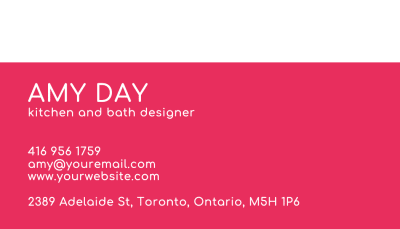
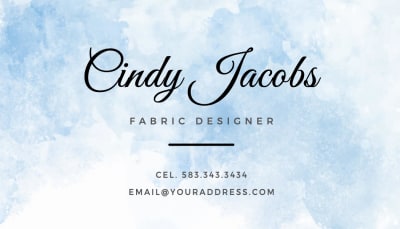
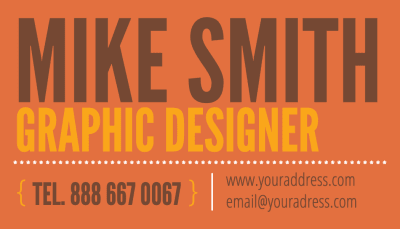
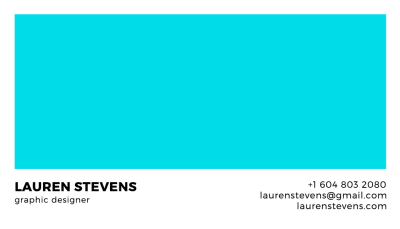
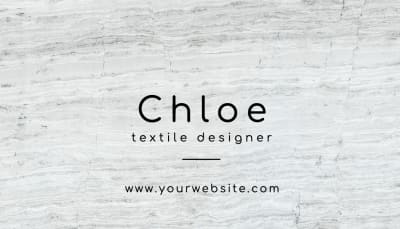
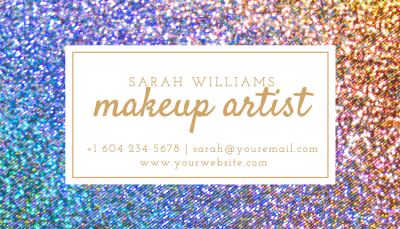
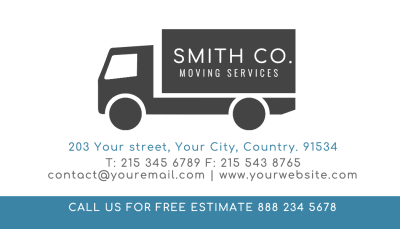
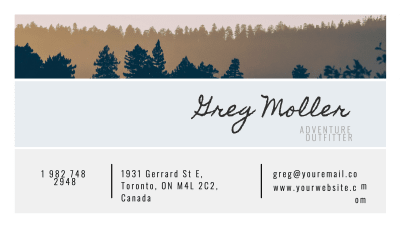
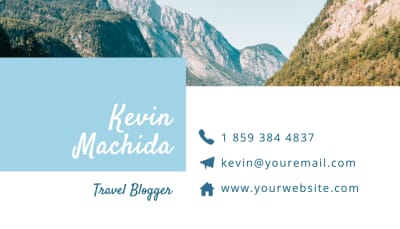
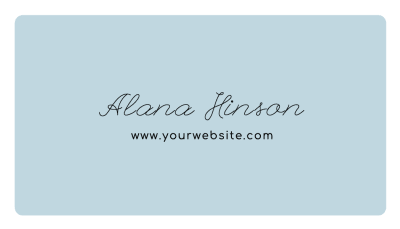
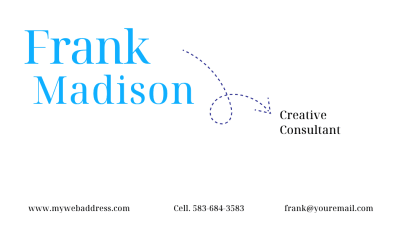
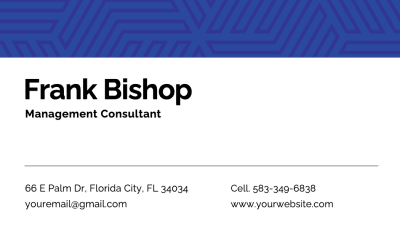
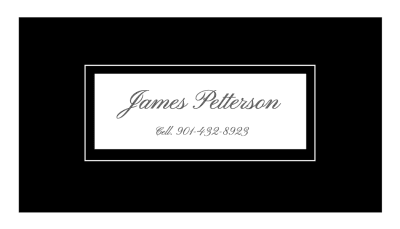
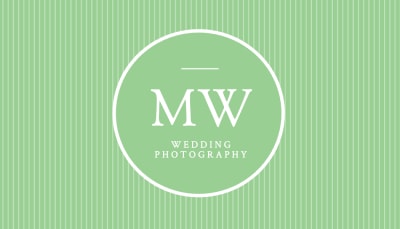
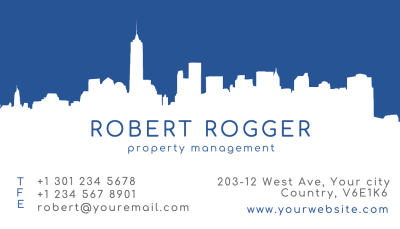
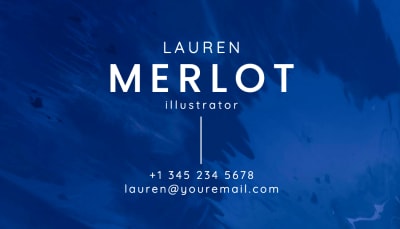
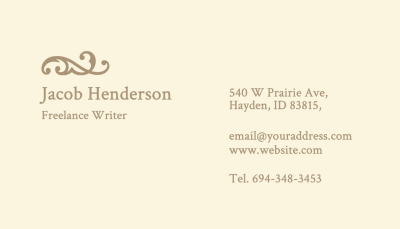
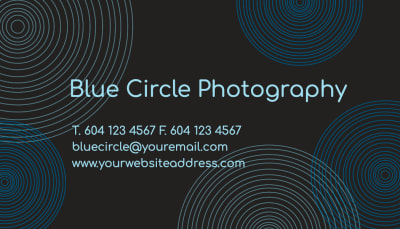
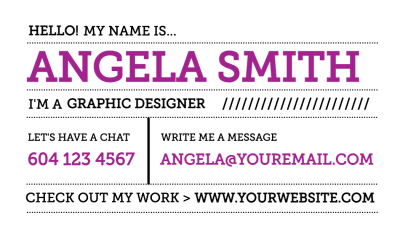
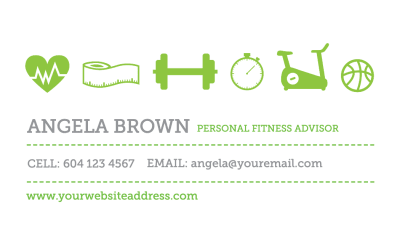
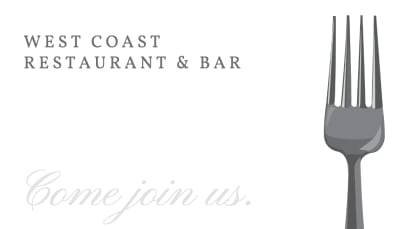
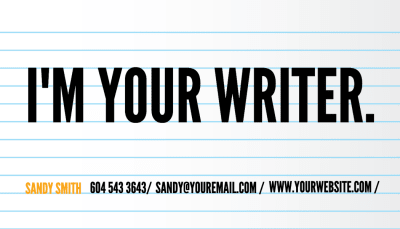
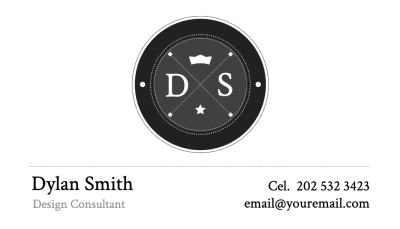
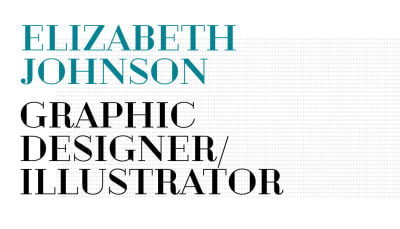
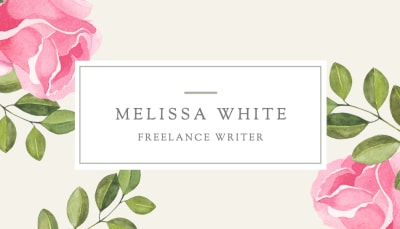
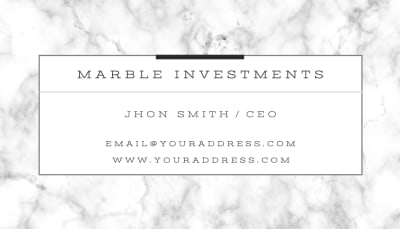
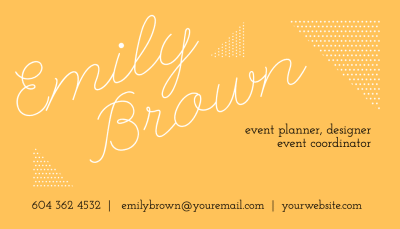
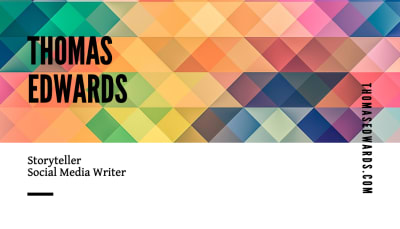
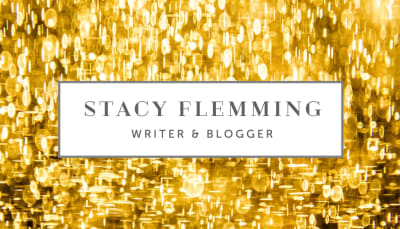
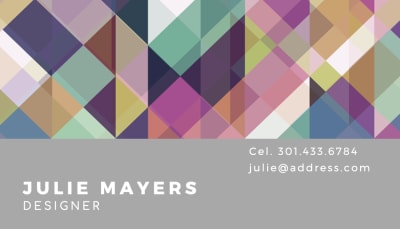
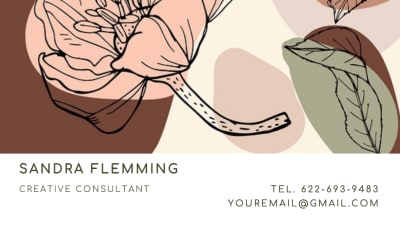
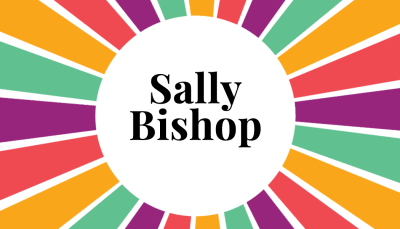
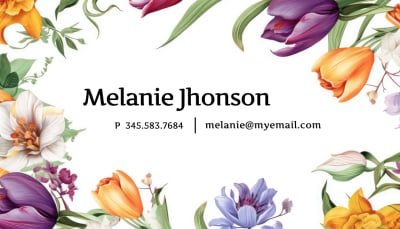
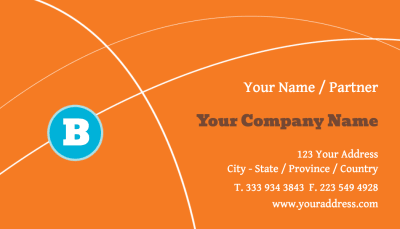
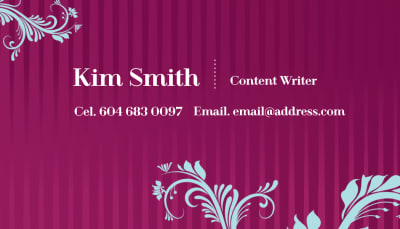
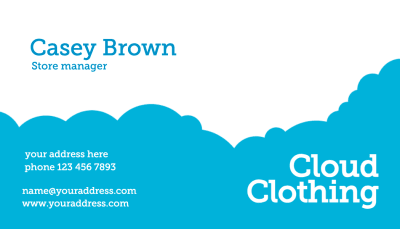
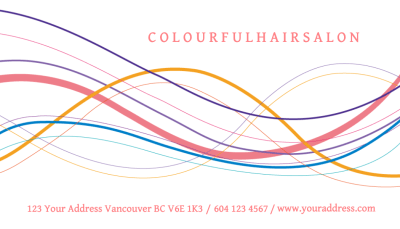
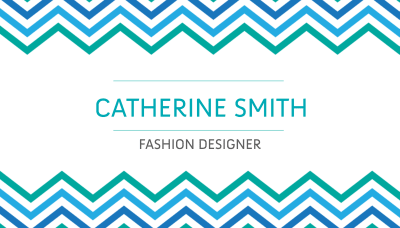
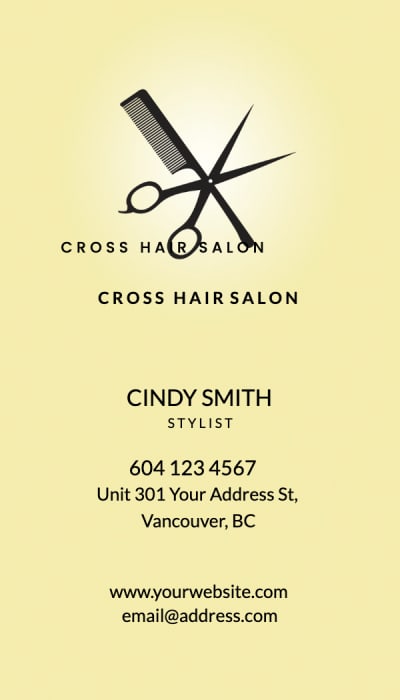
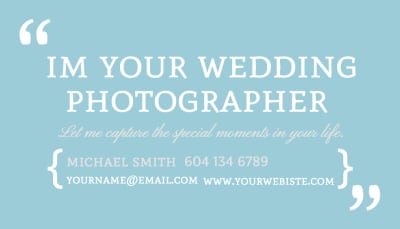
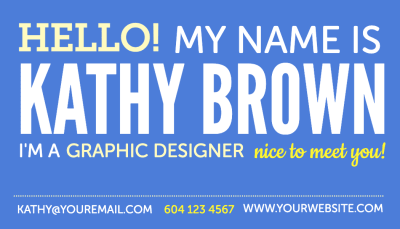
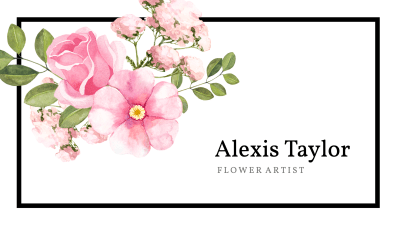
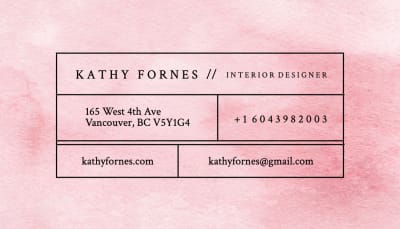
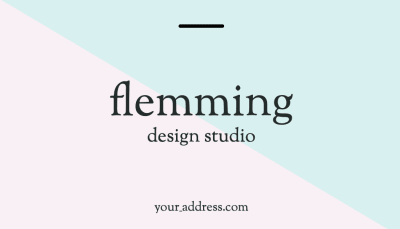
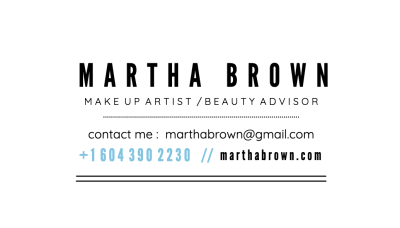
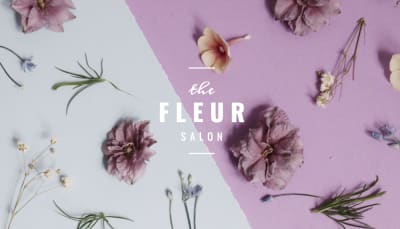
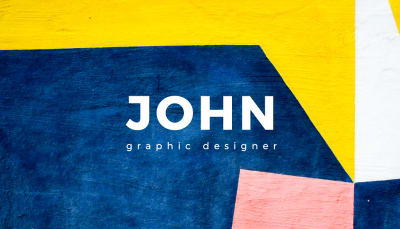
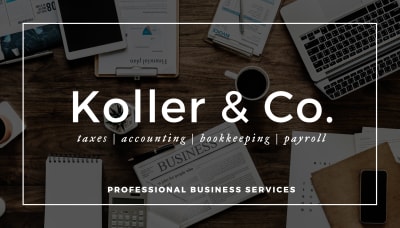
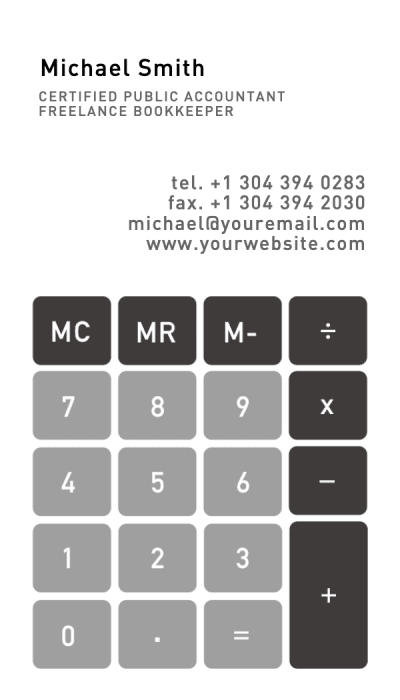
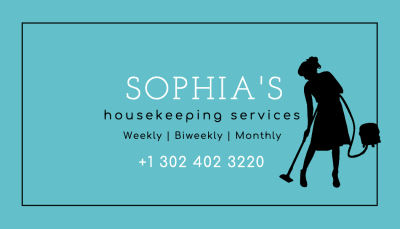
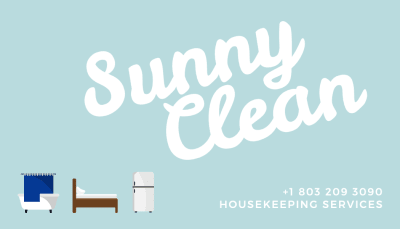
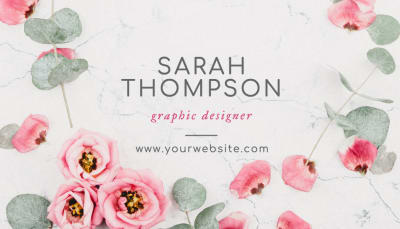
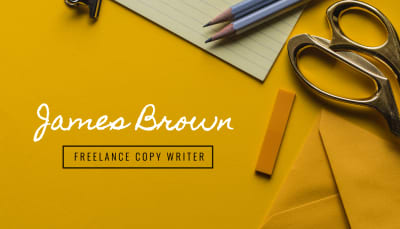
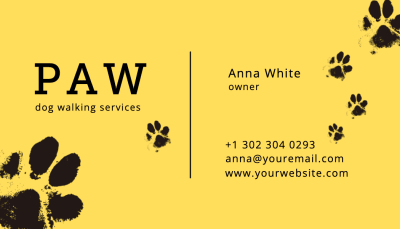
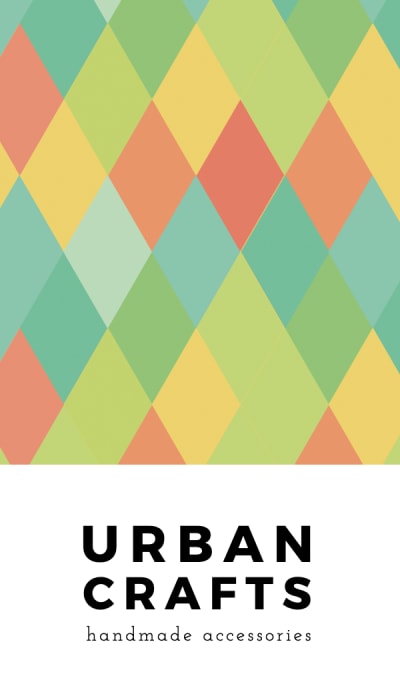
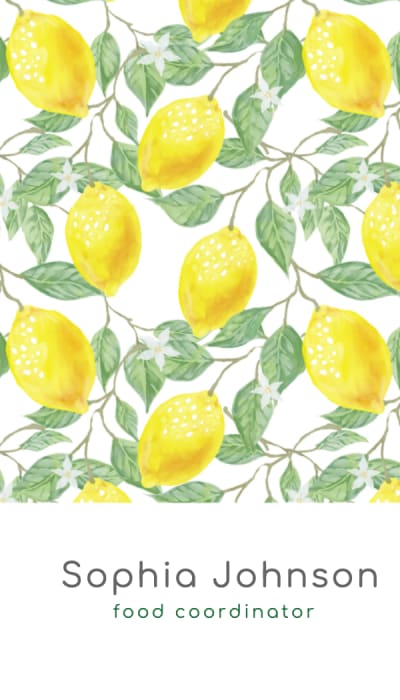
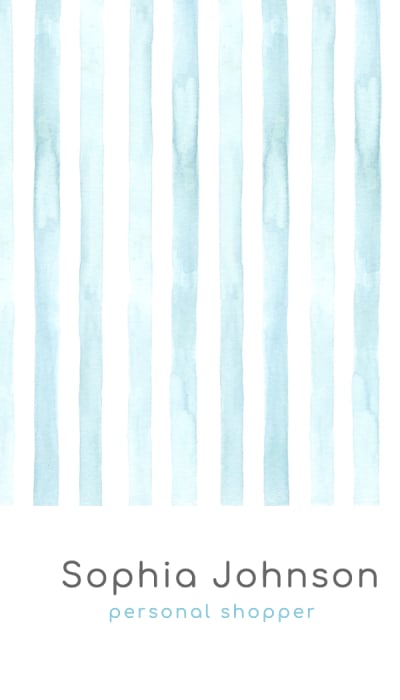
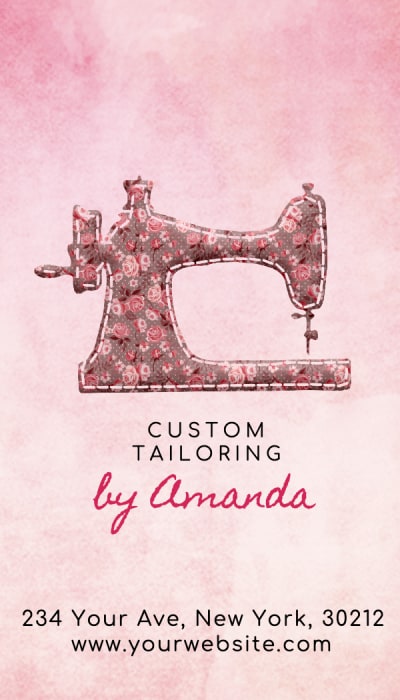
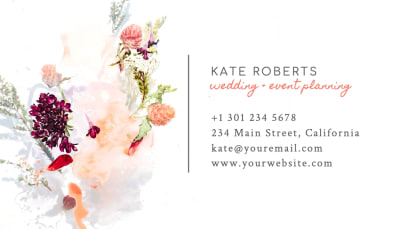
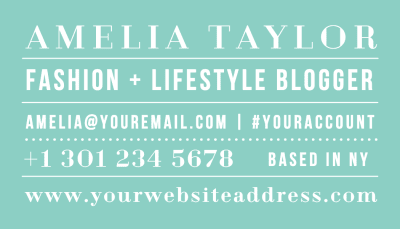
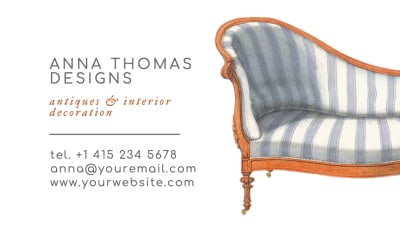
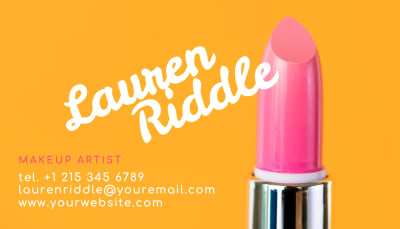
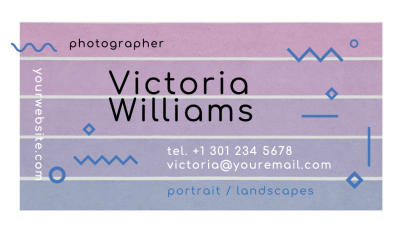
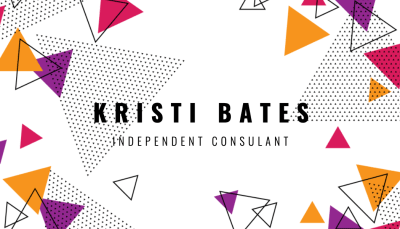
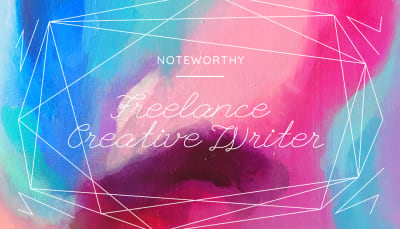
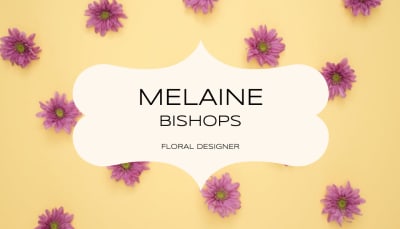
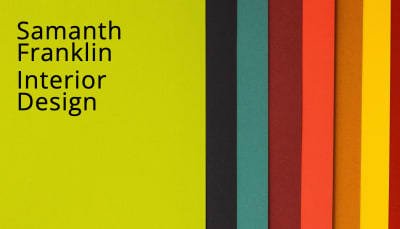
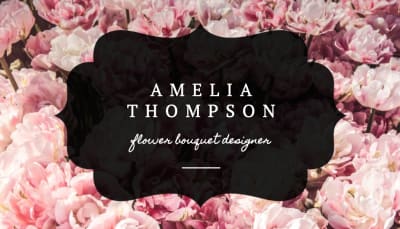
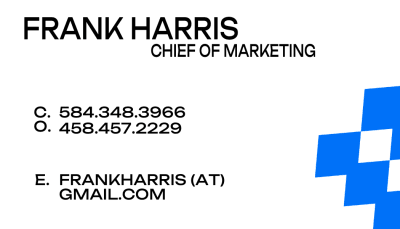
Real layouts from real orders. Browse for inspiration, then open the free tool to start your own design.
No registration · Free to design · Download print-ready PDF
Everything You Need to Design and Print
From first layout idea to finished card. Use these guides as your workflow.
Start here
Visiting Card Guide
The complete guide to visiting cards. What they are, how they differ by region, size, finishes, and how to use the design-to-print workflow.
Read the guide ›File setup
Visiting Card Size
Standard dimensions, bleed, and safe zone. How to set up your file in Illustrator and InDesign before you start designing.
Read the size guide ›Background and paper
Visiting Card Background
Dark vs light backgrounds, colored paper stocks, Colorplan, white ink, and the history of the visiting card from calling card to today.
Read the background guide ›Visiting Card Layout
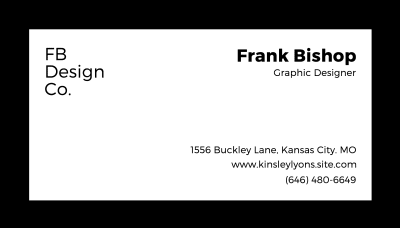
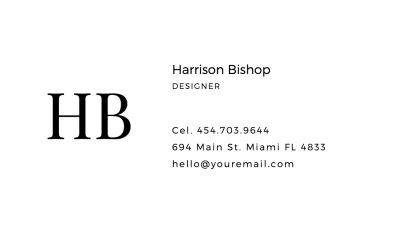
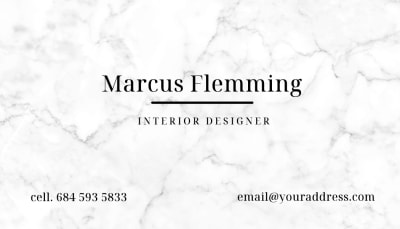
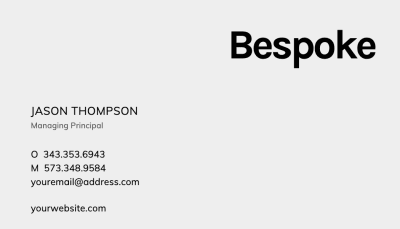
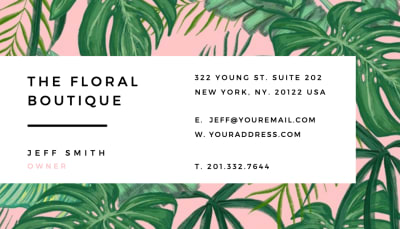
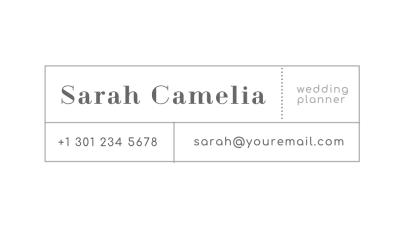
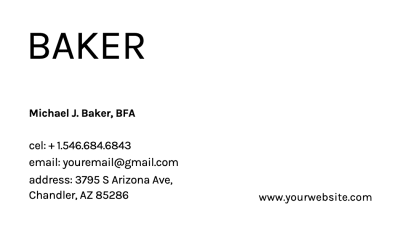
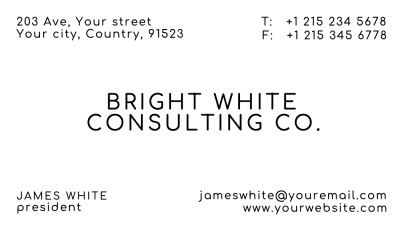
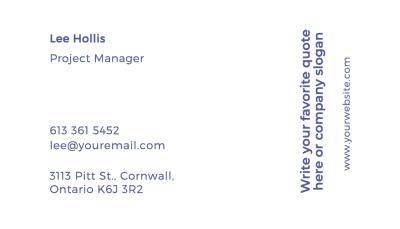
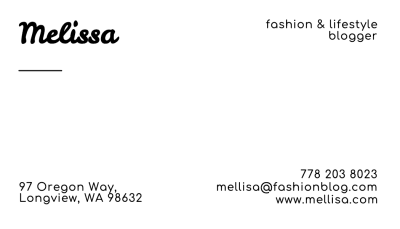
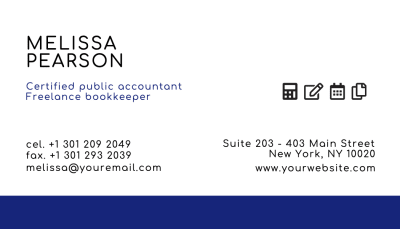
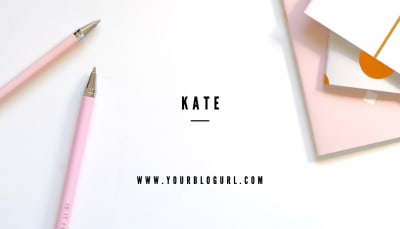
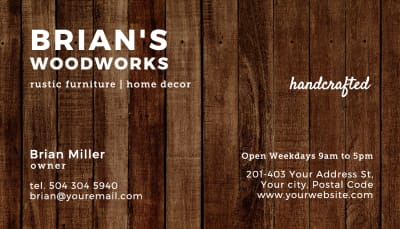
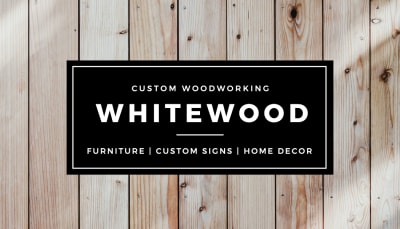
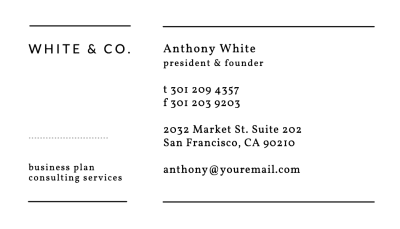
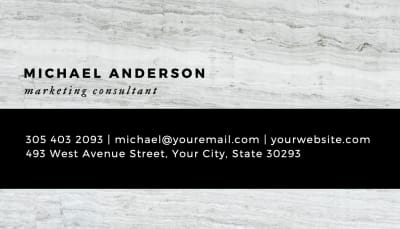
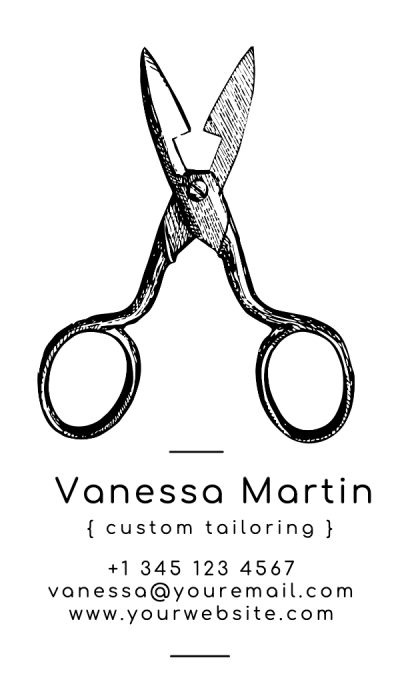
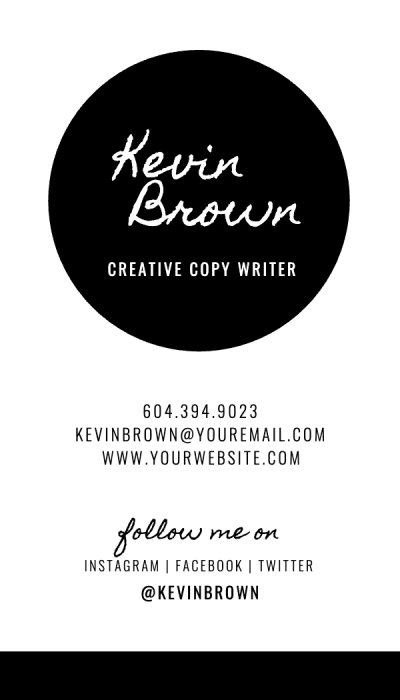
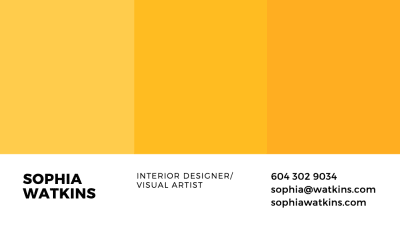
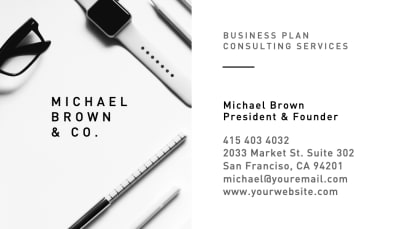
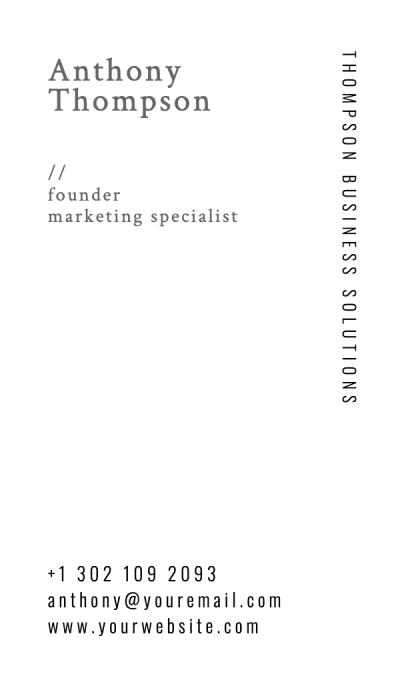
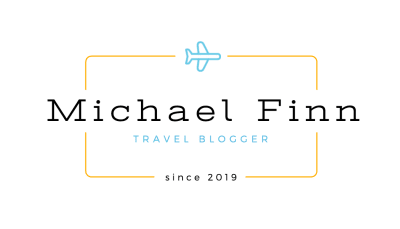
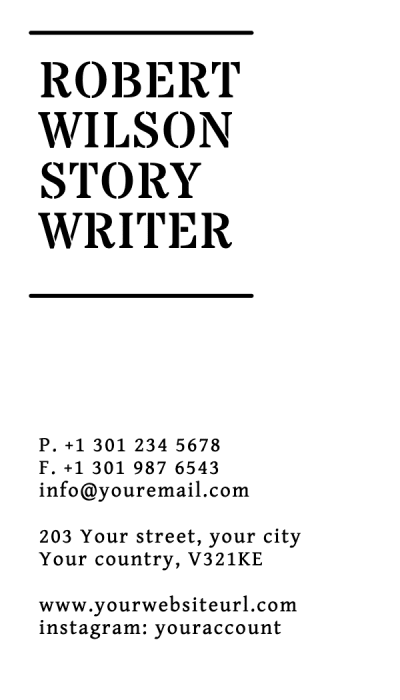
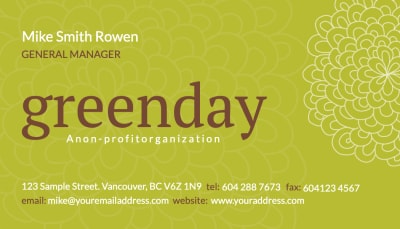
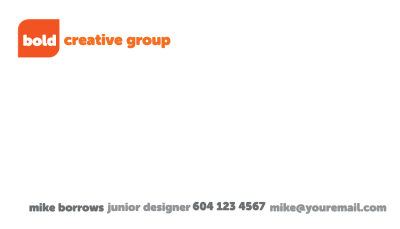
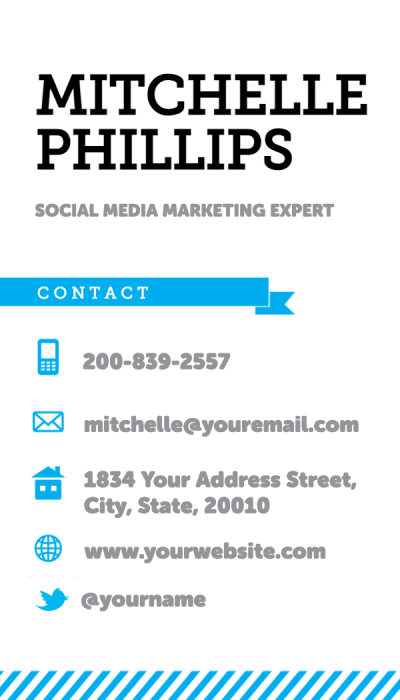
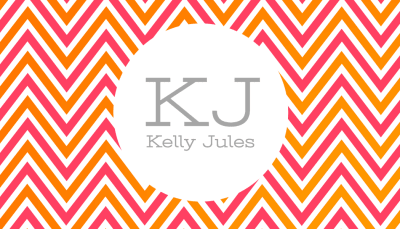
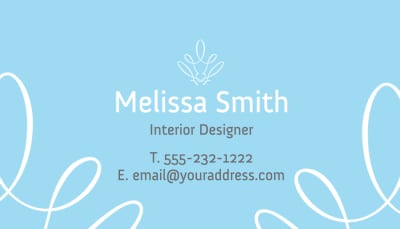
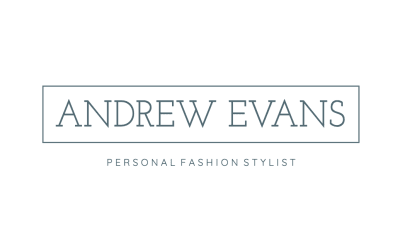
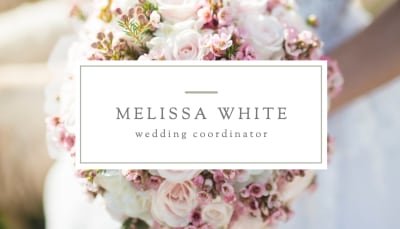
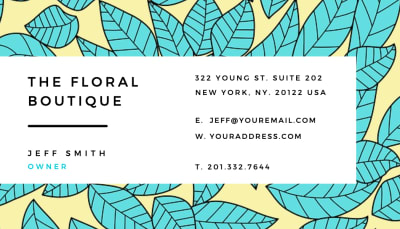
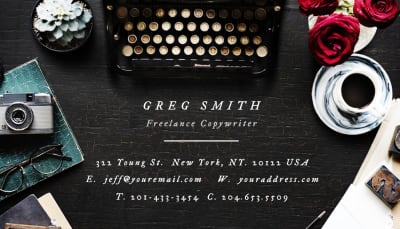
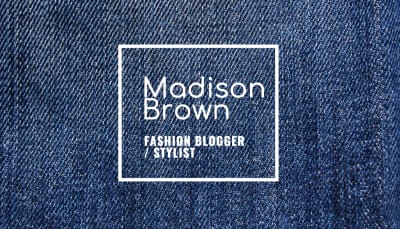
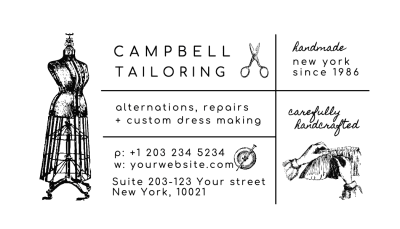
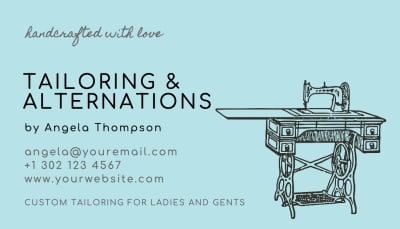
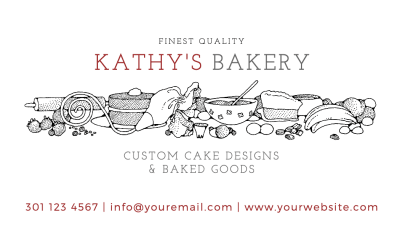
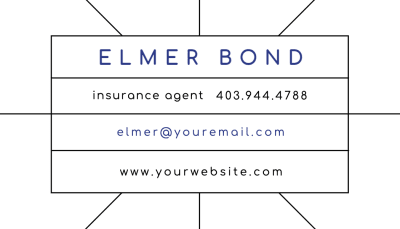
Most visiting cards use one of two primary layouts. Left-aligned designs stack the name, title, and contact details from top to bottom with generous left margin. Centered layouts place everything on the card axis, which reads as more formal and symmetrical. Browse real examples in our minimalist business card roundup and our 2026 design trends guide.
The front carries contact information. The back carries the brand. A card that puts everything on the front, or uses the back as a continuation of the front, tends to feel cluttered regardless of how well the individual elements are designed. The separation is part of the design. For layout inspiration across dozens of real print projects, see our business card inspiration gallery.
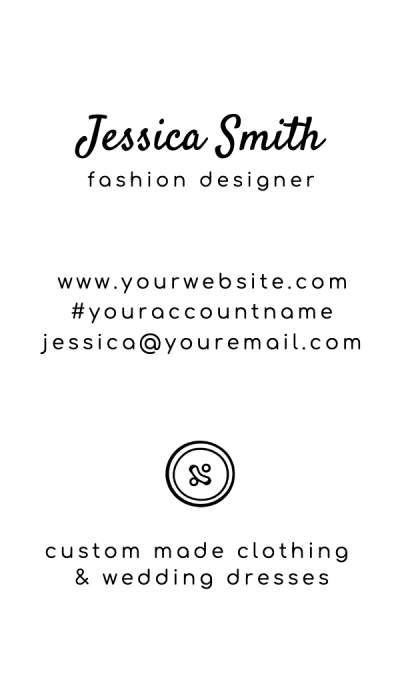
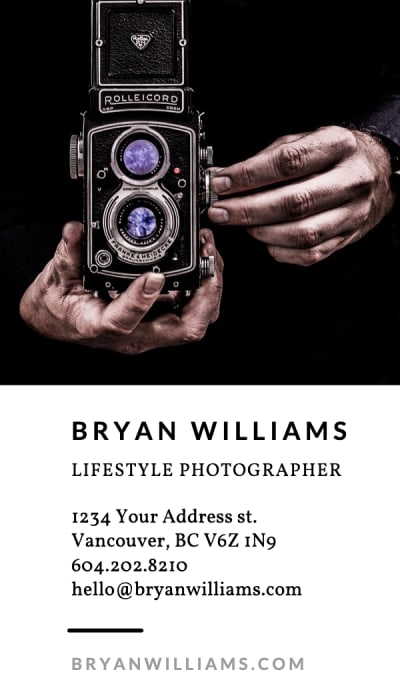
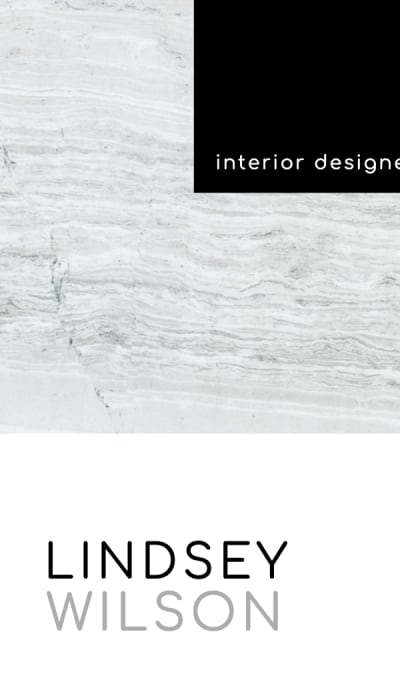
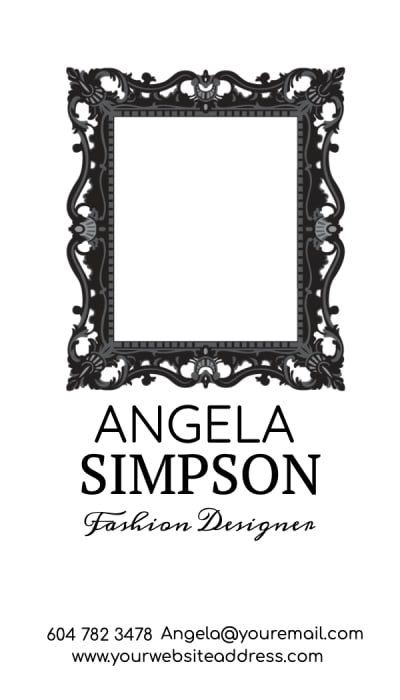
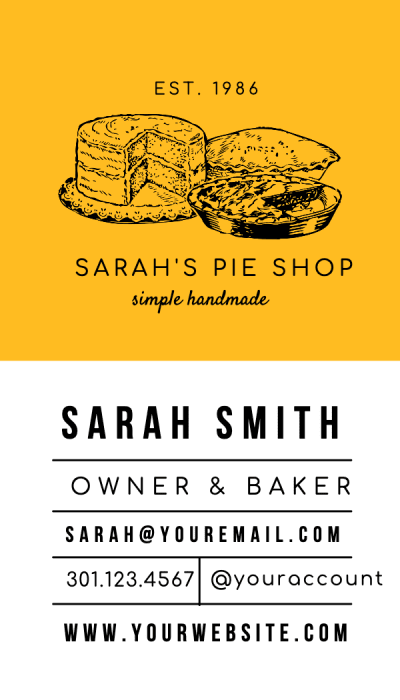
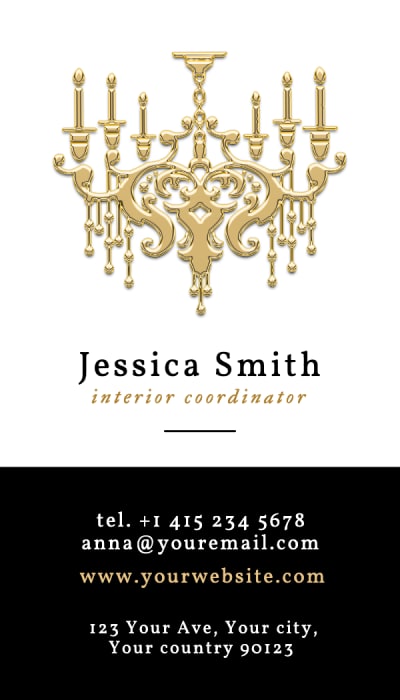
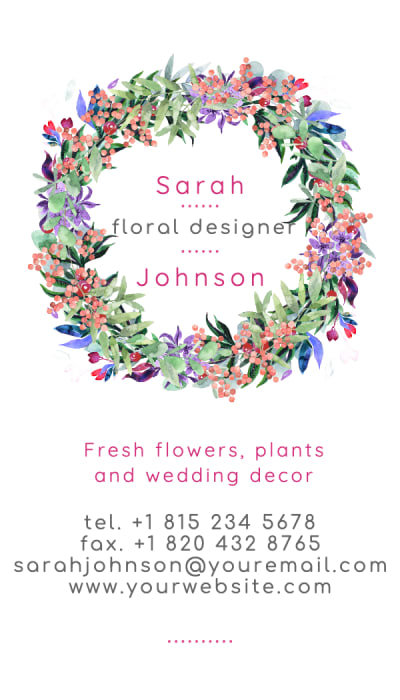
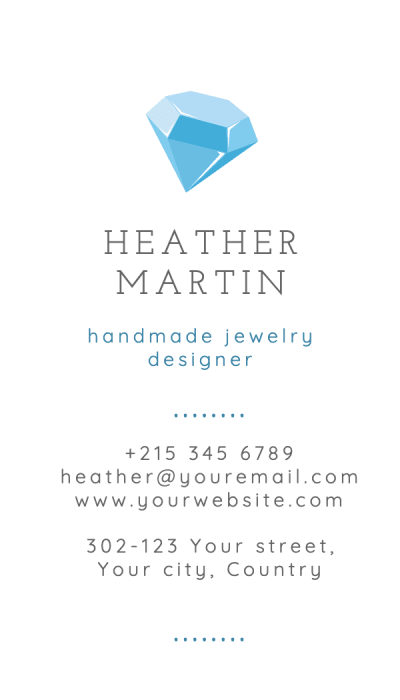
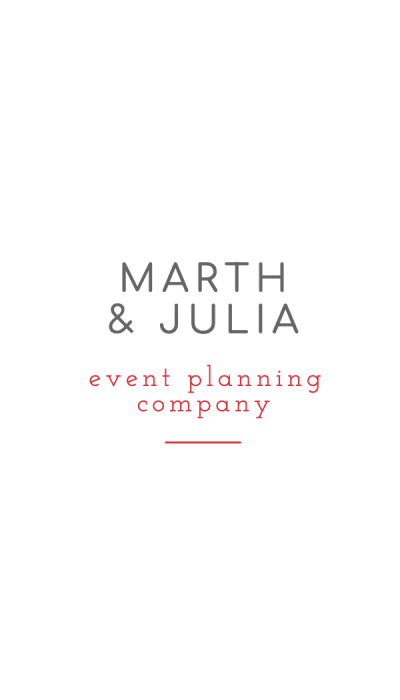
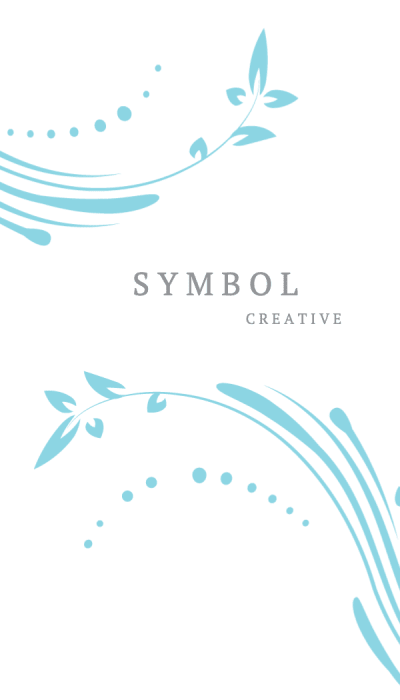
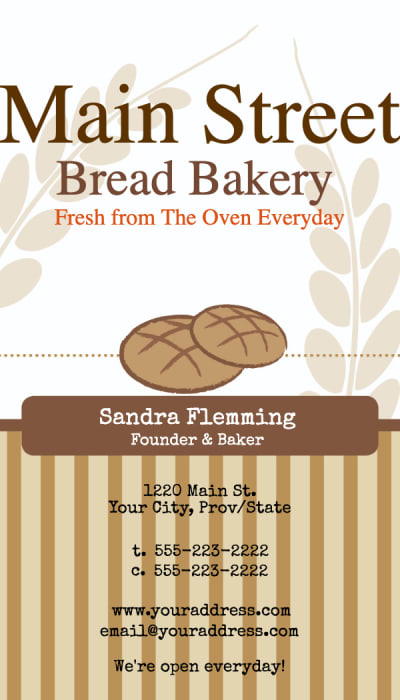
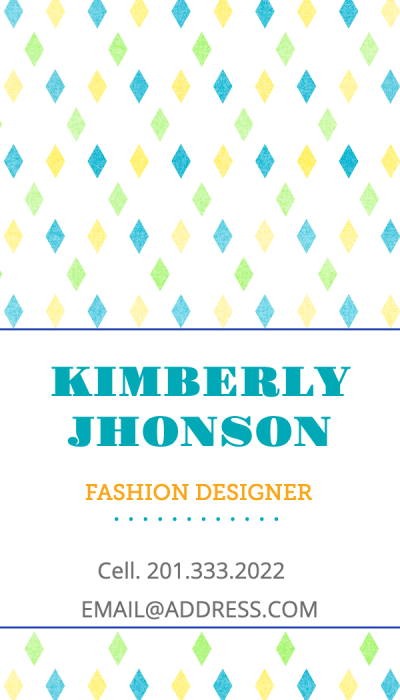
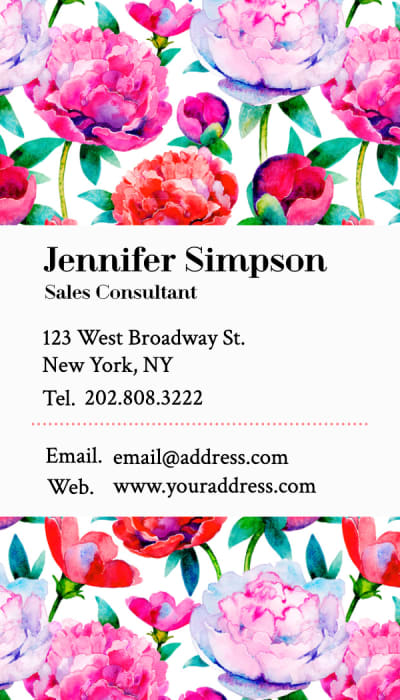
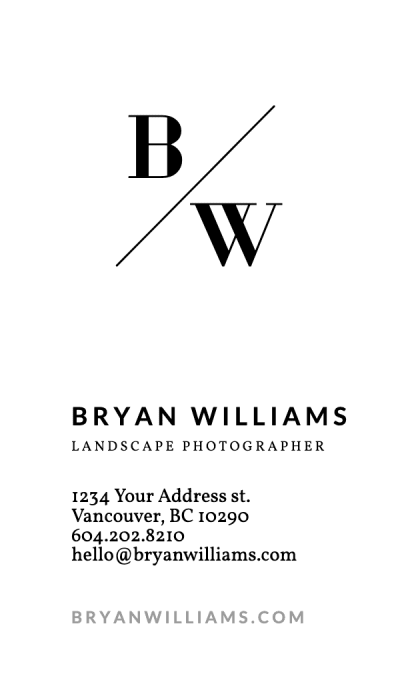
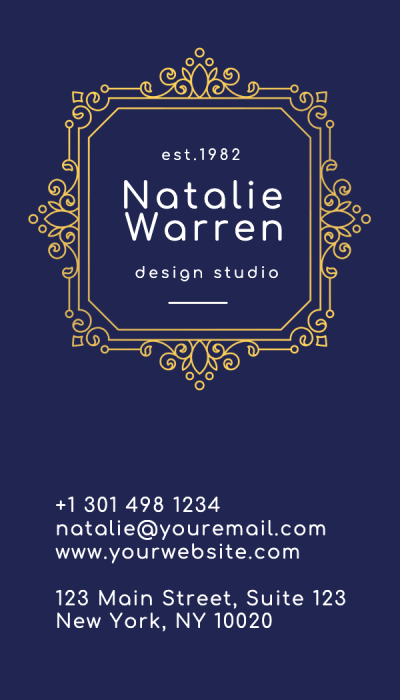
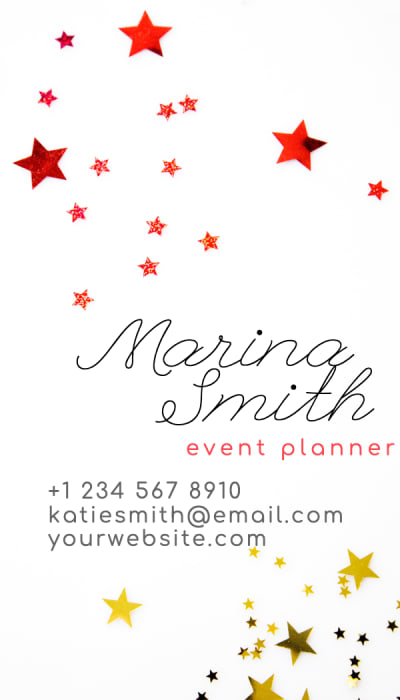
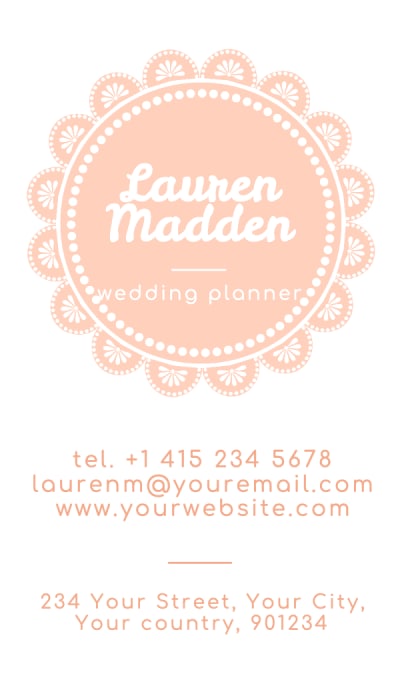
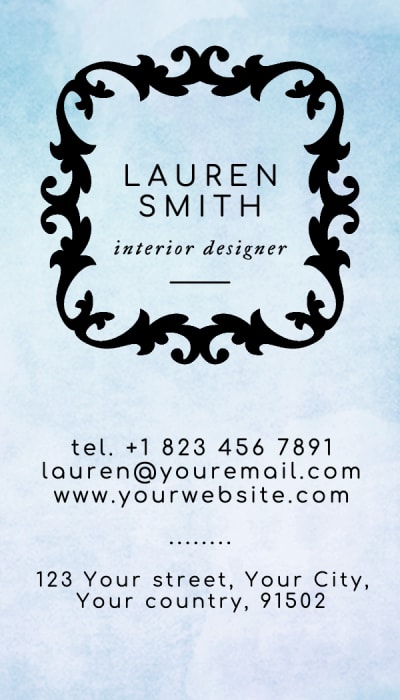
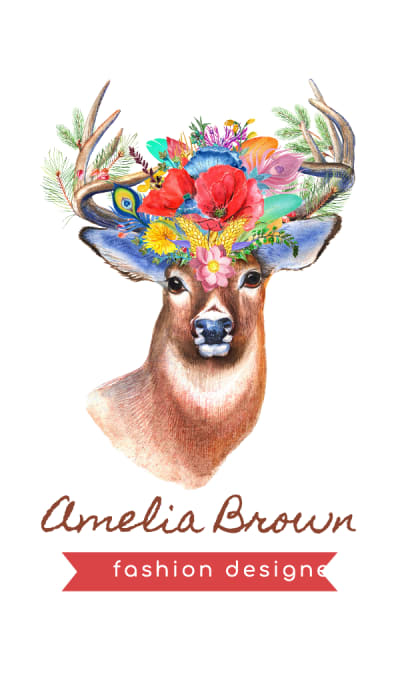
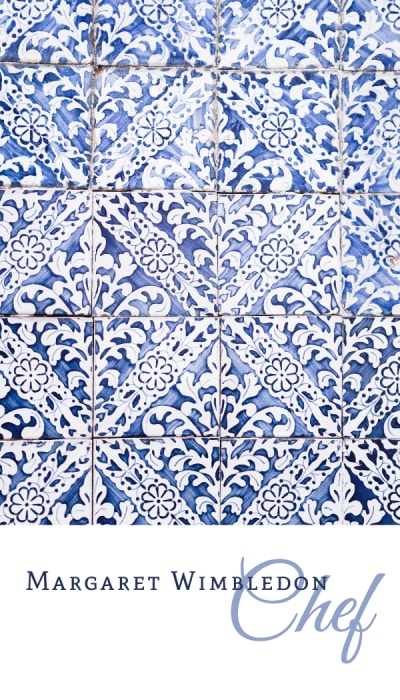
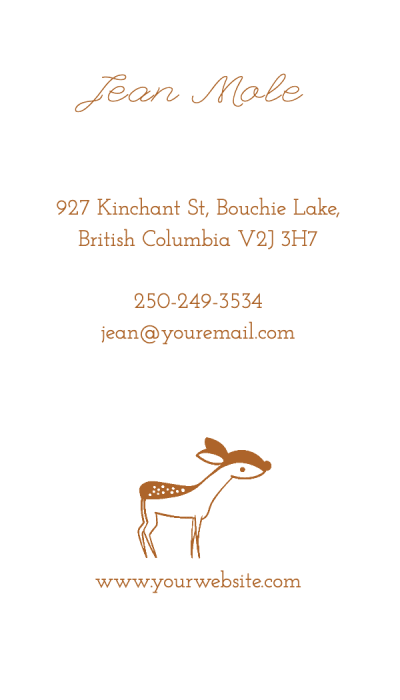
Portrait orientation (2″ × 3.5″) stands out immediately in a stack of landscape cards. Square visiting cards (2.5″ × 2.5″) work well for creative professionals and brands with strong visual identities. The format is a design decision, not just a size decision. See all standard dimensions in the visiting card size guide.
| Left-aligned | Name top-left, contact stacked below. Works across every industry. |
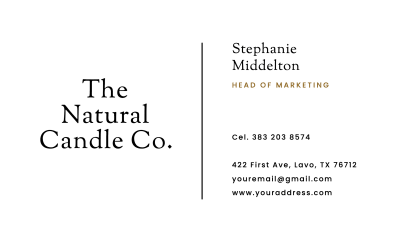
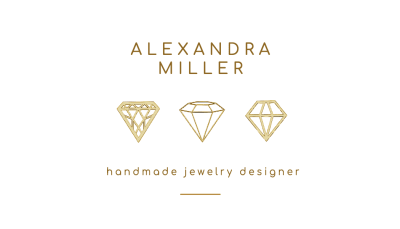
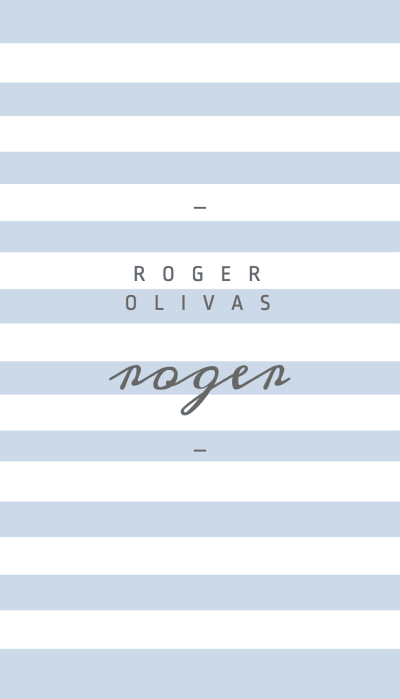
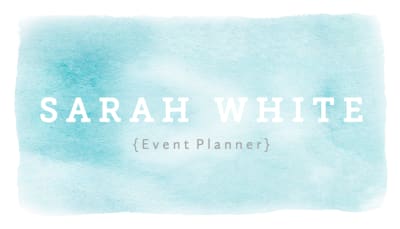
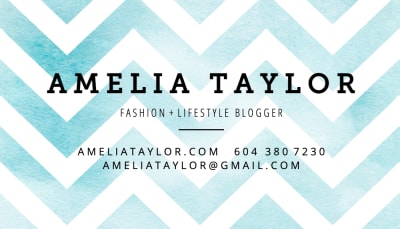
| Centered | All elements on the center axis. More formal. Suits personal brands. |
| Logo-front / info-back | Brand on front, all contact on back. Forces people to look at both sides. |
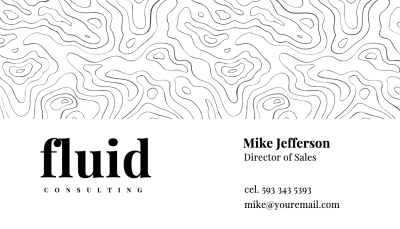
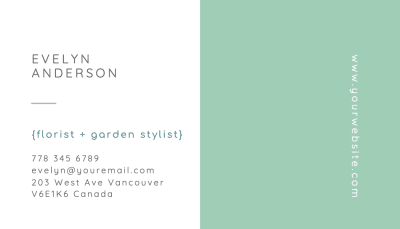
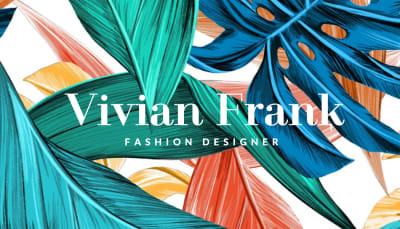
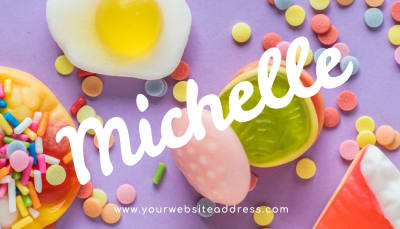
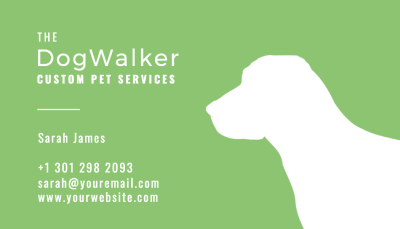
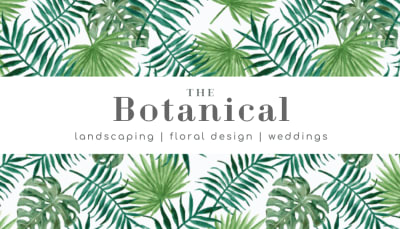
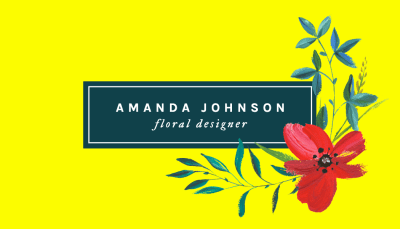
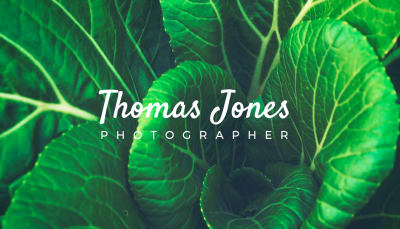
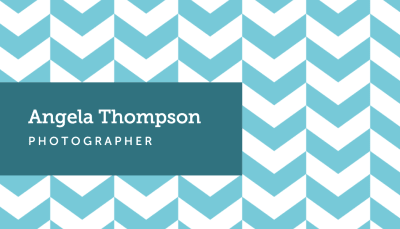
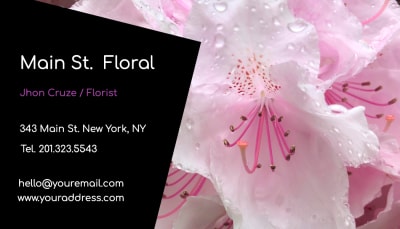
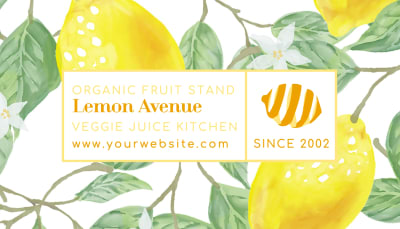
| Full-bleed background | Color or image fills the front. White or light text on top. |
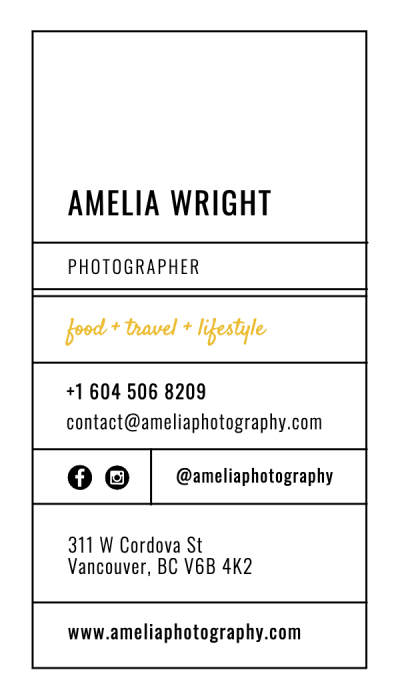
| Portrait | 2″ × 3.5″. Same information, vertical. Distinctive in a horizontal world. |
| Square | 2.5″ × 2.5″. Bold and intentional. Won't fit every wallet. |
Visiting Card Typography
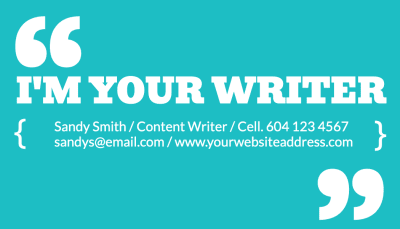
Use one typeface, two at most. Name in bold or semibold at a larger size. Contact details in regular or light below. The hierarchy should be readable at a glance. Avoid using more than two font weights. A third weight creates noise without adding hierarchy. See how leading designers handle this in our roundup of 54 typographic business cards.
Minimum readable type on a visiting card is 7pt. Below that, fine print becomes unreliable depending on the stock. 8 to 9pt for contact details is comfortable. The name can run larger: 11 to 14pt depending on name length and available space. For typeface ideas, our Best Google Fonts for 2026 and most popular fonts in graphic design are good starting points.
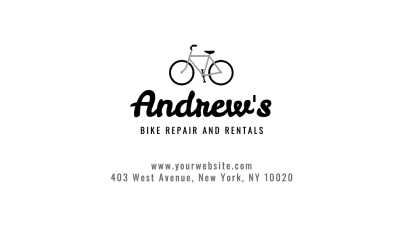
Slightly negative letter-spacing on a large display name creates a more refined, confident appearance than the default spacing most fonts ship with. This is a small adjustment that makes a visible difference at visiting card sizes. The 2026 business card design trends roundup shows how top studios are using typography-first layouts across different paper stocks.

| Typefaces | One preferred. Two maximum. |
| Weights | Two maximum. Bold for name, regular or light for contact. |
| Name size | 11–14pt |
| Contact details | 8–9pt minimum |
| Absolute minimum | 7pt (below this, print quality is unreliable) |
Visiting Card Spacing
The most common mistake in visiting card design is not leaving enough space. A card filled edge to edge is harder to read and looks less confident than one that gives each element room to exist. White space is not wasted space. It directs attention.
All content must stay inside the safe zone: 0.125 inches from the finished edge on all sides. Group related information together with visible separation between groups. Name and title together. Contact details together. Not just a line break, but actual space between the two groups. For exact bleed, safe zone, and dimension specs, see the visiting card size guide and our full business card sizes and dimensions guide.

| Safe zone | 0.125″ inside all finished edges |
| Recommended margin | 0.2″ or more for comfortable reading |
| Grouping | Name/title as one group. Contact as a second. Visible gap between them. |
| Back of card | More space, less information. Brand moment, not information overflow. |
Visiting Card Paper
The paper and finish are perceived before the content is read. A Soft Touch black card with white text communicates something different from the same layout on standard gloss, even if every typographic decision is identical. The material is part of the design. Our guide to choosing the right kind of business card walks through how different stocks suit different industries and brand personalities.
On white stock, all color comes from printed ink. On Colorplan, the paper contributes to the palette. These require completely different design approaches. White ink on dark Colorplan produces contrast that standard printing cannot replicate. One or two colors of ink on a deep paper shade is often all the design that is needed. Explore all 55 shades in the Colorplan print guide.
Understand your paper before you finalize your layout. The design decisions that work on Soft Touch matte do not always translate to uncoated stock. Color mode matters too: design in CMYK from the start so what you see on screen translates accurately to print. Our RGB vs. CMYK guide explains the difference and when it matters. If you are unsure which paper suits your design, the visiting card background guide covers every stock approach in detail.

Visiting Card Color & Finish
Finish is a design choice as much as color or layout. A Soft Touch matte laminate makes dark colors appear richer and reduces fingerprints. It is the most versatile finish for visiting cards and the easiest to pair with any layout. Standard gloss and spot gloss add shine and make full-bleed color pop.
Foil stamping adds metallic or holographic detail to specific elements, usually a logo or name. It works best when applied to a small area rather than a large fill. On Colorplan, foil reads as a highlight against an already distinctive paper color. On Soft Touch black, gold or silver foil creates maximum contrast. See how designers are combining finishes in the 2026 business card design trends roundup.
Natural stocks like Kraft and Cotton are uncoated and carry color differently from coated stocks. Colors appear warmer and slightly muted. Black ink on Kraft and white ink on dark uncoated stocks are both highly effective. For any stock, a sample pack is the most reliable way to confirm your color and finish combination before committing to a full order.

| Soft Touch | Velvety matte laminate. Makes dark colors richer. The most popular finish. View Soft Touch cards › |
| Standard / Gloss | Clean and professional. Good color reproduction. Works across all industries. |
| Colorplan | Colored paper stock in 55 shades. Paper color becomes part of the design. Explore all shades › |
| Foil Stamping | Metallic or holographic accent on logos or key elements. View foil cards › |
| Kraft | 100% recycled uncoated brown stock. Suits earthy, artisanal, and sustainable brands. View Kraft cards › |
| Cotton | Made from cotton fiber, not wood pulp. Unique soft, pliable texture. Premium feel. |