
 CAD
CAD
 USD
USD
 EUR
EUR
Upload any design and instantly get high quality files with automatic cut lines. No limits, no quality loss, and ready to download in PNG, JPG, or print ready PDF.
Sticker Maker
Create custom stickers in seconds. Upload a photo, logo, or illustration and watch it turn into a sticker instantly. The tool removes the background, builds a clean die cut shape, and gives you a print ready file, including a PDF with visible cut lines so you can see exactly how it will be cut.

Excellent
4.8/5 from 5,800+ reviews
Trusted by global brands


Upload Anything
Upload photos, logos, illustrations, or artwork. Supports JPG, PNG, PSD, EPS, SVG, and PDF so you can start with any file.
Automatic Shape Creation
Your sticker shape is created instantly. Background removal and edge detection happen automatically, giving you a clean die cut every time.
Download or Print
Download your sticker in PNG, JPG, or high quality PDF. You can also export a print ready PDF with visible cut lines.

Turn Any Image Into a Sticker
Upload your image and it instantly becomes a sticker. The tool detects edges, removes the background if needed, and creates a clean cut line around your design.
Adjust your size, border, and shape in real time and see everything update instantly.
No setup. No outlining. No extra steps. Just upload your file and your sticker is ready.
Instant Background Removal
Remove backgrounds in one click. Your design is instantly isolated and turned into a clean sticker shape.
Perfect for logos, product photos, illustrations, or turning any image into a sticker without extra editing.
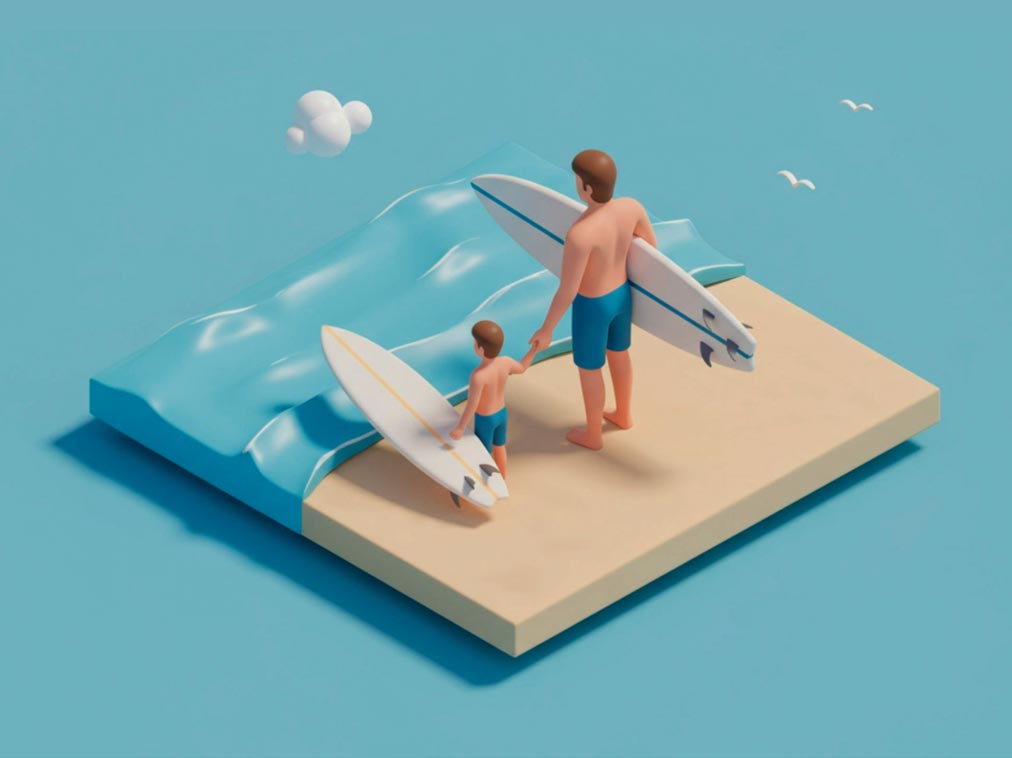
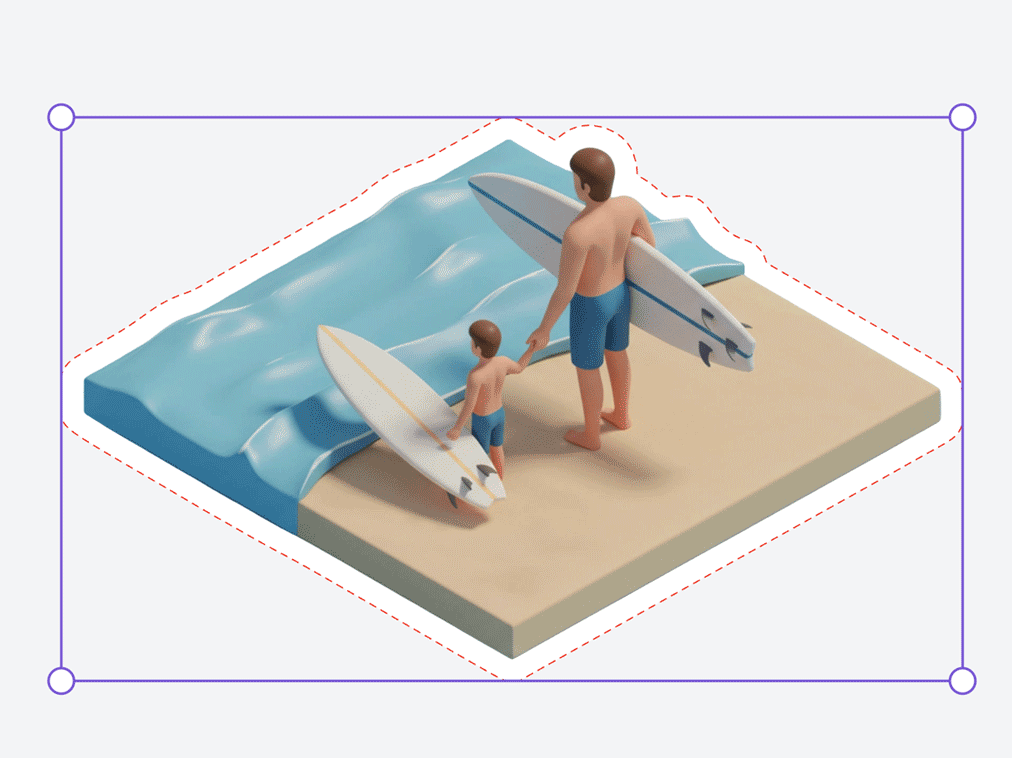
BeforeAfter
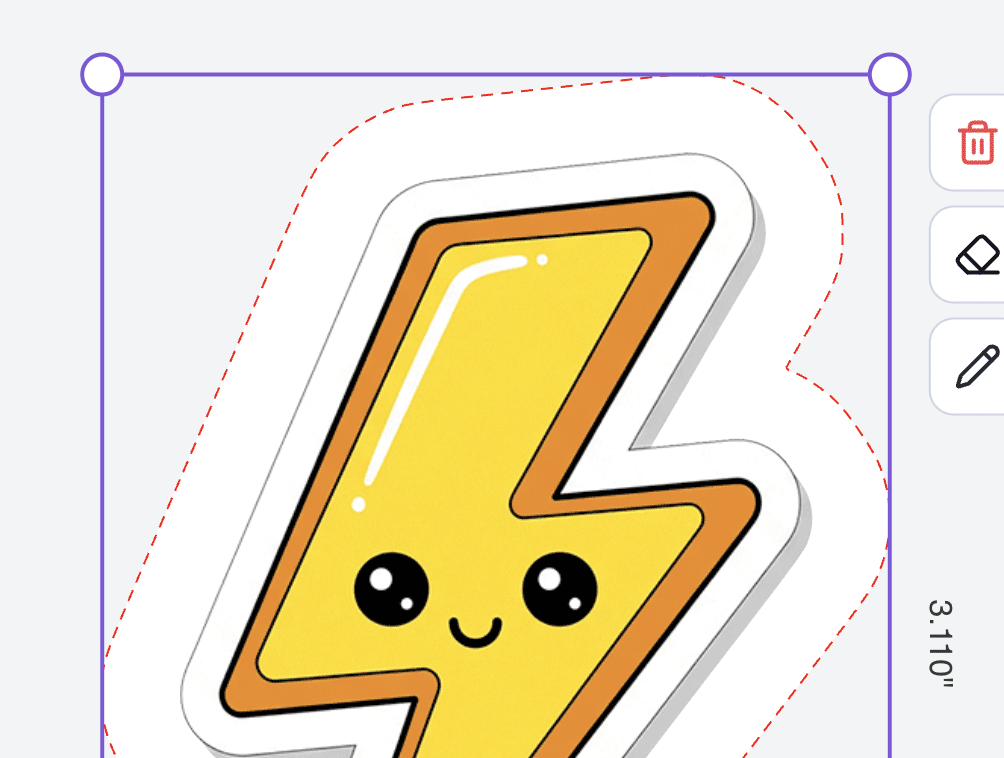
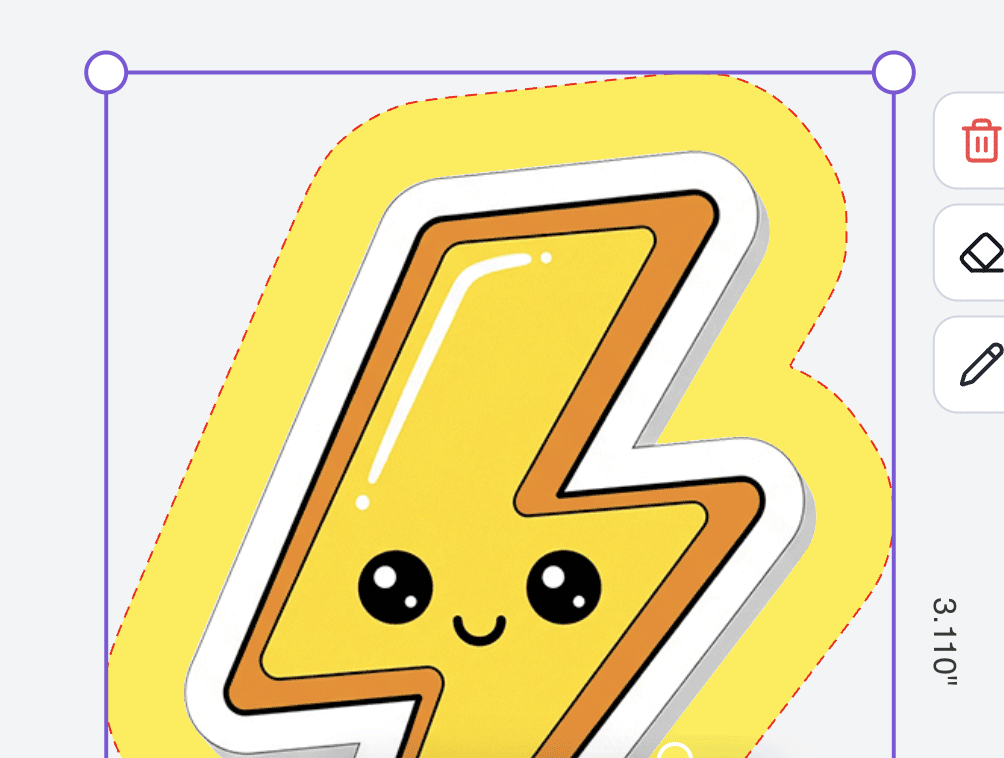
Full Control, No Complexity
Adjust your sticker exactly how you want it. Change the border, tweak the cut line, switch shapes, and resize instantly. Everything updates live, so what you see is exactly what you get.
Shapes, Clipart, and Custom Layouts
Start with your own image or build something from scratch. Add shapes, drop in clipart, or use the Magic Erase tool to remove any unwanted elements, artifacts, or background areas with a single brush stroke.
Everything you add is automatically turned into a sticker with clean cut lines.
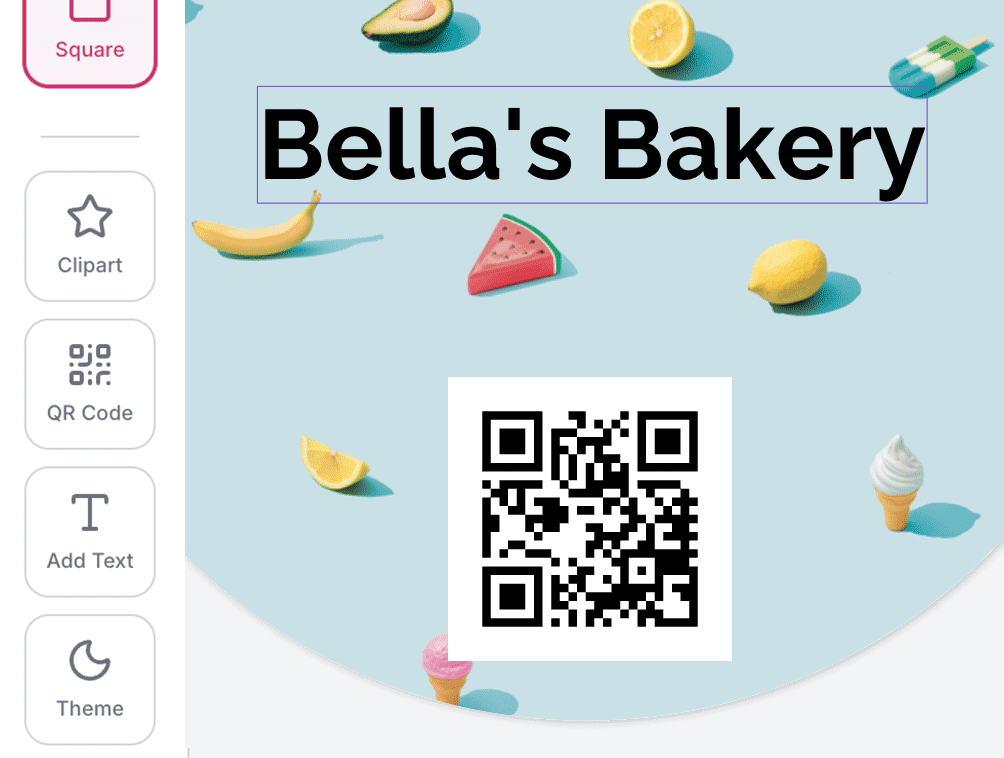
More Than Just Uploading
Add more to your design directly inside the editor. Choose from built in clipart, generate QR codes, or customize your layout with simple tools.
You can start with your own artwork or build something completely new using shapes, icons, and text. Everything is automatically converted into a sticker with clean cut lines and accurate sizing.
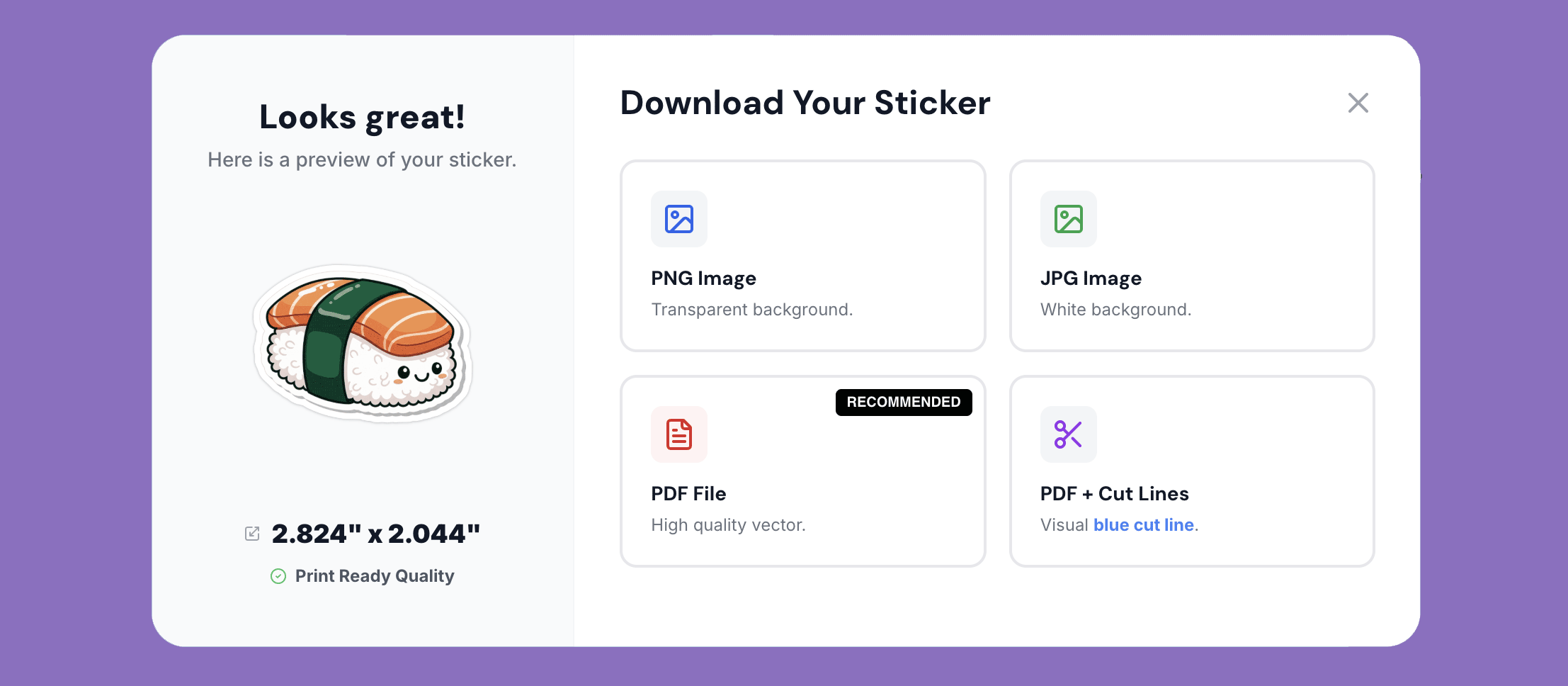
Download Print-Ready Files Instantly
Download your sticker in PNG, JPG, or high quality PDF. You can also export a print ready PDF with visible cut lines, so you can see exactly how your sticker will be cut before printing. No limits. Download as many versions as you want.
Ready to Print
Once your design is ready, everything is already set up for production.
Your file exports exactly as needed, with no extra steps or adjustments. Image quality is preserved, cut lines are built in, and your file is ready to go the moment you download it.
Export your design in PNG, JPG, or PDF. You can also download a print ready PDF with visible cut lines, so you know exactly how your sticker will be trimmed.
There is no loss in quality. Your artwork stays sharp, high resolution, and true to your original upload.
Explore what makes Jukebox Sticker Maker the best.

Start Your Sticker Now
Start your sticker now. Upload your image and create a custom sticker in seconds. Fast, simple, and ready instantly.



