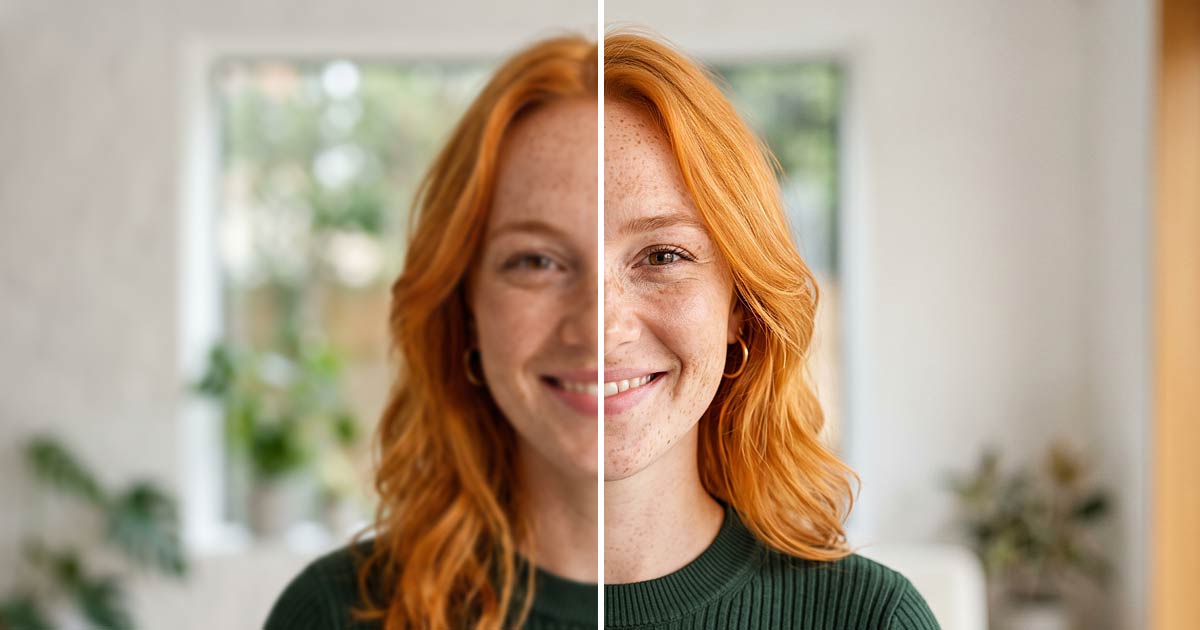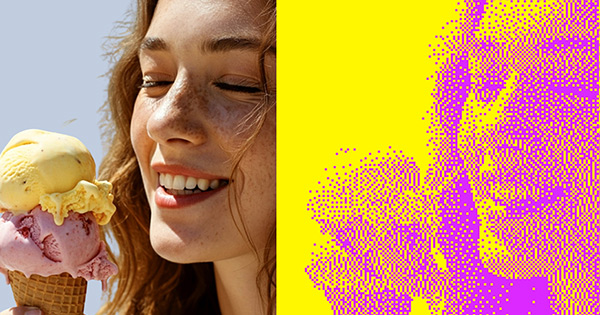
Small image.
Think bigger.
4×Remove the background. Choose 4× when you download.

Original256 × 256 px
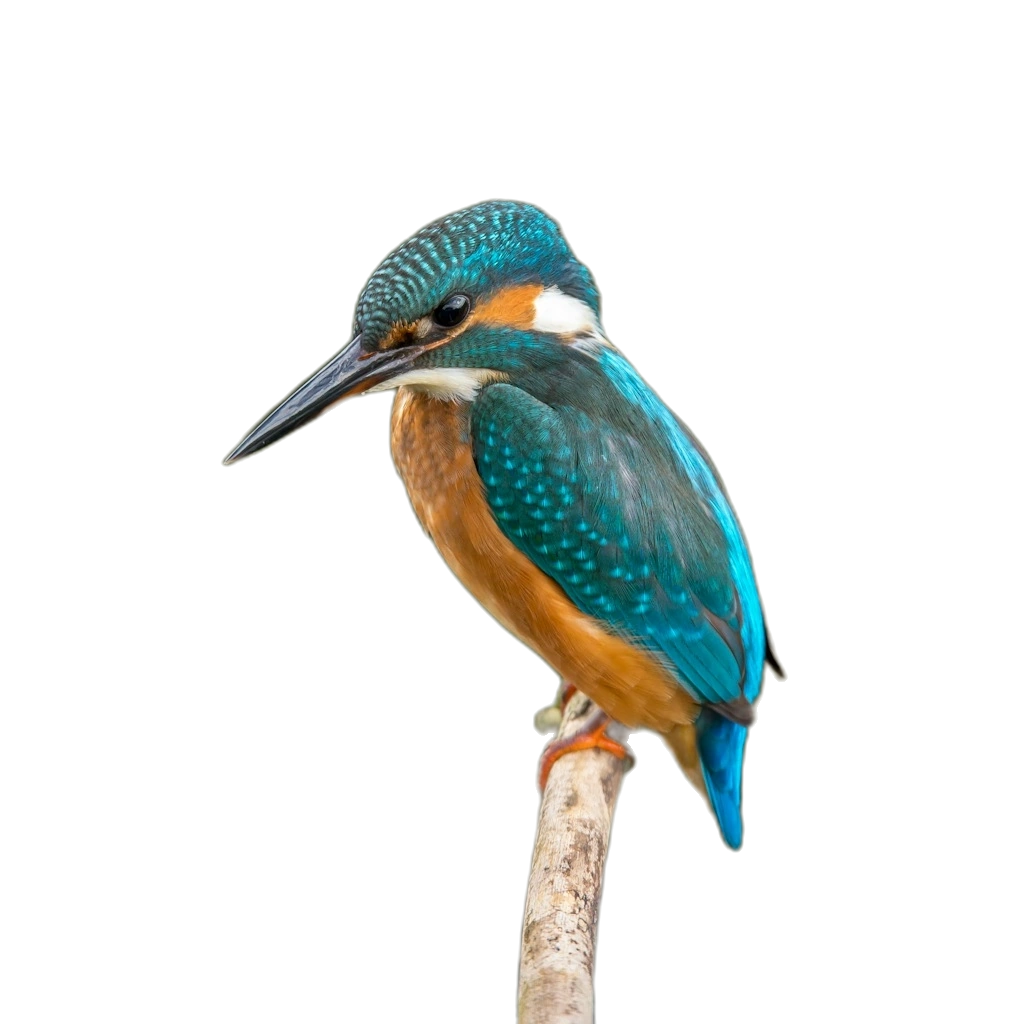
4× download1024 × 1024 px
 Background remover
Free background removal. Transparent PNG downloads.
JPG, PNG or WebP · 25 MB each · Up to 50 images
By uploading, you agree to our terms and privacy policy.
Over 4 million backgrounds removed this year.
No image? Try a sample
JPG, PNG or WebP. Up to 25 MB per image and 50 images per batch.
Downloads have no watermark.
By uploading, you agree to our terms and privacy policy.
Remove the background. Choose 4× when you download.
Original256 × 256 px
4× download1024 × 1024 px
People, pets and products. Remove backgrounds and keep creating.

Upload up to 50 images.
Remove their backgrounds together.
Upload JPG, PNG or WebP,
up to 25 MB per image.

Try duotone, halftone and posterize to give your cutout a new look.
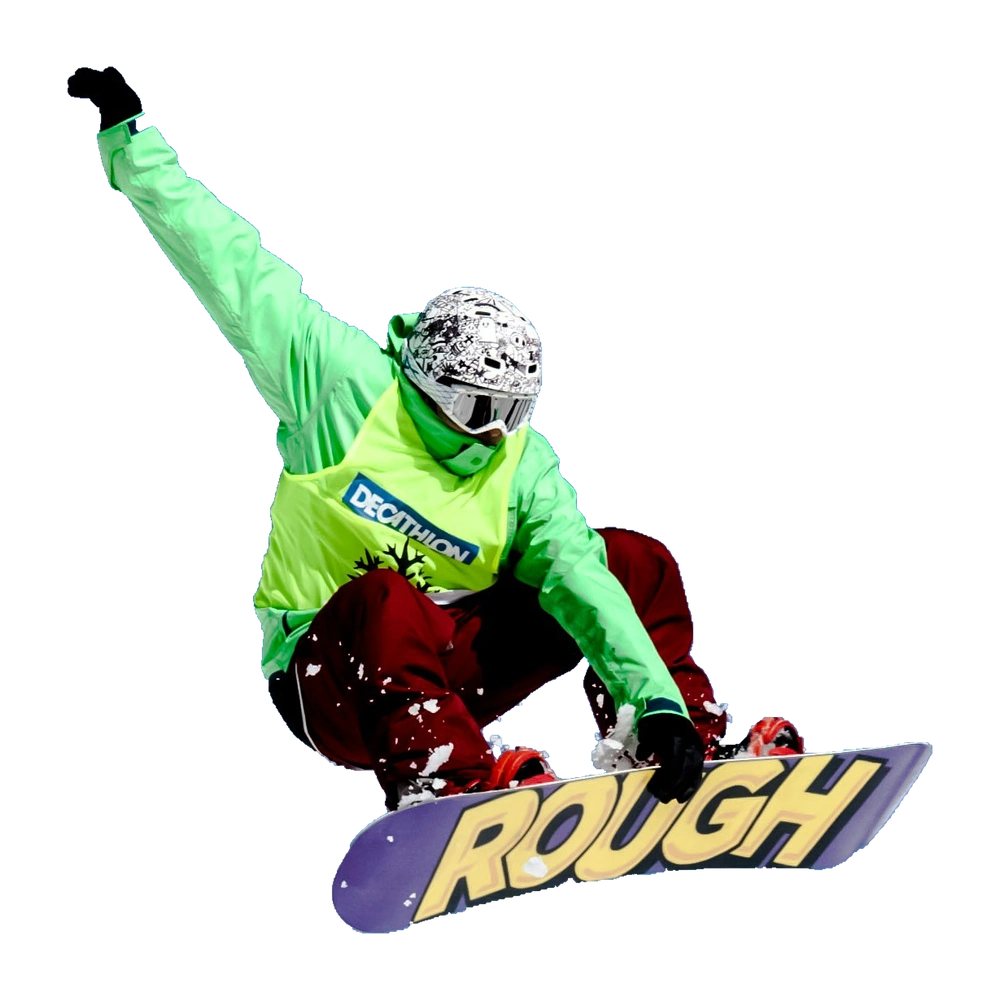
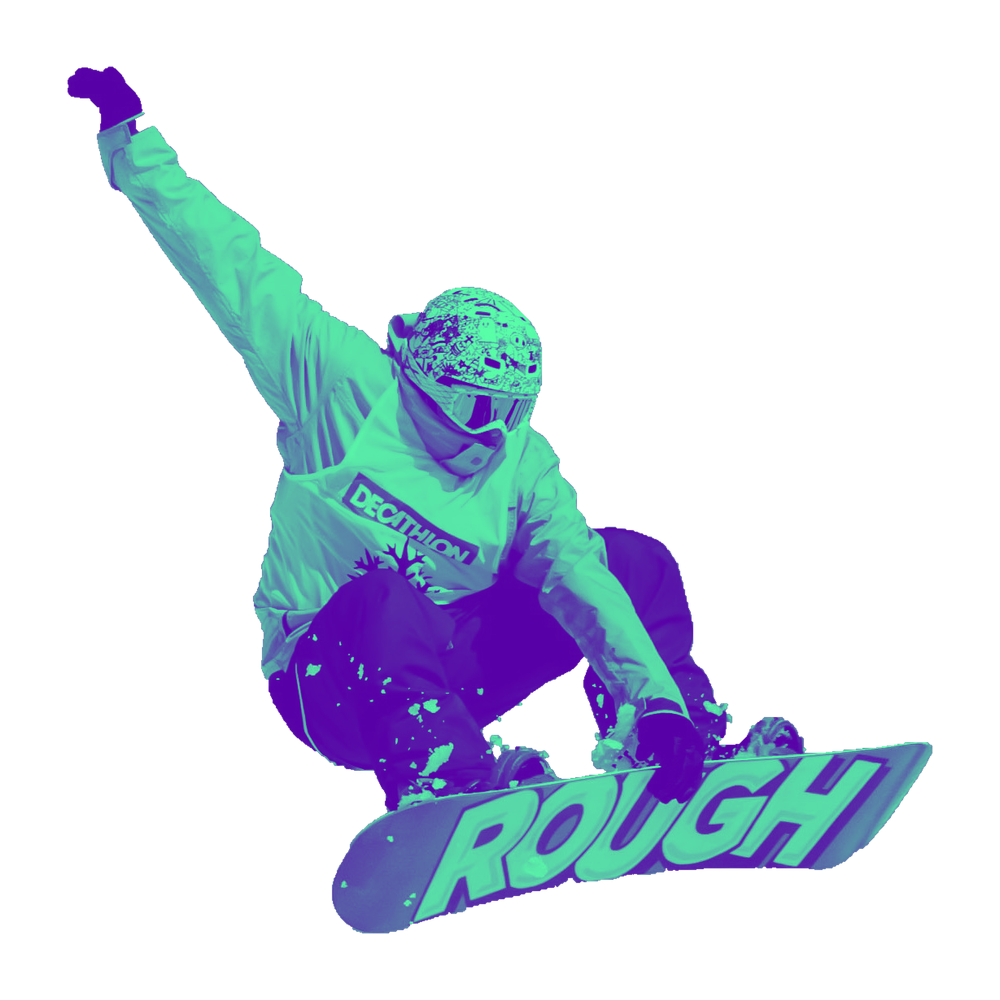
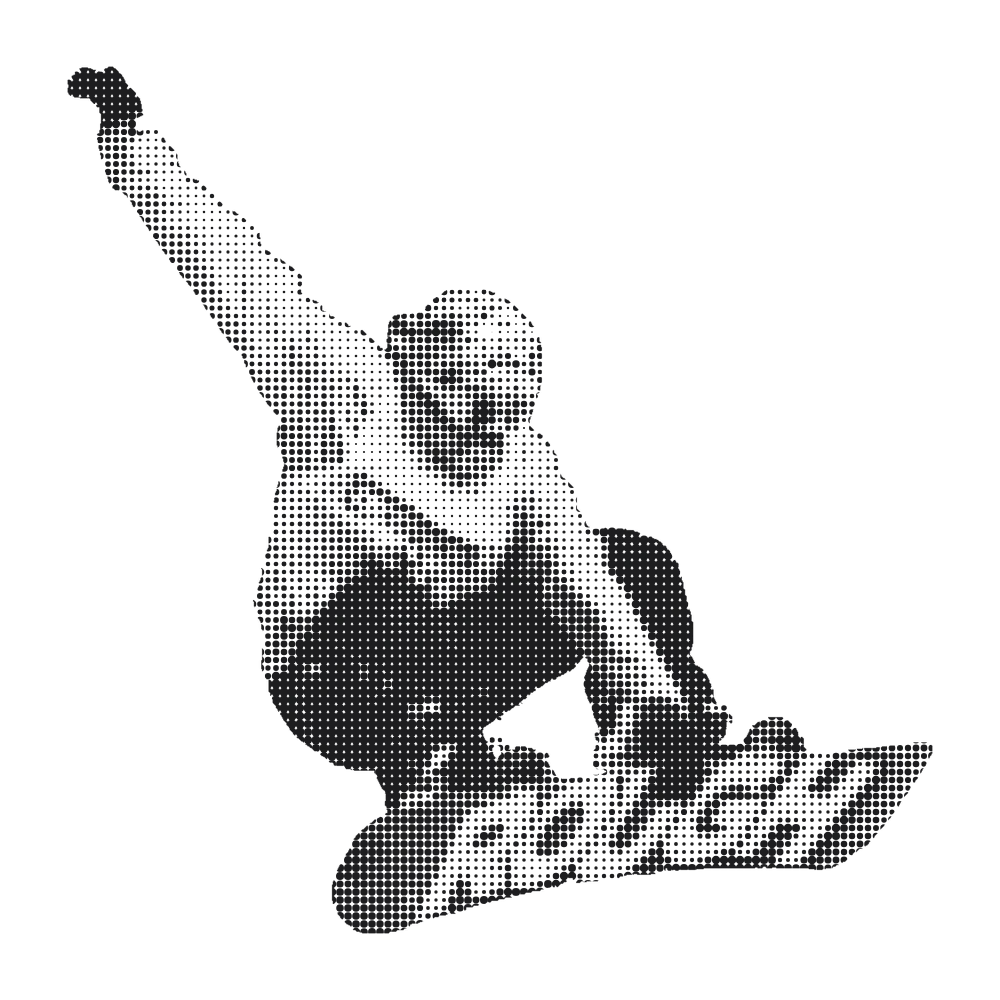
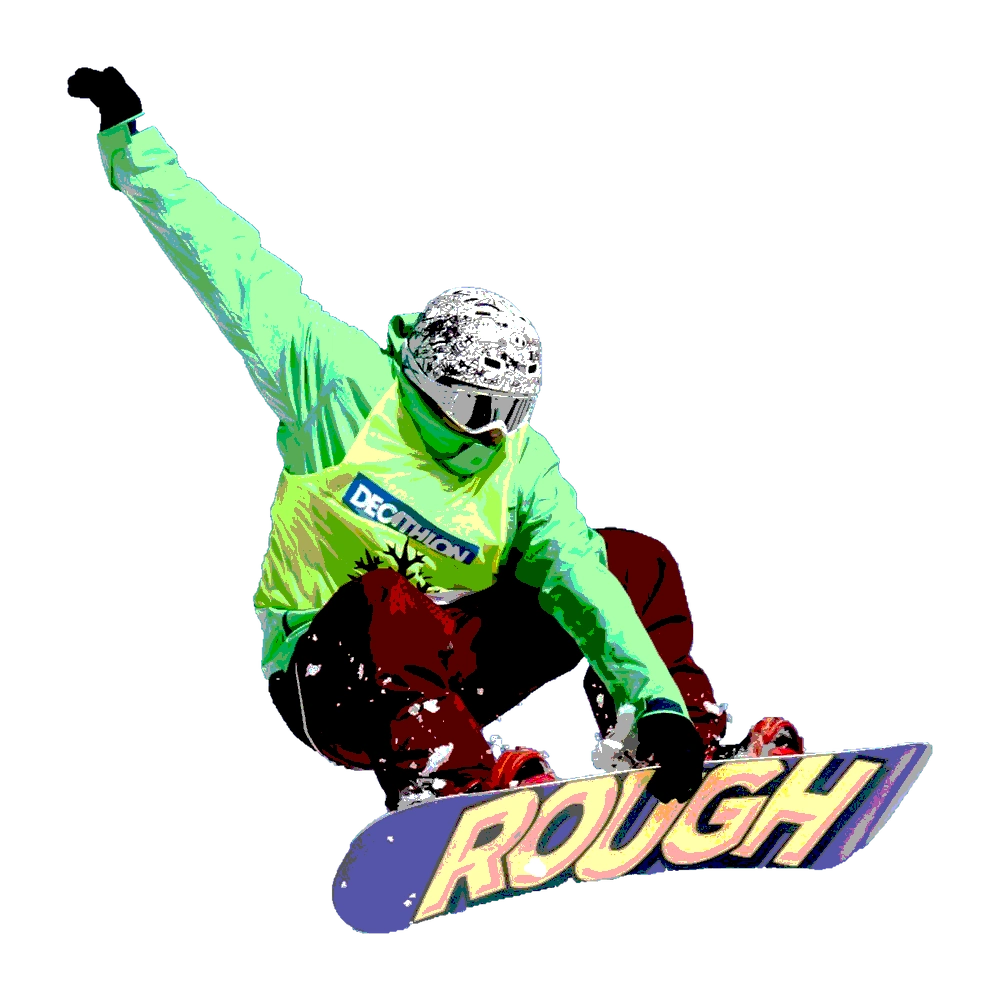
Up to 4× enlargement, subject to image dimensions, export limits and the available free-use allowance.
Removing background
Keep this page open while we finish your image.
Exports target under 200 KB by default, or 50 KB for a Gmail signature. These are Jukebox targets, separate from platform upload limits.
| Platform | Our export | Published platform guidance |
|---|---|---|
| 800 × 800 px · JPG | 8 MB maximum. JPG or PNG. From 400 × 400 px up to 7680 × 4320 px. | |
| Gmail | 720 × 720 px · JPG | Your Gmail picture is your Google account photo. The linked help does not publish a required pixel size or file-size limit. |
| Gmail signature | 200 × 200 px · PNG | A separate image inserted in Gmail signature settings. Resize it there to suit your signature. |
| 800 × 800 px · JPG | Jukebox export preset. This is not a published platform requirement. | |
| 640 × 640 px · JPG | Jukebox export preset. This is not a published platform requirement. | |
| YouTube | 800 × 800 px · JPG | 15 MB maximum. Displays at 98 × 98 px. JPG, PNG, BMP or non-animated GIF. Our 800 px export is a Jukebox preset. |
| 800 × 800 px · JPG | Jukebox export preset. This is not a published platform requirement. | |
| X | 400 × 400 px · JPG | 2 MB maximum. Recommended 400 × 400 px. JPG, PNG or GIF. |
| TikTok | 720 × 720 px · JPG | Jukebox export preset. This is not a published platform requirement. |
| Discord | 512 × 512 px · JPG | Jukebox export preset. This is not a published platform requirement. |
| Zoom and Teams | 512 × 512 px · JPG | Jukebox export preset. This is not a published platform requirement. |
Social presets export square JPGs framed for a circle crop. Transparent backgrounds export PNG on every preset. Gmail signature exports a circular PNG with transparent corners. Keep your face away from the edges.
Platform help checked 15 September 2026. Export dimensions are Jukebox choices unless described as platform guidance.
Turn any photo into a clean profile picture. Remove the background, pick a color or gradient, crop to a circle, add a border and download it at the right size for LinkedIn, Gmail, Instagram, WhatsApp and YouTube. One photo, every account.
Free. No registration. No watermark.
Choose your Gmail profile picture or a separate email signature photo.
Compare the original photo and cutout up close, from fine hair to the edges of clothing.
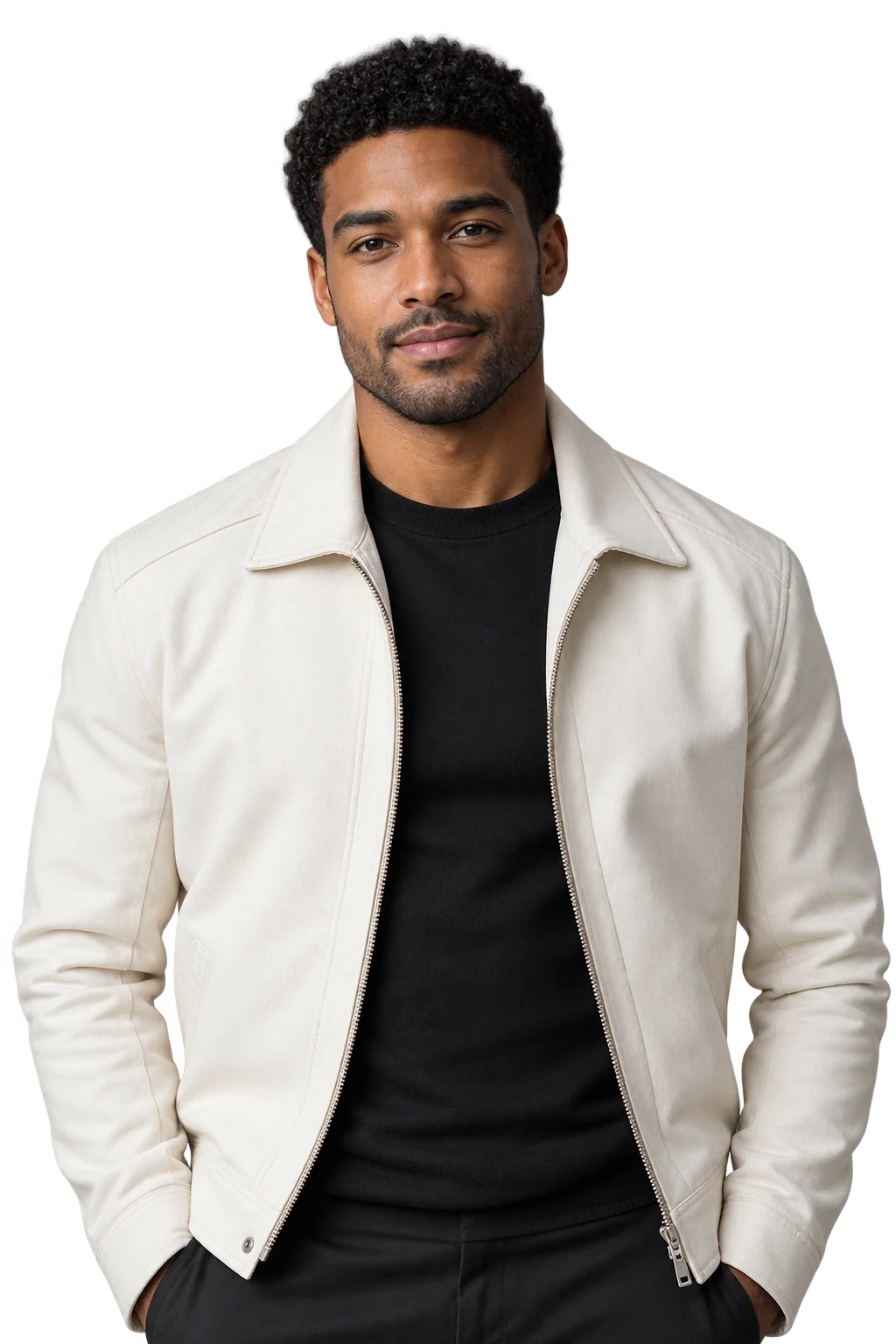 OriginalBackground removed
Frame your cutout with color. Add one outline or stack up to six layers, each with its own color, thickness and edge style.
Customise the effect
The sample could not load. The controls below and image uploader are still available.
Watch the background disappear, the portrait turn greyscale and an orange outline take shape. Then try the controls.
Choose an effect. Make it yours.
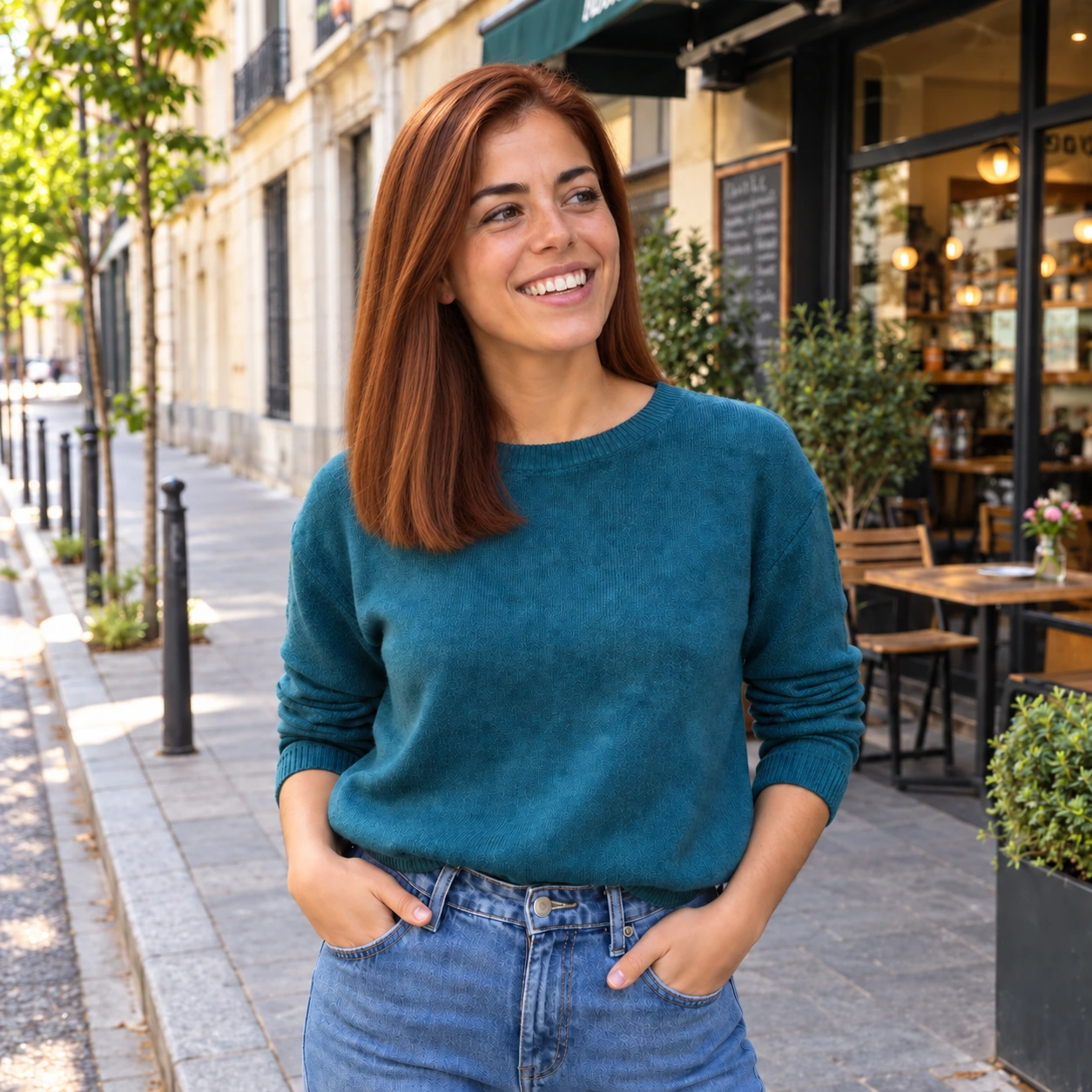
Change the outline color, thickness and layers around the greyscale portrait.
Add a border that follows your subject. Choose its thickness, then a solid color or gradient.
Stack and reorder up to six strokes, with a separate color, thickness and edge style for each.
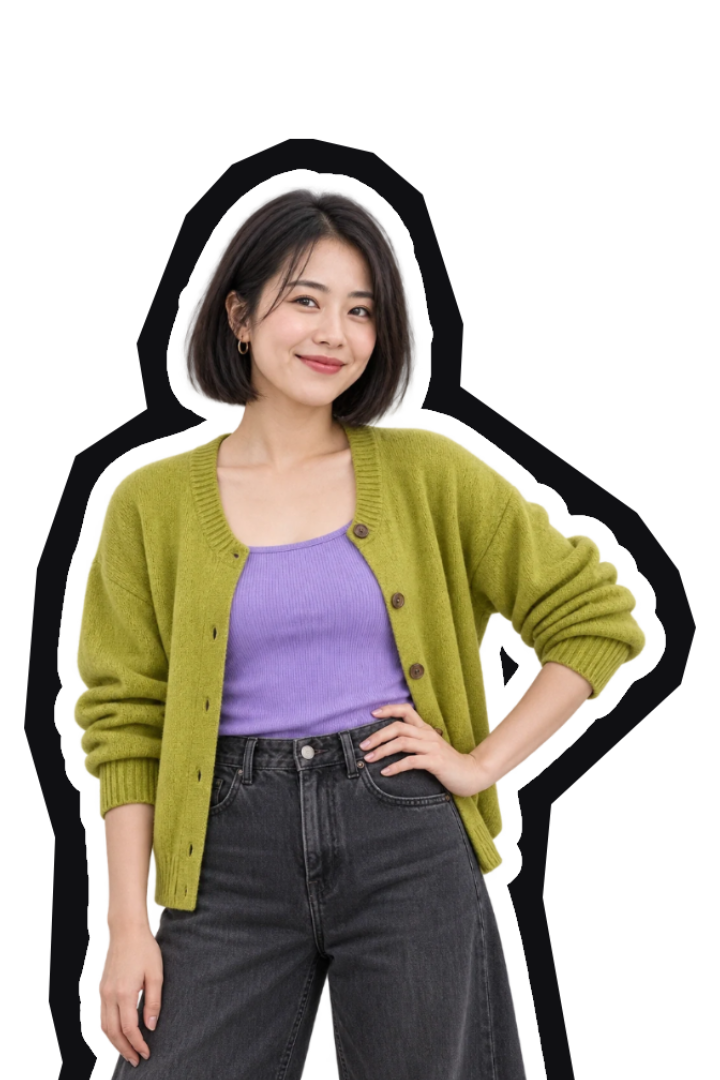
A black backing and a white paper border with a rough cutout edge. Finish with a background, filter or text.
A white inner border. A rough black outer edge. Turn your photo into a paper cutout.
Three portraits with white inner borders and rough black paper-cut edges.


Try a soft gradient, a solid color or a completely different scene. Change the background while your subject stays in place.
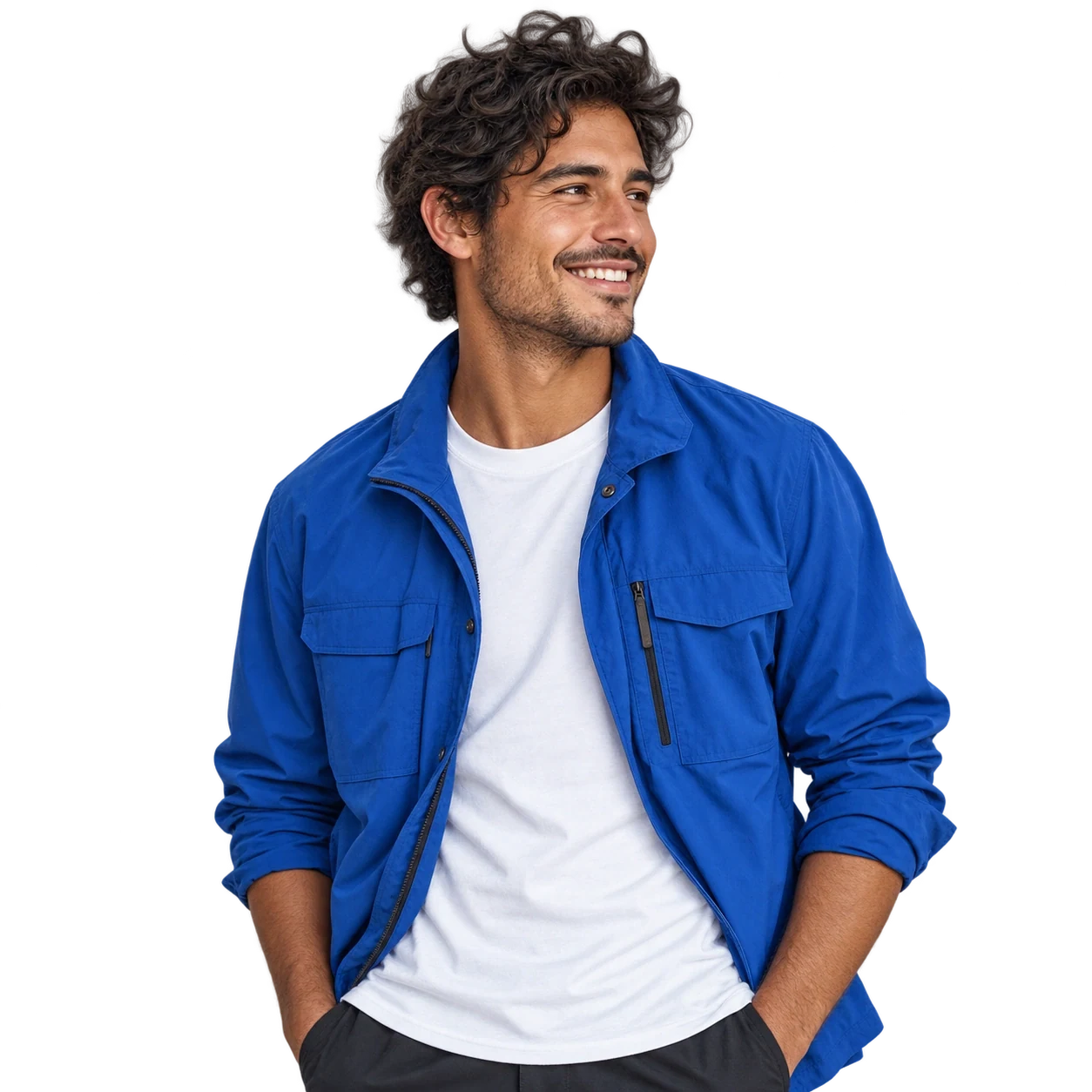 Gradient
Photography from Pexels.
Curated samples. Search more in the editor.
Create clean product images for your online store, marketplace listings and social posts.
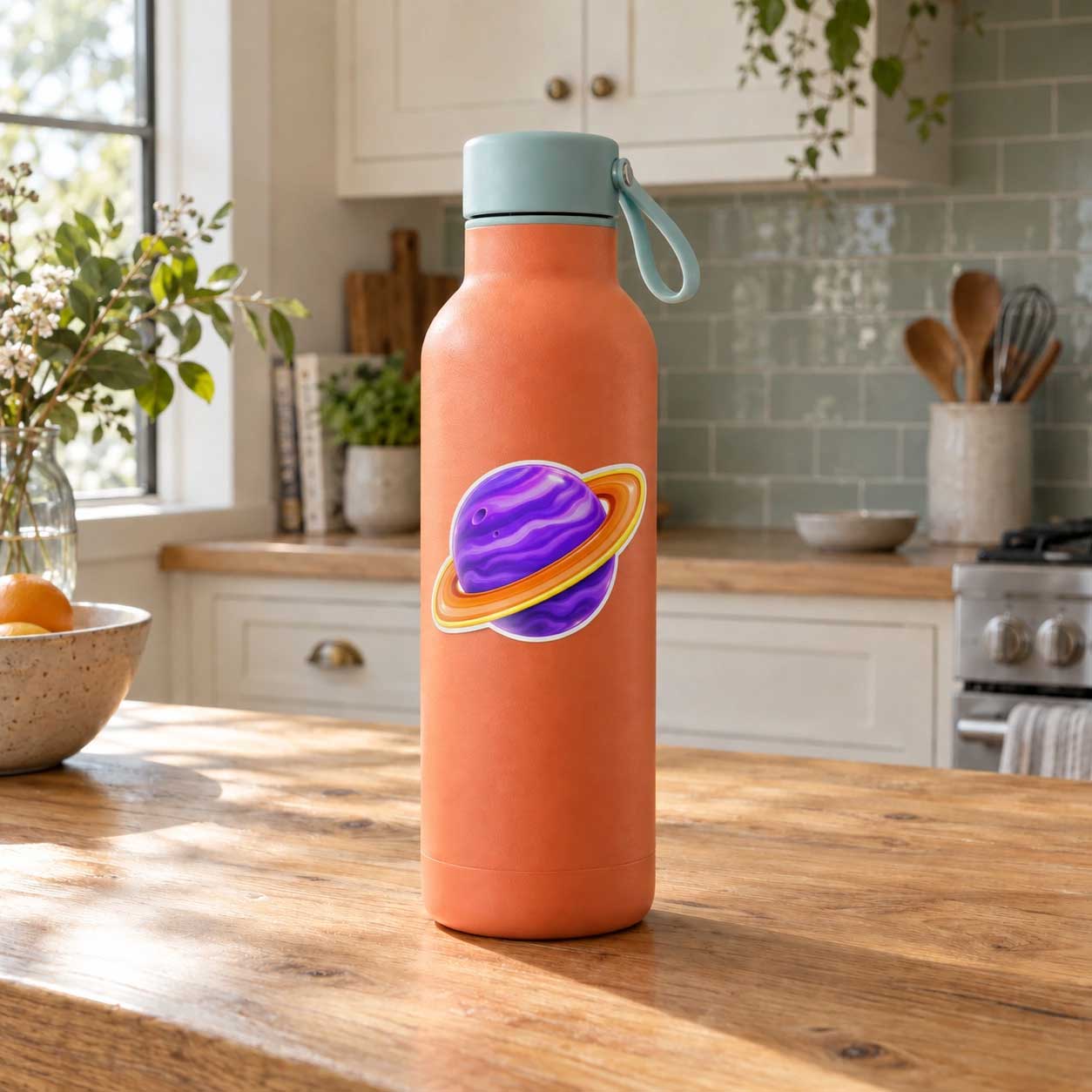
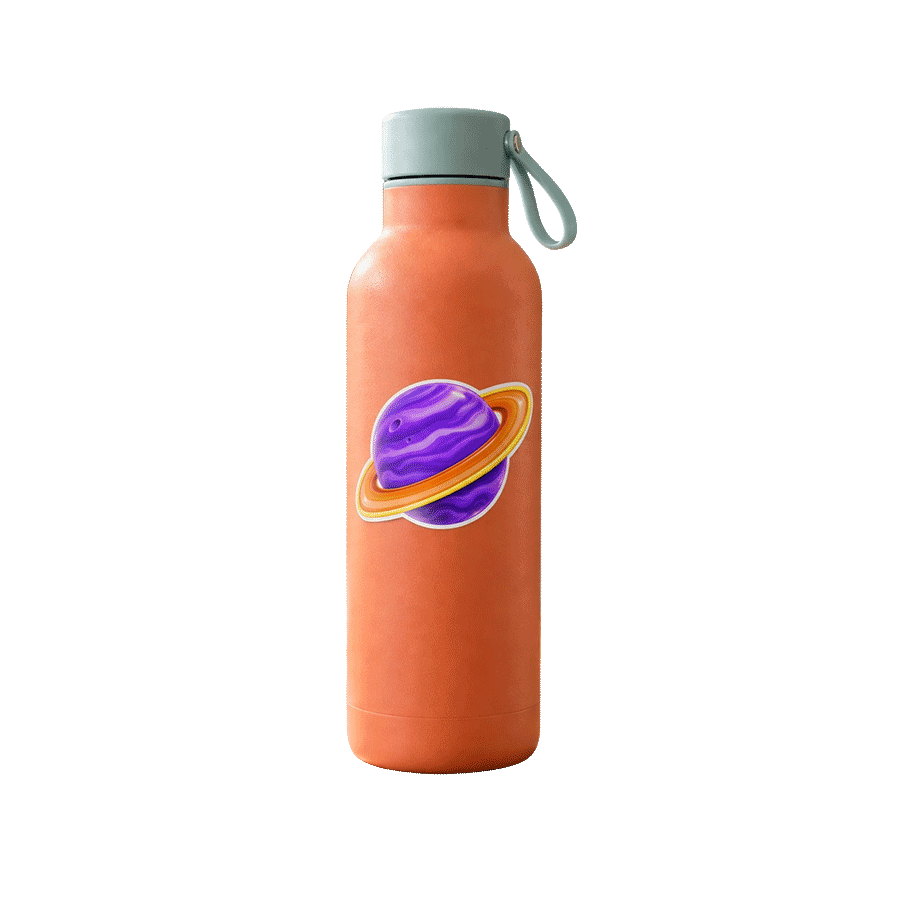
Frame your profile picture in a circle, arch, rounded square or oval. Find the shape that suits you.

Tap a shape to try it.
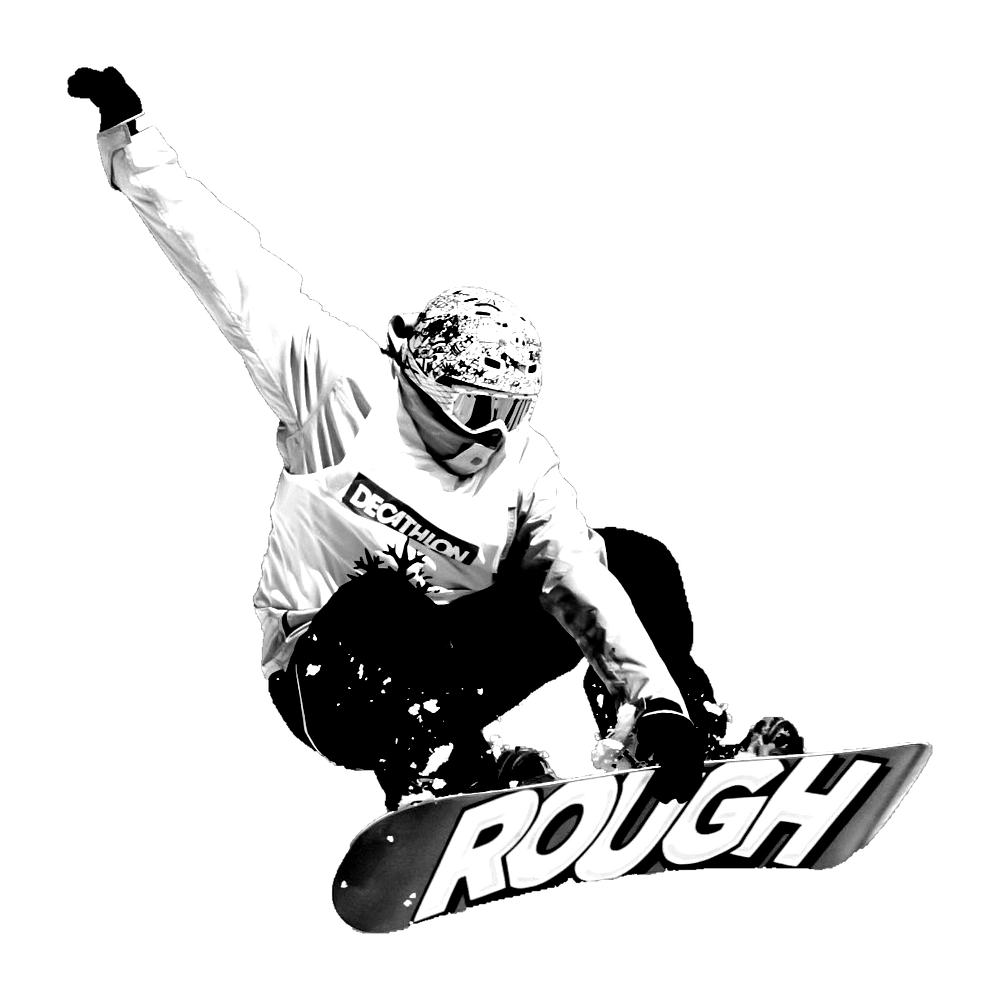
Try duotone, halftone, posterize or noir while keeping the background transparent.
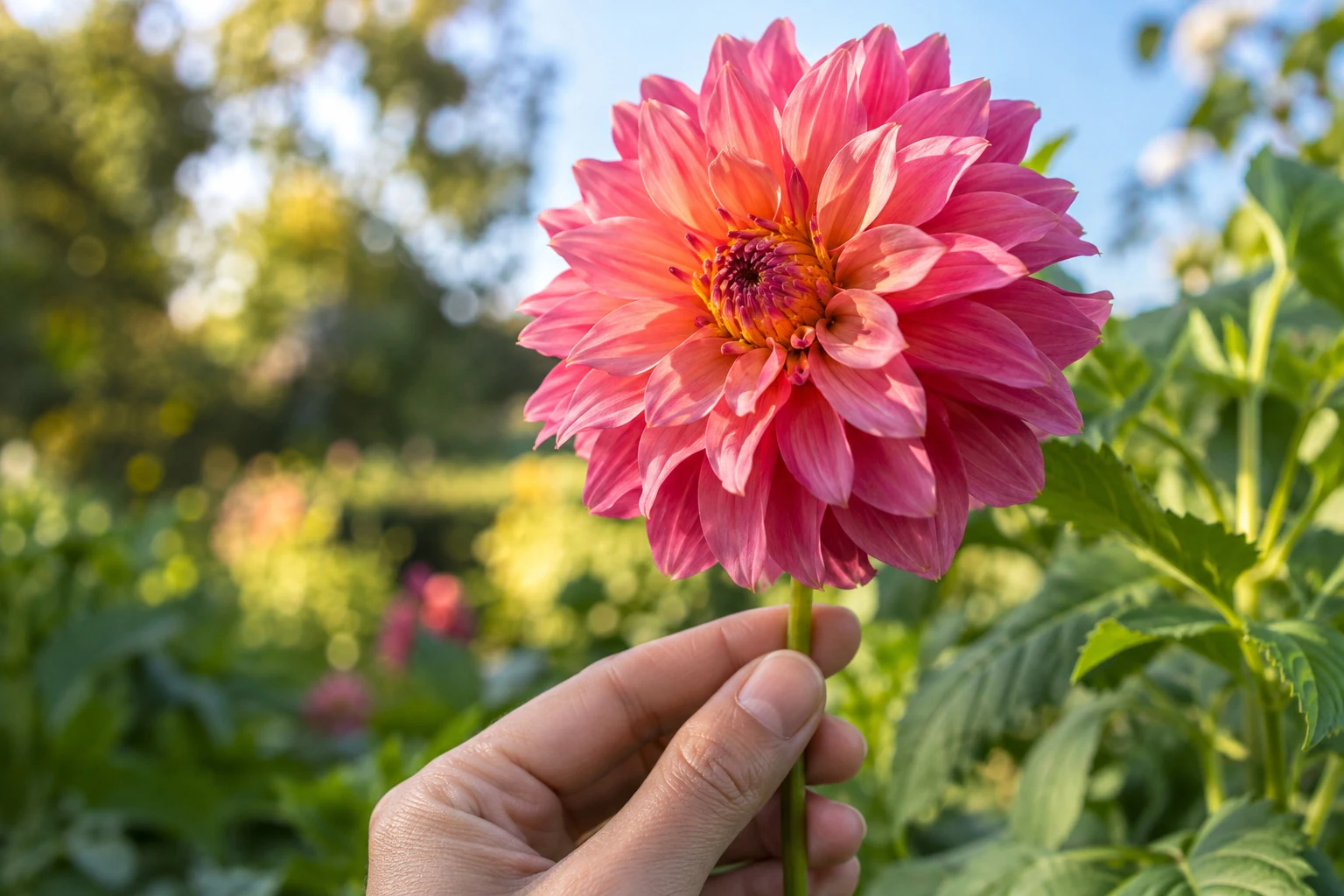
After removing the background, choose 4× in the download options for a larger cutout. Results depend on your original image.
Illustrative preview: a low-resolution sample compared with its sharp source. Actual results vary by image.
Choose a JPG, PNG or WebP, drag it onto the page, or paste it from your clipboard. No account needed.
Keep the background transparent or try colors, photos, outlines and effects. Use Erase and Restore for touch-ups.
Save your image as a PNG for your website, presentation or social post. Keep the background transparent or download with the background you added.
Upload your image and use Jukebox’s advanced background removal tools for web and print. Download a transparent PNG, choose free 4× upscaling, and use your cutout on websites, social media, business cards, stickers and posters.
Look closely at fine hair, fur and the edges of clothing. Use Erase and Restore to refine the cutout before it goes into your layout.
Use your highest-resolution original and check the image at its final print size. Choose 4× when downloading if your cutout needs more pixels.
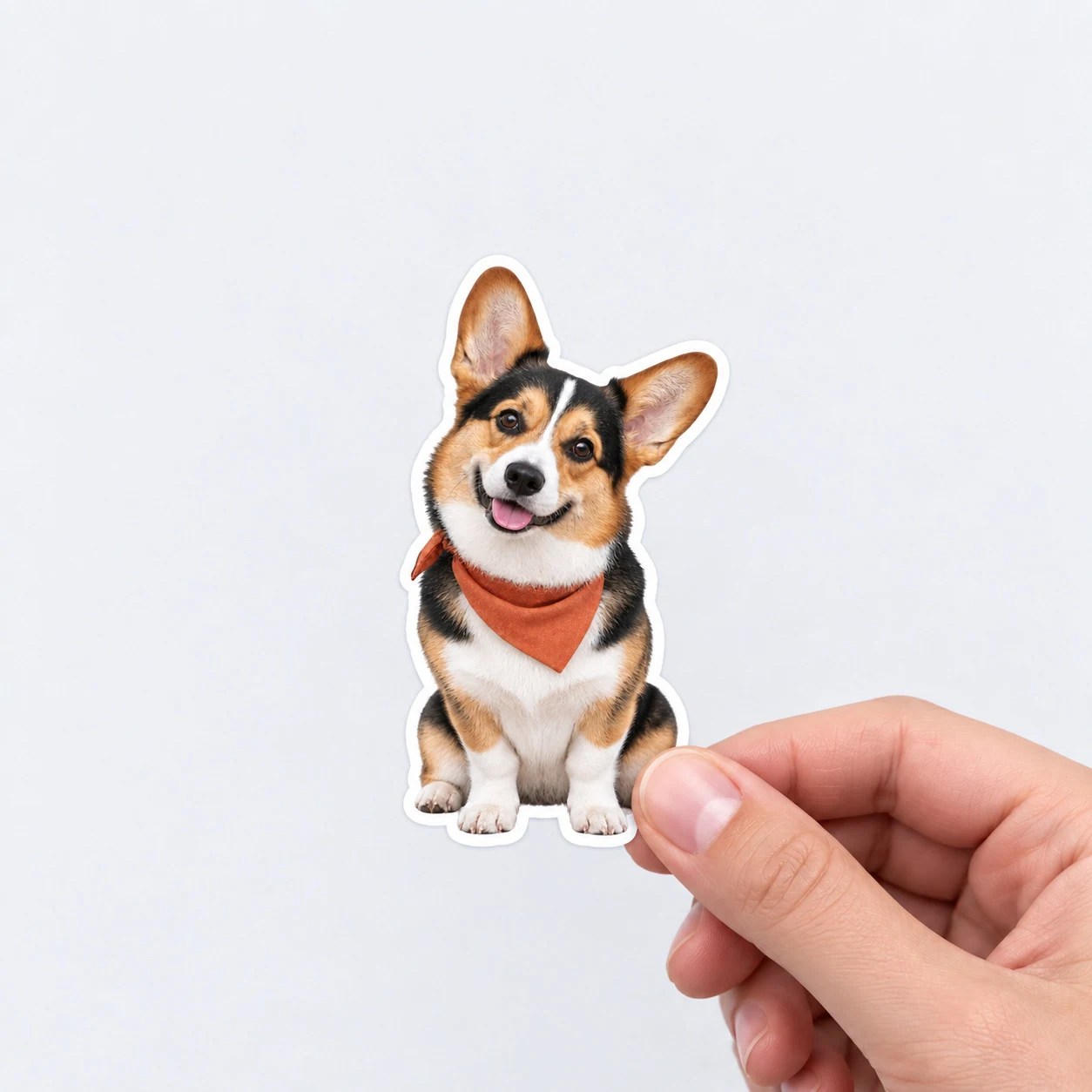
Take your cutout into Jukebox Sticker Maker to add a border and create a print-ready PDF with a production cut line.
Remove the background, add a border and continue in Sticker Maker. Create a print-ready PDF with a cut line that follows your design.
Open Sticker MakerFrom transparent PNG to a print-ready design.

Jukebox Background Remover
Version 3.1
Make profile pictures, try new backgrounds and edit your cutout in one place.
Size your photo for LinkedIn, Instagram, Facebook, X, YouTube or a Gmail signature. Add a gradient, color or circular border.
Compare the original and cutout, then try solid colors and gradients before opening the editor.
Upload from the profile picture section and customise your result there. Download when you’re ready.
Yes. Your images are transferred to our servers SSL/TLS-encrypted, and they stay encrypted while they are stored with us. We use them only to remove the background from your image.
Your image is never sent to a third party. The background is removed on our own servers, by a model we run ourselves. Everything you do afterwards, including filters, outlines, shapes and text, happens inside your own browser and is never uploaded at all.
We do not publish your images, we do not sell them, and we do not share them with anyone. There is no public gallery, no listing, and nothing for a search engine to find. No signup or account is required, so nothing you upload is tied to a person.
Your recent cutouts are saved in your own browser, so you can come back later and pick up where you left off without uploading again. That history lives on your device, not on our servers. The original image you uploaded is deleted from our processing servers automatically after 30 days. If you go on to order a printed product, we keep that artwork with your order so we can print it.
Upload a JPG, PNG or WebP, or paste it from your clipboard. The background is removed automatically in a few seconds and you download a transparent PNG. No account, no watermark, no payment.
Upload the image and the background is replaced with transparency automatically. Download it as a PNG, which keeps the transparent background. JPG does not support transparency, so choose PNG when you need it.
Yes. The cutout is made at your original resolution, and the edges around hair, fur and clothing are kept. If the original is small, choose 4x when you download to get a larger image.
Yes. It runs in the browser on iPhone and Android with nothing to install. Upload from your camera roll, then save the PNG back to your phone or share it directly.
Yes. It works on photos, logos, graphics and scanned signatures, and you get a transparent PNG back. For a signature, photograph it on plain white paper in good light for the cleanest result.
The best one is the one that gives you a clean edge with no signup and no watermark, and lets you keep working on the image afterwards. Jukebox removes the background for free, then lets you change the background, add outlines, crop a profile picture or upscale, all in the same place.
Yes. Upload up to 50 images at once, up to 25 MB each, and each one is processed and downloaded separately as a transparent PNG.
Get a transparent background with free HD upscale
Free to use. No registration.
Not to worry. Enter the email address you used when you joined and we’ll send you instructions to reset your password.