Home / Tools / Remove Background

Remove Background

Remove backgrounds from images online in seconds and download high-resolution transparent PNGs with clean, accurate edges. Built-in 4x upscaling lets you remove a background without losing image quality and download your cutout at up to four times the original resolution. Add filters, outlines, paper cutout effects, and creative image styles to finish your cutout instantly. Designed for photos, products, and graphics across web, social media, and print. Free to use with no registration required.

Choose an image

Drag one in, or paste it from your clipboard

JPG, PNG, or WebP • 25MB per file • Up to 50 images at once

By uploading an image you agree to our terms of service.
This site is protected by Cloudflare Turnstile and our privacy policy applies.

NEW Effects 3.0 - Add text, mask images into shapes, and create advanced custom effects.
Instant Background Removal Result
Original female image with clouds background

Remove Background from Images Instantly with Clean, High-Resolution Results

Remove the background from any image in seconds and download a clean, high-resolution transparent PNG. Get sharp edges with no rough outlines, ready for web and social media. No signup required, just fast, reliable results that work across real use cases.

Try it now
Transparent PNG before applying a free image filter after background removal.Transparent PNG with a free image filter applied after background removal.

Apply Free Image Filters After Removing a Background

Add colour filters to transparent PNGs in one click. After removing your image background, quickly adjust the look of your artwork with simple creative effects for stickers, labels, packaging, social media, and print. Free to use with no signup required.

Free image upscaler increasing resolution up to 4x for high-quality print results.

Can I Remove a Background Without Losing Image Quality?

Yes. Remove your image background while keeping fine details and edges sharp. If your original image is small or low resolution, use the built-in upscaler to increase it up to 4x for a larger, higher-quality result that’s ready for web, social, or print.

Free Online Background Remover with Powerful Image Editing Tools

Add Layered Outlines, Custom Strokes, and Paper Cutout Effects

Our free online background remover does more than create a transparent cutout. Place your image inside custom shapes, add solid colour or gradient backgrounds, choose from stock photography, upload your own image, or generate an AI background. Finish it with layered outlines, custom strokes, paper cutout effects, filters, and adjustable edge styles to create polished graphics and sticker-ready artwork. Everything is built into one free editor with no signup required.

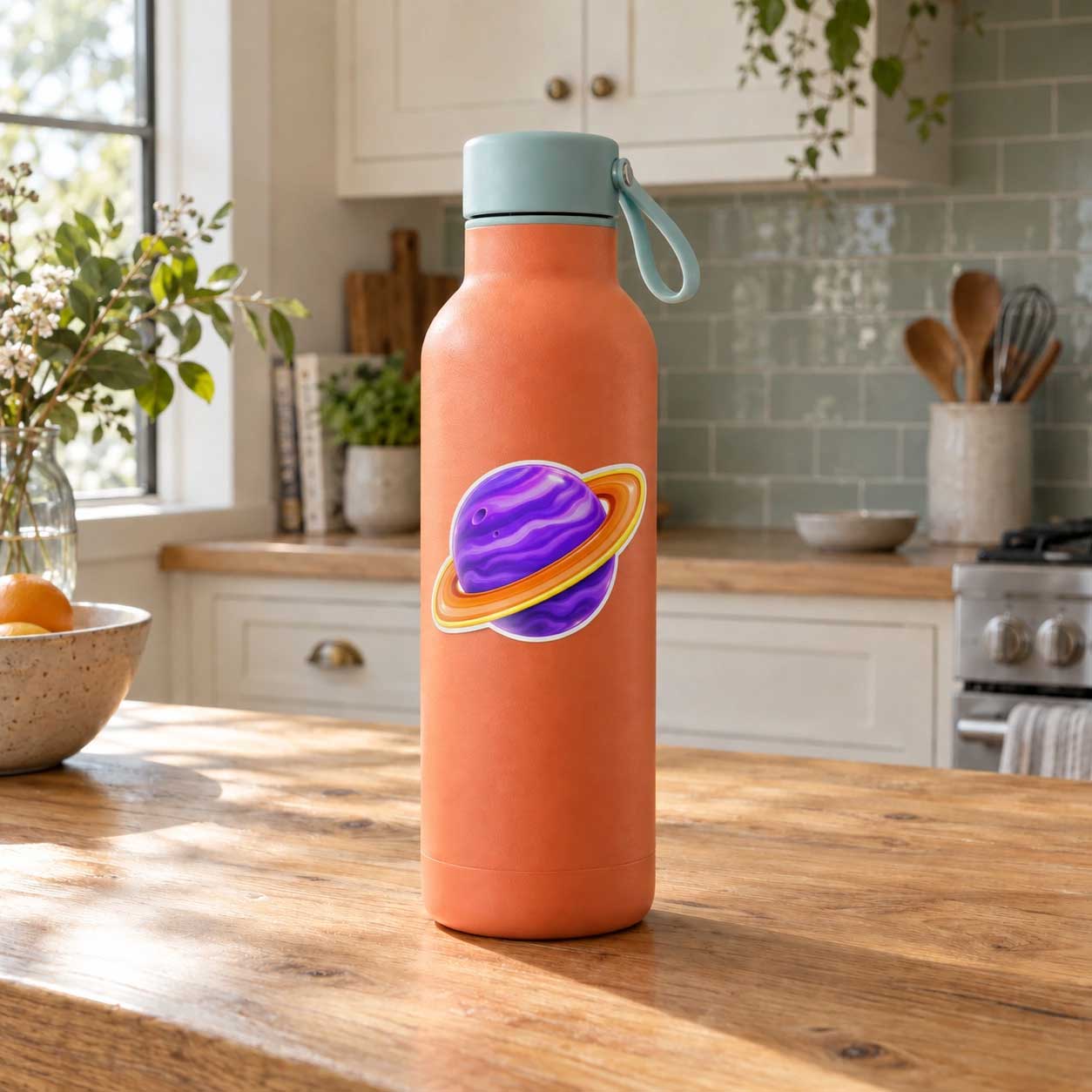
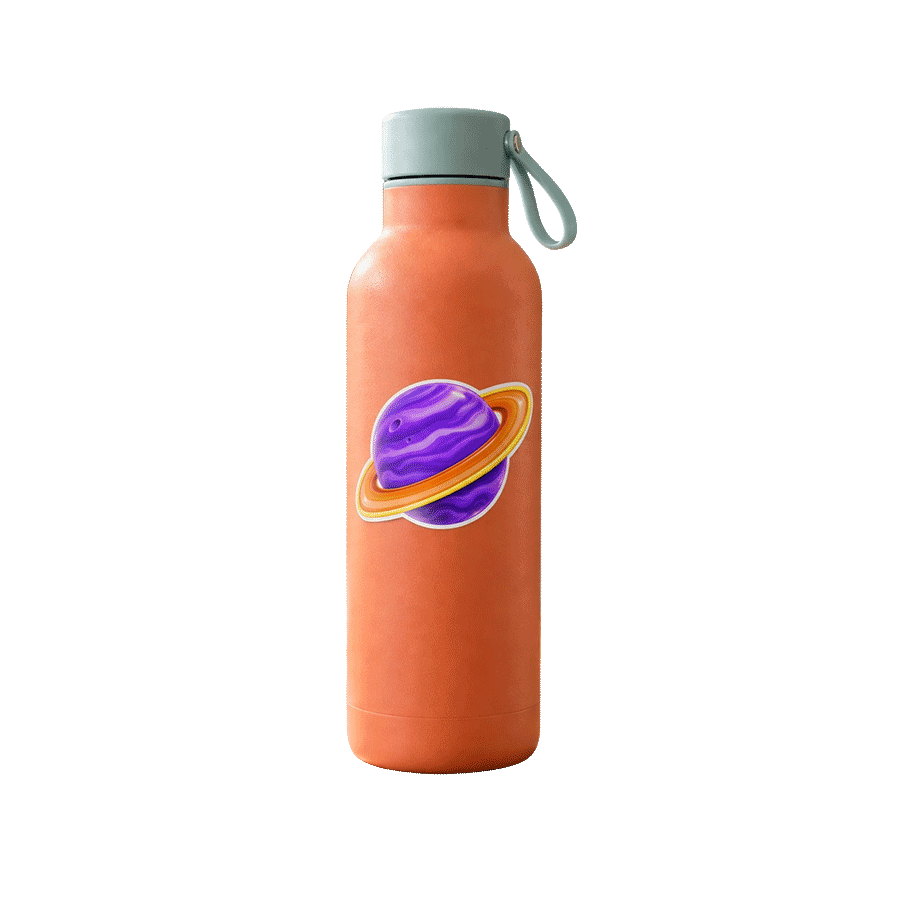
Layered outlines, custom strokes, and paper cutout effects applied to a transparent PNG image.

Clean Image Cutouts with Sharp, Precise Edges for Any Design

Get clean cutouts with sharp edges and no rough outlines. From fine hair to detailed product images, results stay accurate and consistent across different uses.

Start now
Professional background removal for product photography - Ice cream cutout

Remove Background Before and After Results

See real examples with clean edges, transparent PNG output, and results ready for web, social media, and more.

Result - Shoe without background
Original - Shoe with background

Background Removal Quality That Holds Up Across Web and Real-World Uses

Background removal quality matters most at the edges. Fine details like hair, shadows, and soft gradients can make the difference between a clean visual and a rough cut.

Jukebox's free background removal is optimized for high-resolution output across social, web, and print use cases. This ensures clean edges for digital content, accurate cut lines for stickers, and consistent results across different formats.

The output is not just a transparent PNG. It is designed to hold up across real-world applications including social media graphics, website assets, packaging, and printed materials where precision matters.

Clean edge detection originalClean edge detection removed

Clean, Sharp Edges with No Rough Outlines

Hair, shadows, and curves stay smooth with no rough outlines or broken edges.

Fox illustration originalFox illustration removed

Works Across Photos, Logos, and Graphics

Photos, logos, graphics. Social, web, print. One result that holds up everywhere.

Candle label originalCandle label removed

Clean Results That Hold Up in Real-World Use

Clean edges that stay usable across packaging, branded materials, and other polished outputs without extra cleanup.

How to remove background from image

Drop in your image and get a clean cutout in seconds. No selecting, no tracing, no effort.

Background removal works by figuring out what matters in your photo and erasing everything else. It handles the tricky stuff too, think wispy hair, soft shadows, curved edges, all without you lifting a finger.

What you get back is a sharp, natural-looking cutout with smooth edges and real detail intact. Ready to use exactly as is.

Download your transparent PNG and place it anywhere. A new background, a product mockup, a social graphic. It just works.

  • No manual selection needed
  • Fine details like hair and shadows stay intact
  • Instant transparent PNG download
  • Great for social, print, and everything in between
Background removal result - clean cutout
Original image before background removal

Jukebox vs Adobe vs Canva vs remove.bg Background Removal for Print

Compare free access, file limits, batch processing, free 4× image upscaling, transparent PNG output, image shape masking, creative cutout effects, and print-ready sticker workflows.

JukeboxAdobeCanvaremove.bg
Primary workflowBackground removal, built-in 4× upscaling, image shape masking, creative cutout effects, and direct Sticker Maker handoffAdobe Express for quick background removal and design; Photoshop for detailed editing and maskingGeneral design suite with background removal, frames, AI tools, and Canva PrintStandalone background removal service with web, desktop, and API workflows
Free access and signupFree background removal with no signup or credits requiredAdobe Express background removal is free, with no account required to get started. Photoshop requires a paid planCanva account required. Unlimited Background Remover use requires Canva ProFree website previews up to 0.25MP. High-resolution downloads require credits
Batch processingUp to 50 images per batchAdobe Express processes individual uploads; bulk background removal is available through separate Adobe enterprise workflowsRemove backgrounds from complete folders, selected images, or images in Canva SheetsBulk processing is available through the desktop app, command-line tools, and API
Upload and resolution limitsJPG, PNG, or WebP up to 25MB per fileJPEG, JPG, PNG, or WebP up to 40MB in the Adobe Express quick actionJPEG, PNG, HEIC/HEIF, or WebP up to 50MB and 250 million total pixelsJPG, PNG, or WebP up to 22MB; high-resolution output supports up to 50MP depending on format
Free image upscalingBuilt directly into the background remover. Upscale the finished cutout up to 4× with no signup, credits, or paid plan requiredAvailable separately through Adobe Firefly at 2× or 4×. An Adobe account is required, and free use is limited by daily generationsAvailable separately through Canva Image Upscaler. An account is required, and Canva Free use draws from a limited monthly AI allowanceNo image upscaler is documented in the remove.bg web editor. Free downloads are limited to previews up to 0.25MP; high-resolution downloads require credits
Transparent PNG outputFree high-resolution transparent PNGFree transparent PNG through Adobe Express; Photoshop supports masked and layered filesHigh-resolution PNG output; unlimited Background Remover use requires Canva ProFree preview PNG up to 0.25MP; high-resolution output requires credits
Refinement toolsErase and restore tools with hard or soft edge controlsAdobe Express editing tools; Photoshop Select and Mask and layer masksErase and Restore brushes with brush-size controlMagic Brush erase and restore
Image shape maskingMask your background-free image into circles, hearts, stars, bursts, flowers, leaves, geometric shapes, and dozens of other presets. Reposition the image inside the shape, then add fills, gradients, outlines, and effectsAdobe Express Crop & Shape crops images into circles, hearts, stars, ovals, and other preset shapesCanva Frames crop images into a wide range of frame shapesNo image-to-shape masking feature is documented in the remove.bg web editor
Creative cutout effectsOutline, Layers, and Paper presets. Stack and reorder multiple subject-following strokes with solid or gradient colours, thickness controls, and Regular, Fade, Jagged, Zigzag, or Wavy edgesAdobe Express offers filters, shadows, shapes, and design elements. Photoshop can build strokes manually; no equivalent one-click multi-layer cutout panel is documentedFull editor with frames, borders, shadows, and filters; no comparable native multi-layer subject-outline stack is documentedMagic Background, Magic Brush, and AI Shadow; no comparable layered-outline or Paper preset is documented
Background optionsAI backgrounds, stock photography, personal uploads, solid colours, and gradients, all inside the same editor with no login requiredFirefly generation, Adobe Stock, colour backgrounds, uploaded images, and design tools in Adobe Express and PhotoshopBG Generator, stock assets, uploaded images, colours, gradients, and a full design editorMagic Background and replacement colours or images, with Canva integration for further design
Sticker and cut-line workflowSend the cutout directly to Jukebox Sticker Maker. The image contour automatically becomes the die-cut shape, with an adjustable border and production cut lineNo automatic sticker cut-line workflow is documented; cut paths can be created manually in Photoshop or IllustratorCanva Print offers custom die-cut sticker ordering, but no separate downloadable production cut-line PDF is documentedNo automatic sticker cut-line or print-ready sticker PDF is documented
Print-ready outputDownload a high-resolution, print-ready PDF with visible production cut lines, or continue directly to sticker printingContinue editing or export the design; production cut paths and print setup require separate stepsExport the design or order through Canva Print; no separate downloadable production cut-line PDF is documentedDownload the cutout or continue editing in Canva; no direct print-production file workflow is documented

Comparison based on official vendor information verified September 2, 2026. Features, limits, and availability may change. All third-party names and trademarks belong to their respective owners; no affiliation or endorsement is implied.

Background Removal for Photos, Products, and Design Projects

Turn images into high-resolution transparent PNGs in seconds.

Photos for products

Clean up product images for websites, marketplaces, packaging, and catalogs. Perfect for listings, promos, and online stores.

Logos and graphics

Turn logos, illustrations, and design files into transparent PNGs you can reuse across web, social, and print projects.

Stickers and print

Create clean cutouts for stickers, labels, and print-ready artwork. Ideal for die-cuts, packaging, and custom printing.

Common Questions.

Yes. Your images are transferred to our servers SSL/TLS-encrypted, and they stay encrypted while they are stored with us. We use them only to remove the background from your image.
 
Your image is never sent to a third party. The background is removed on our own servers, by a model we run ourselves. Everything you do afterwards, including filters, outlines, shapes and text, happens inside your own browser and is never uploaded at all.
 
We do not publish your images, we do not sell them, and we do not share them with anyone. There is no public gallery, no listing, and nothing for a search engine to find. No signup or account is required, so nothing you upload is tied to a person.
 
Your recent cutouts are saved in your own browser, so you can come back later and pick up where you left off without uploading again. That history lives on your device, not on our servers. The original image you uploaded is deleted from our processing servers automatically after 30 days. If you go on to order a printed product, we keep that artwork with your order so we can print it.

To remove the background from an image for free, simply upload your photo and let the background removal tool do the work. In seconds, the background is removed automatically and your image is ready to download as a transparent PNG.

Jukebox's background removal tool is built with real design and print use in mind. The background removal is clean, detailed, and consistent, making it ideal for stickers, labels, product images, and other print-ready designs.

Yes. Background removal is the first step when creating custom stickers. Once the background is removed, you can send your image directly into the sticker maker to continue designing and prepare it for die-cut printing.

Yes. When you use background removal, the background is automatically removed and replaced with transparency. Your image downloads as a PNG file, which supports transparent backgrounds and works on any surface or design.

Background removal works best with clear, high-resolution images where the subject stands out from the background. JPG, PNG, and WebP files are supported, and higher-quality images produce the cleanest results.

Yes. The background removal tool is free to use, with built-in usage limits in place to keep the tool fast and available for everyone.

You can upload up to 50 images at once for batch background removal. Each file can be up to 25MB, and all major image formats are supported including JPG, PNG, and WebP. Each image is processed automatically and downloads as a high-resolution transparent PNG, ready for web, social, or print.

Yes. Jukebox includes a free image upscaler directly in the background remover. After removing the background, you can upscale your image up to 4x its original resolution for a larger, high-resolution transparent PNG with sharp, detailed results. It’s free to use with no signup or registration required.