
Upload an image
Choose a JPG, PNG or WebP, drag it onto the page, or paste it from your clipboard. No account needed.
 Background remover
Remove image backgrounds for free.
Download in HD.
JPG, PNG or WebP · 25 MB each · Up to 50 images
By uploading, you agree to our terms and privacy policy.
Over 4 million backgrounds removed this year.

No image? Try a sample
JPG, PNG or WebP. Up to 25 MB per image and 50 images per batch.
Downloads have no watermark.
By uploading, you agree to our terms and privacy policy.
Clean edges around fine hair, fur and delicate details for a natural-looking result.

Use our free BG remover to remove backgrounds from portraits, product photos and everyday images. Download a transparent PNG with no signup or watermark.
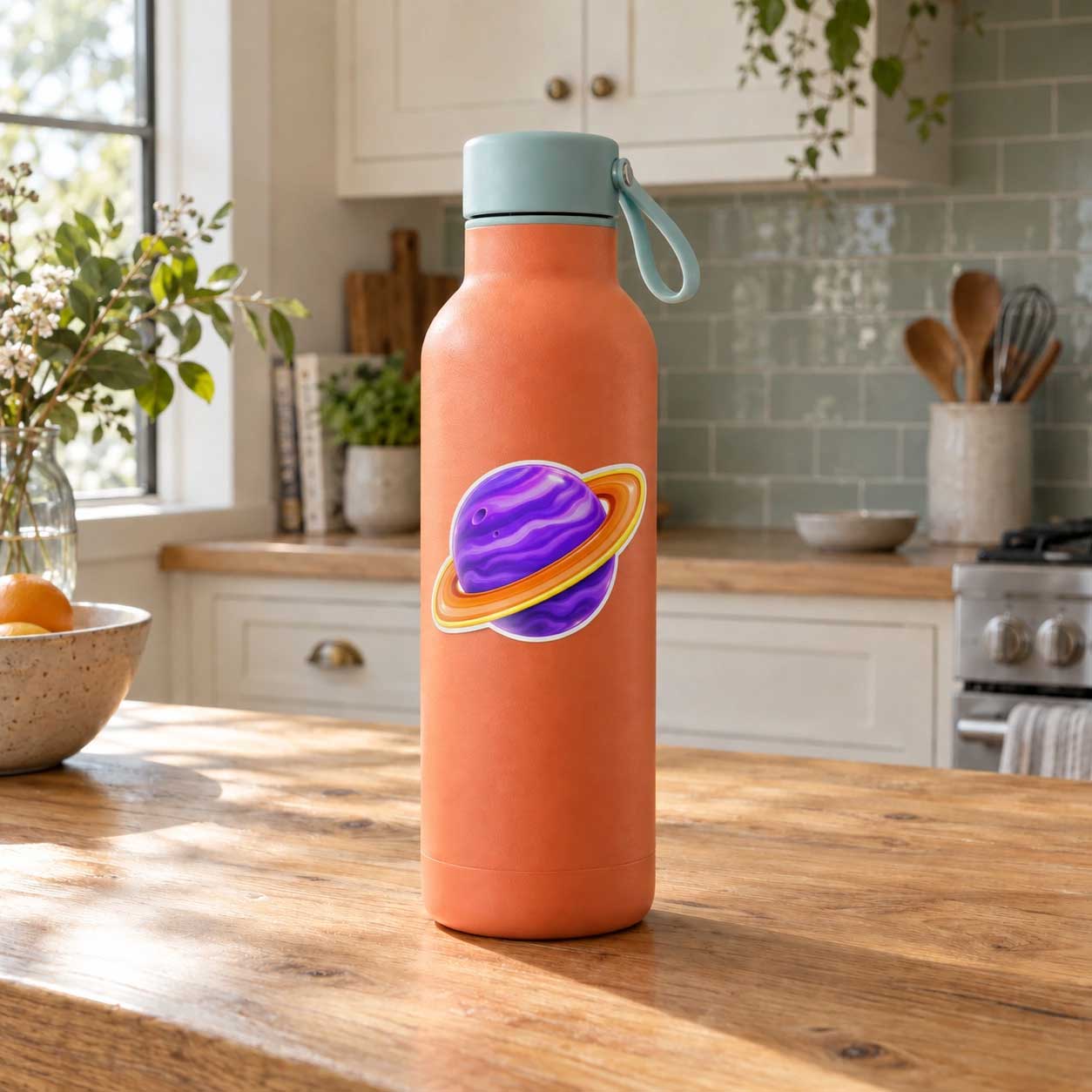
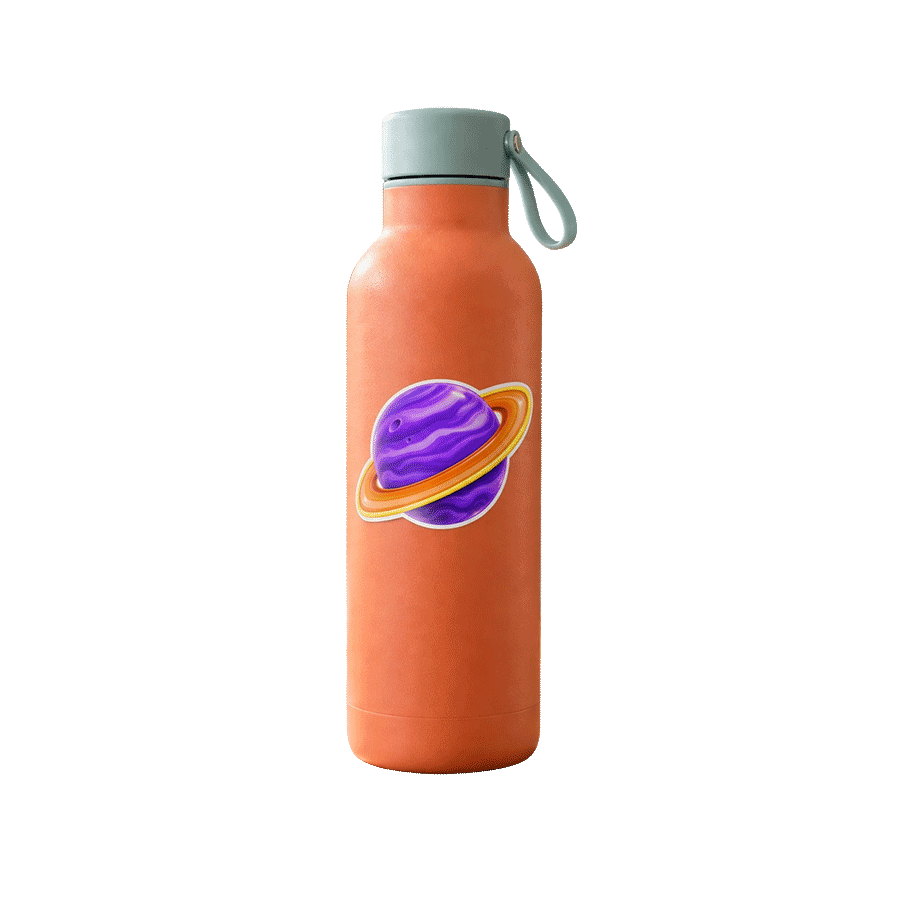

After removing the background, choose 4× in the download options for a larger cutout. Results depend on your original image.
Illustrative preview: a low-resolution sample compared with its sharp source. Actual results vary by image.
Choose a JPG, PNG or WebP, drag it onto the page, or paste it from your clipboard. No account needed.
Keep the background transparent or try colors, photos, outlines and effects. Use Erase and Restore for touch-ups.
Save your image as a PNG for your website, presentation or social post. Keep the background transparent or download with the background you added.
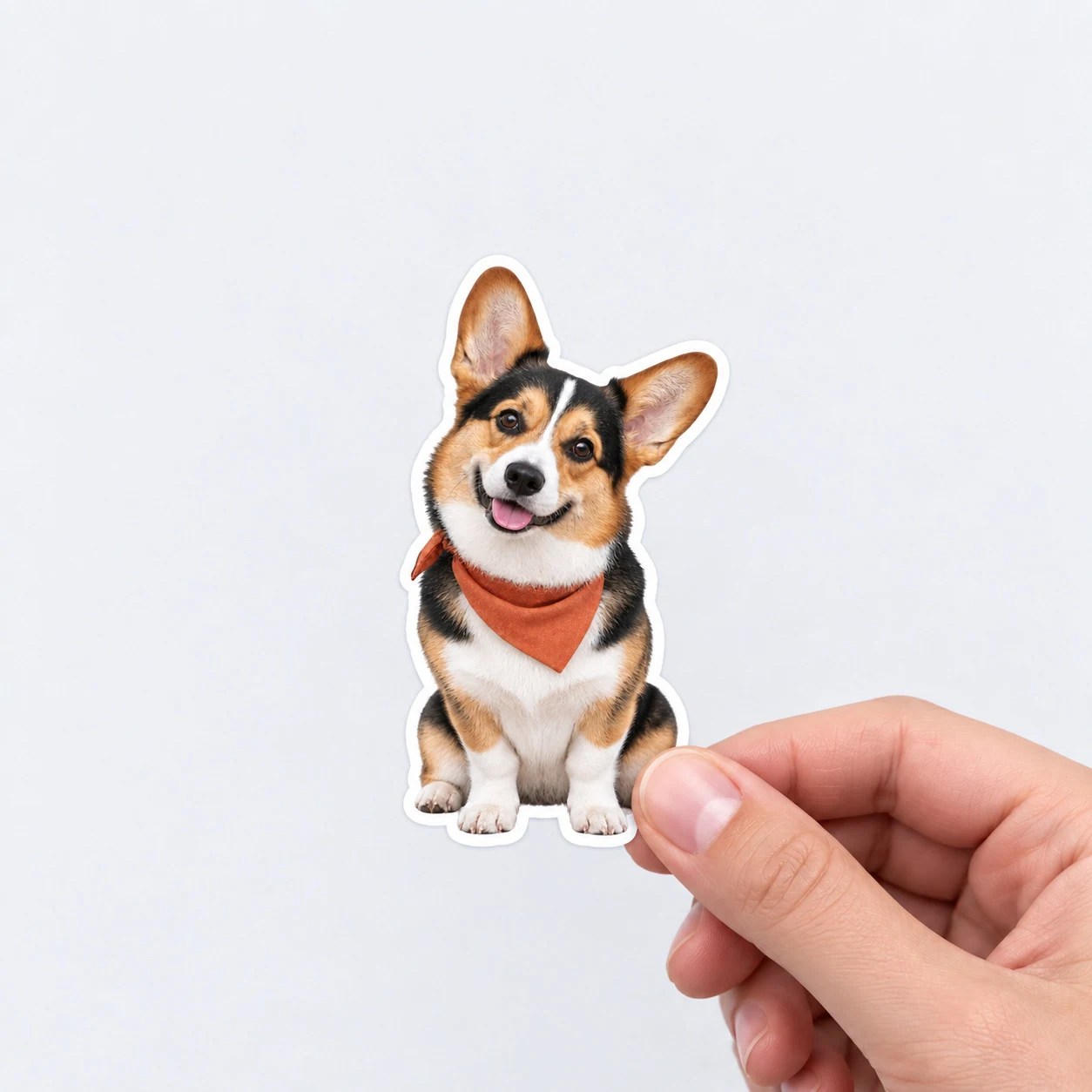
Upload your image and use Jukebox’s advanced background removal tools for web and print. Download a transparent PNG, choose free 4× upscaling, and use your cutout on websites, social media, business cards, stickers and posters.
Yes. Your images are transferred to our servers SSL/TLS-encrypted, and they stay encrypted while they are stored with us. We use them only to remove the background from your image.
Your image is never sent to a third party. The background is removed on our own servers, by a model we run ourselves. Everything you do afterwards, including filters, outlines, shapes and text, happens inside your own browser and is never uploaded at all.
We do not publish your images, we do not sell them, and we do not share them with anyone. There is no public gallery, no listing, and nothing for a search engine to find. No signup or account is required, so nothing you upload is tied to a person.
Your recent cutouts are saved in your own browser, so you can come back later and pick up where you left off without uploading again. That history lives on your device, not on our servers. The original image you uploaded is deleted from our processing servers automatically after 30 days. If you go on to order a printed product, we keep that artwork with your order so we can print it.
Upload a JPG, PNG or WebP, or paste it from your clipboard. The background is removed automatically in a few seconds and you download a transparent PNG. No account, no watermark, no payment.
Upload the image and the background is replaced with transparency automatically. Download it as a PNG, which keeps the transparent background. JPG does not support transparency, so choose PNG when you need it.
Yes. The cutout is made at your original resolution, and the edges around hair, fur and clothing are kept. If the original is small, choose 4x when you download to get a larger image.
Yes. It runs in the browser on iPhone and Android with nothing to install. Upload from your camera roll, then save the PNG back to your phone or share it directly.
Yes. It works on photos, logos, graphics and scanned signatures, and you get a transparent PNG back. For a signature, photograph it on plain white paper in good light for the cleanest result.
The best one is the one that gives you a clean edge with no signup and no watermark, and lets you keep working on the image afterwards. Jukebox removes the background for free, then lets you change the background, add outlines, crop a profile picture or upscale, all in the same place.
Yes. Upload up to 50 images at once, up to 25 MB each, and each one is processed and downloaded separately as a transparent PNG.
Not to worry. Enter the email address you used when you joined and we’ll send you instructions to reset your password.



