 Background remover
Remove Background
Remove image backgrounds in seconds and download high-resolution transparent PNGs with clean edges and free 4× HD Upscale. Add filters, outlines, paper cutout effects, and creative image styles to finish your cutout instantly. Designed for photos, products, stickers, and graphics across web, social media, and print. Free to use with no registration required.
JPG, PNG or WebP · 25 MB each · Up to 50 images
By uploading, you agree to our terms and privacy policy.
Over 4 million backgrounds removed this year.
to use


No image? Try a sample
Create transparent PNGs with fine detail
Preserve clean alpha edges around flyaway hair, pet fur, complex clothing, and translucent contours. Need manual touch-ups? Open the built-in editor to refine any mask with hard or soft Erase and Restore brushes.


Remove backgrounds for product photos, e-commerce & logos
Upload product shots, cars, headshots, logos, and handwritten signatures right above to isolate your subject in seconds. Keep a transparent PNG or switch to a pure white backdrop for e-commerce product photos on Shopify, Amazon, Etsy, and social media catalogs.
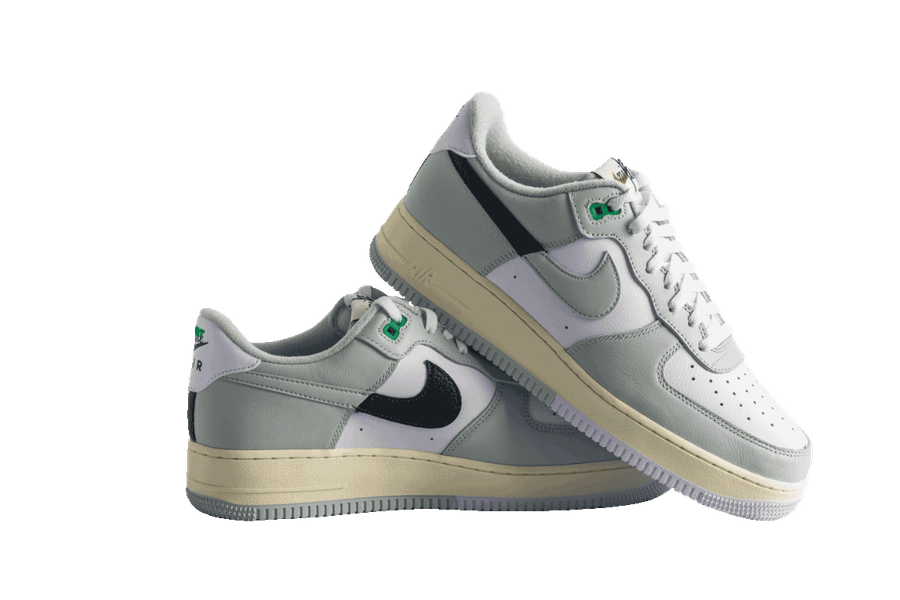
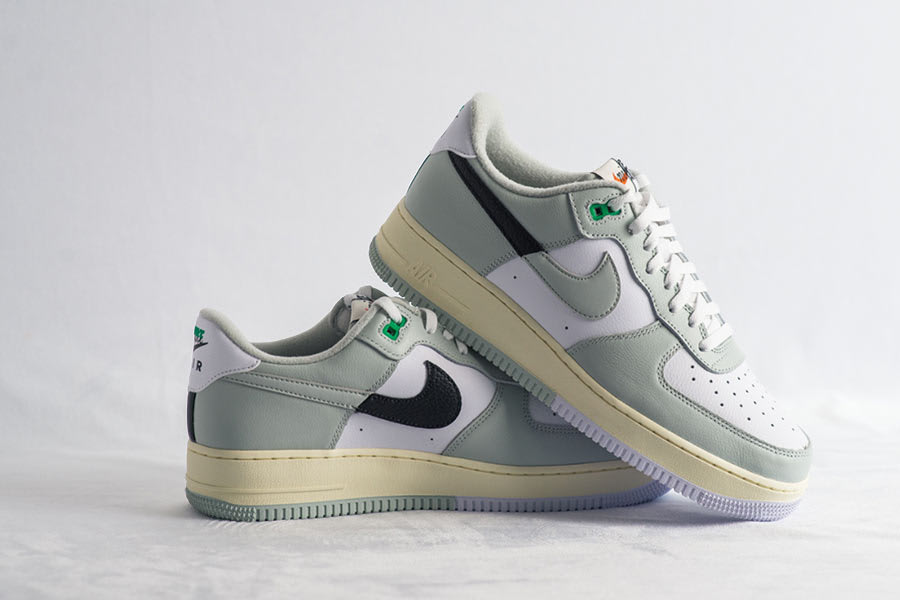
Remove backgrounds & upscale 4× in HD
Upload up to 50 images at once for fast bulk cutouts. While some online tools cap free downloads at preview resolutions or require paid credits for higher-resolution exports, Jukebox lets you download each cutout at its original uploaded pixel dimensions, or select 4× HD Upscale directly in the download menu to quadruple your cutout’s width and height (16× total pixels) for free, with no signup or watermark.
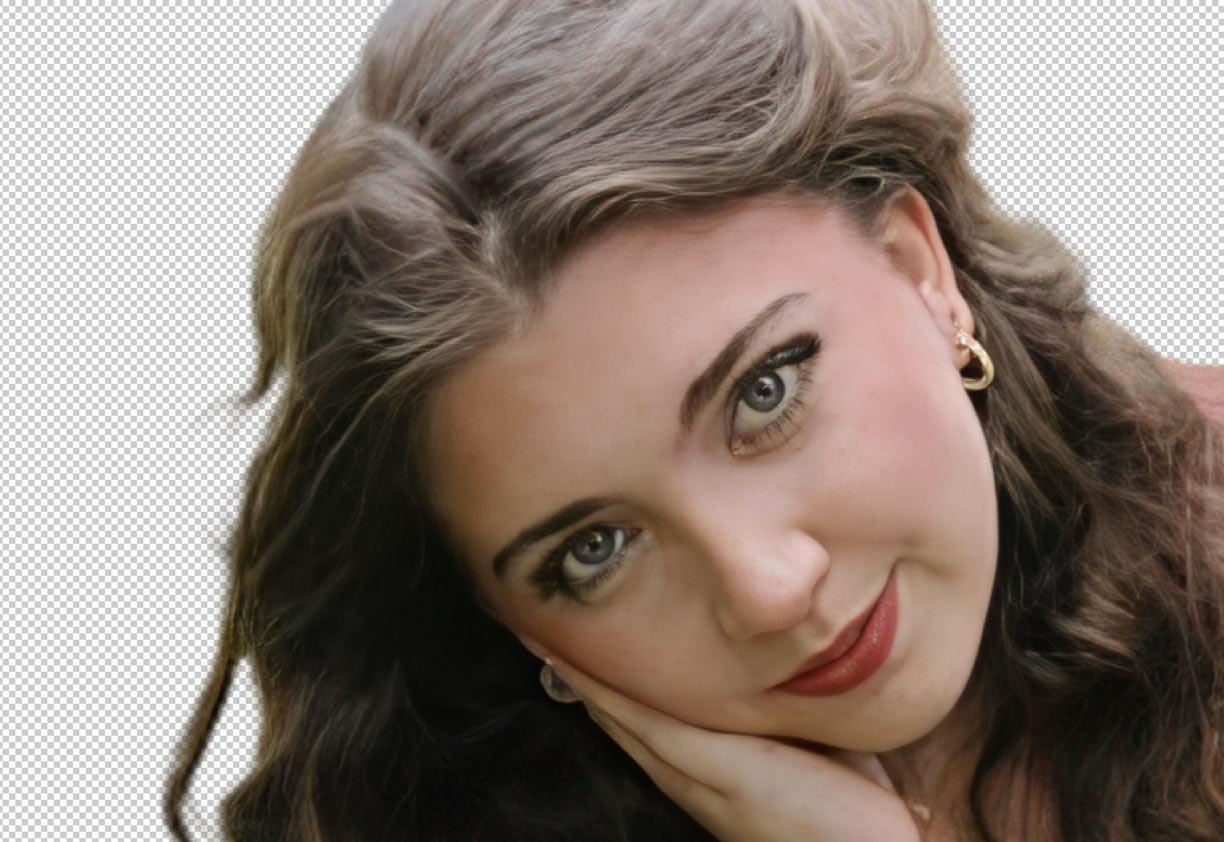

How to remove a background from an image
- Upload an image
Choose a JPG, PNG or WebP, drag it onto the page, or paste it from your clipboard. No account needed.
- Edit the cutout
Keep the background transparent or try colors, photos, outlines and effects. Use Erase and Restore for touch-ups.
- Download your PNG
Save your image as a PNG for your website, presentation or social post. Keep the background transparent or download with the background you added.
Edit your cutout with Magic Brush, filters & custom backgrounds
Most background removers stop at a plain cutout or lock editing behind a paywall. Jukebox includes a free design studio in your browser to refine edges, stack sticker outlines, apply photo filters, or add new backgrounds before you download.


Magic Brush: erase and restore
Touch up tricky cutouts right in your browser. Switch between Erase and Restore with adjustable brush sizes and hard or soft edges.
Photo, halftone and glitch filters
Change the look of your cutout in one click with built-in vintage, duotone, halftone, dither, sketch, watercolor, and glitch effects.
Multi-layer outlines and shadows
Stack custom outline layers around your cutout with adjustable colors, thickness, and wavy or jagged styles, plus one-click drop shadows.
Shapes and clipping masks
Frame any cutout into hearts, circles, stars, shields, and badges with custom solid or gradient fills for the shape and canvas.
Text behind subject and curved text
Add custom typography with curved text, outlines, and rotation controls. Place text behind your subject for depth or in front for posters.
Custom backgrounds and stock photos
Describe any scene to generate a custom studio or marble backdrop, or browse curated stock photos across nature, abstract, and minimal themes.
Remove backgrounds for stickers and print
Upload your artwork above for both digital and print production. Download a full-resolution transparent PNG, apply free 4× upscaling, or add die-cut sticker outlines before taking your cutout straight into custom die-cut stickers, custom stickers, sticker sheets, business cards, and posters.
Free background remover comparison: Jukebox vs Adobe vs Canva vs remove.bg
A side-by-side look at officially published file size caps, pixel resolution limits, account requirements, batch processing rules, and print workflows across each platform.
Compare Jukebox with
| What is compared | Jukebox | Adobe | Canva | remove.bg |
|---|---|---|---|---|
| Price | JukeboxFree. Every feature is included, with no credits and no watermark | AdobeFree with an Adobe account and a daily allowance. Photoshop requires a paid plan or trial | CanvaBackground Remover is not on the free plan. It comes with paid plans (Canva Pro or Business) and verified Education and Nonprofit accounts | remove.bgFree low-resolution preview. Full-resolution downloads require paid credits |
| Account required | JukeboxNo. Upload, edit and download without signing up | AdobeAn Adobe account is needed for free removal in Firefly and to save projects in the Adobe Express editor | CanvaYes. A Canva account on a paid plan, an eligible trial, or a verified Education or Nonprofit account | remove.bgNo for the low-resolution preview. An account is needed for full-resolution downloads |
| Free download resolution | JukeboxFull original resolution, plus optional free 4× HD upscaling at download | AdobeImports up to 4K × 4K in the Adobe Express photo quick action | CanvaNot available on Canva Free | remove.bg0.25 MP preview (for example 625 × 400 px) |
| Maximum file size and dimensions | JukeboxJPG, PNG or WebP up to 25 MB per image | AdobeUp to 40 MB and 4K × 4K in the Express photo quick action. Up to 50 MB in Firefly | CanvaPhotos under 9 MB. Photos over 10 MP are downscaled to 10 MP | remove.bgUp to 22 MB. Paid output up to 10 MP for PNG, or 50 MP for JPG, WebP and ZIP |
| Bulk upload (images at once) | JukeboxUp to 50 images at once in your browser, with free ZIP download | Adobe1 image at a time in the web quick action. Bulk removal on enterprise plans | CanvaUp to 50 images in a Project folder, on paid plans | remove.bg1 upload at a time on the web. Bulk processing needs the desktop app, CLI or API |
| Daily limit | JukeboxNo daily limit. Remove as many backgrounds as you need | AdobeA daily allowance of free uses with an Adobe account. Unlimited use requires a paid plan | CanvaUp to 500 images every 24 hours, on paid plans | remove.bgFree previews only. Each full-resolution download uses one paid credit |
| Magic Brush (erase and restore) | JukeboxYes, free. Erase and Restore modes, adjustable brush size, Hard or Soft edge, with Undo, Redo and Reset | AdobeErase and Restore brushes in the Adobe Express editor. Select and Mask in Photoshop on a paid plan | CanvaErase and Restore brushes on paid plans | remove.bgMagic Brush erase and restore in the web editor |
| Built-in photo filters | JukeboxBuilt-in filters, including Halftone, Dither, Glitch, Datamosh, Sketch, Duotone, Neon glow, Chrome and Vintage | AdobeFilters and color adjustments in the Adobe Express editor | CanvaPhoto filters and effects in the Canva editor | remove.bgFocused on background cutouts, shadows and blur; full photo filters require opening the cutout in Canva |
| Multi-layer sticker outlines | JukeboxStacked outline layers with Regular, Fade, Jagged, Zigzag or Wavy edges, plus a Paper cutout preset | AdobeSingle outlines, shadows and filters in Adobe Express. Multi-stroke stacks are built by hand in Photoshop | CanvaShadows, borders and effects. Multi-layer contoured outlines need manual layering | remove.bgIncludes background and shadow effects; multi-layer sticker outlines require editing in Canva |
| Shape clipping | JukeboxShapes and clipping masks, including hearts, circles, stars, shields and badges, with color and gradient fills for the shape and the canvas | AdobeCrop and Shape masks images into circles, hearts, stars, ovals and preset shapes | CanvaFrames crop images into a wide library of shapes | remove.bgShape cropping and frames require opening the cutout in Canva |
| Custom text and text behind the subject | JukeboxYes, free. Place text in front of or behind the subject, with curve, outline, rotation and opacity controls | AdobeText tools in the editor. Text behind a subject is built by layering by hand | CanvaText tools in the editor. Text behind a subject is built by layering by hand | remove.bgAdding text layers requires opening the cutout in Canva |
| Custom background generator | JukeboxYes, free. Type a scene prompt, start from quick prompts like Studio backdrop, Marble surface and Sunset sky, or search stock photos | AdobeFirefly generated backgrounds, with an Adobe account and generative credits | CanvaGenerated backgrounds and scene tools, subject to plan allowances | remove.bgMagic Background in the web editor |
| Solid color and gradient backdrops | JukeboxYes. Pure white, any custom color, and linear or radial gradients | AdobeSolid colors, custom uploads and templates | CanvaSolid colors, gradients and templates, after removing the background on a paid plan | remove.bgSolid colors, preset photos and custom uploads |
| Built-in 4× HD upscaling | JukeboxYes, free. Choose Original or 4× HD when you download | AdobeAvailable via Adobe Firefly Upscaler (2× or 4×) with an Adobe account | CanvaSeparate Image Upscaler apps, subject to plan allowances | remove.bgNo built-in 4× upscaler in the standalone web editor |
| Print and die-cut sticker workflow | JukeboxYes. Send the cutout straight to Jukebox Sticker Maker for an automatic cut line and a print-ready PDF | AdobeSticker design templates in Adobe Express; does not export a separate print-ready cut-line PDF | CanvaSticker templates and Canva Print ordering in the editor; does not export a separate cut-line dieline PDF | remove.bgNo die-cut cut-line generator or print workflow in the web tool |
| Export formats | JukeboxTransparent PNG, PNG with your background, ZIP for batches, and print-ready PDF through Sticker Maker | AdobePNG, JPG and PDF | CanvaPNG, JPG and PDF. Transparent PNG needs an eligible paid plan | remove.bgPNG, JPG, WebP and ZIP |
| Watermark on free downloads | JukeboxNever | AdobeNo watermark | CanvaBackground Remover is not available on Canva Free | remove.bgNo watermark. Free downloads are limited to 0.25 MP |
| Privacy and processing | JukeboxUploads are SSL/TLS encrypted. Filters, brushes, shapes and text are applied in your browser | AdobeFiles are stored with your Adobe account | CanvaFiles are stored in your Canva account | remove.bgUploads are deleted after about 60 minutes |
Sources & Legal Disclosure: All third-party specifications are sourced directly from each provider’s official help center, pricing page and API documentation (including Canva Help Center “Remove photo and video backgrounds,” remove.bg Help Center and API Reference, and Adobe Express “Photo quick action file requirements”). Features, prices, free-tier allowances, and file limits are subject to change by their respective vendors. Adobe®, Adobe Express®, Photoshop®, Firefly®, Canva®, and remove.bg® are registered trademarks of their respective owners; Jukebox Print is not affiliated with or endorsed by any third-party brands listed.
More free design & print tools
All free tools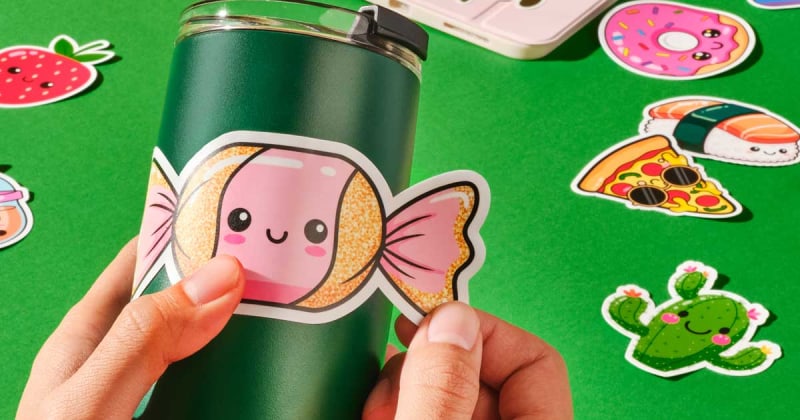
Sticker maker
Turn transparent cutouts into print-ready die-cut stickers.

Sticker sheet maker
Arrange multiple cutouts and print custom kiss-cut sticker sheets.
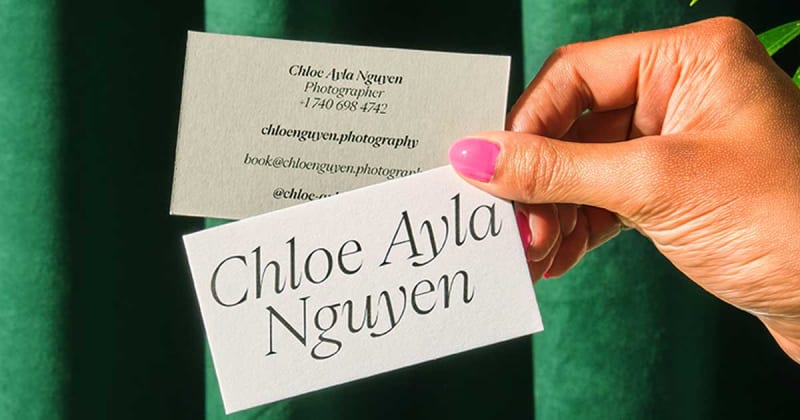
Business card maker
Create custom business cards and download print-ready files.
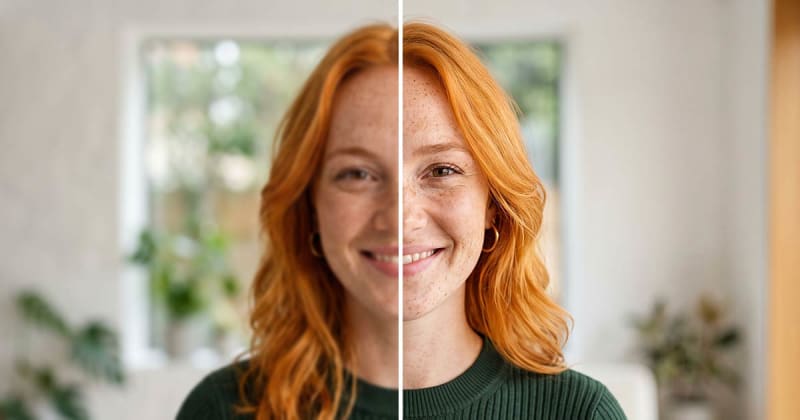
Image upscaler
Sharpen and enlarge low-resolution photos up to 4× in HD.