Remove Background
Remove backgrounds from images online in seconds and download high-resolution transparent PNGs with clean, accurate edges. Built-in 4x upscaling lets you remove a background without losing image quality and download your cutout at up to four times the original resolution. Add filters, outlines, paper cutout effects, and creative image styles to finish your cutout instantly. Designed for photos, products, and graphics across web, social media, and print. Free to use with no registration required.
Choose an image
Drag one in, or paste it from your clipboard
JPG, PNG, or WebP • 25MB per file • Up to 50 images at once
By uploading an image you agree to our terms of service.
This site is protected by Cloudflare Turnstile and our privacy policy applies.


Remove Background from Images Instantly with Clean, High-Resolution Results
Remove the background from any image in seconds and download a clean, high-resolution transparent PNG. Get sharp edges with no rough outlines, ready for web and social media. No signup required, just fast, reliable results that work across real use cases.
Try it now

Apply Free Image Filters After Removing a Background
Add colour filters to transparent PNGs in one click. After removing your image background, quickly adjust the look of your artwork with simple creative effects for stickers, labels, packaging, social media, and print. Free to use with no signup required.

Can I Remove a Background Without Losing Image Quality?
Yes. Remove your image background while keeping fine details and edges sharp. If your original image is small or low resolution, use the built-in upscaler to increase it up to 4x for a larger, higher-quality result that’s ready for web, social, or print.
Free Online Background Remover with Powerful Image Editing Tools
Add Layered Outlines, Custom Strokes, and Paper Cutout Effects
Our free online background remover does more than create a transparent cutout. Place your image inside custom shapes, add solid colour or gradient backgrounds, choose from stock photography, upload your own image, or generate an AI background. Finish it with layered outlines, custom strokes, paper cutout effects, filters, and adjustable edge styles to create polished graphics and sticker-ready artwork. Everything is built into one free editor with no signup required.

Clean Image Cutouts with Sharp, Precise Edges for Any Design
Get clean cutouts with sharp edges and no rough outlines. From fine hair to detailed product images, results stay accurate and consistent across different uses.
Start now
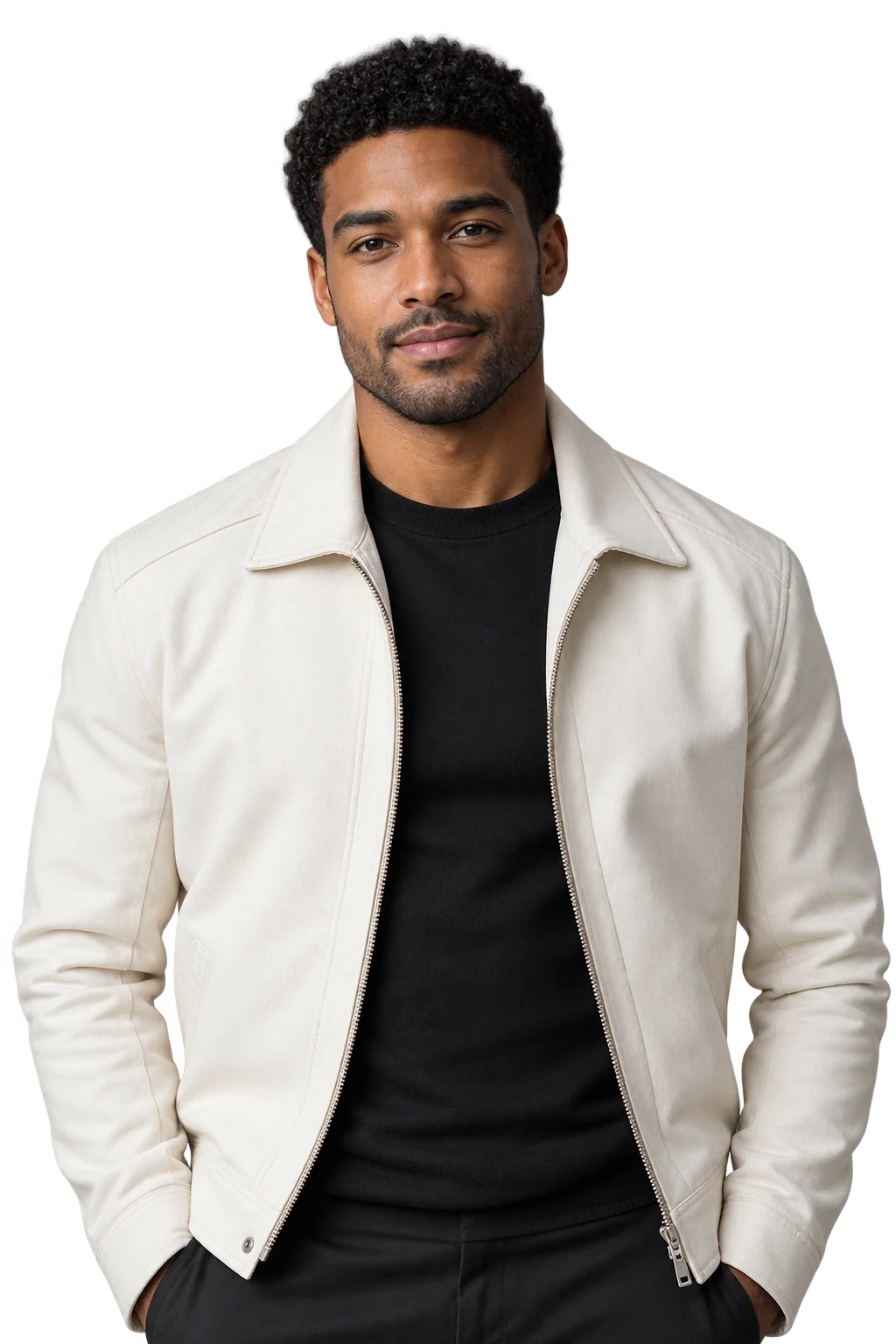
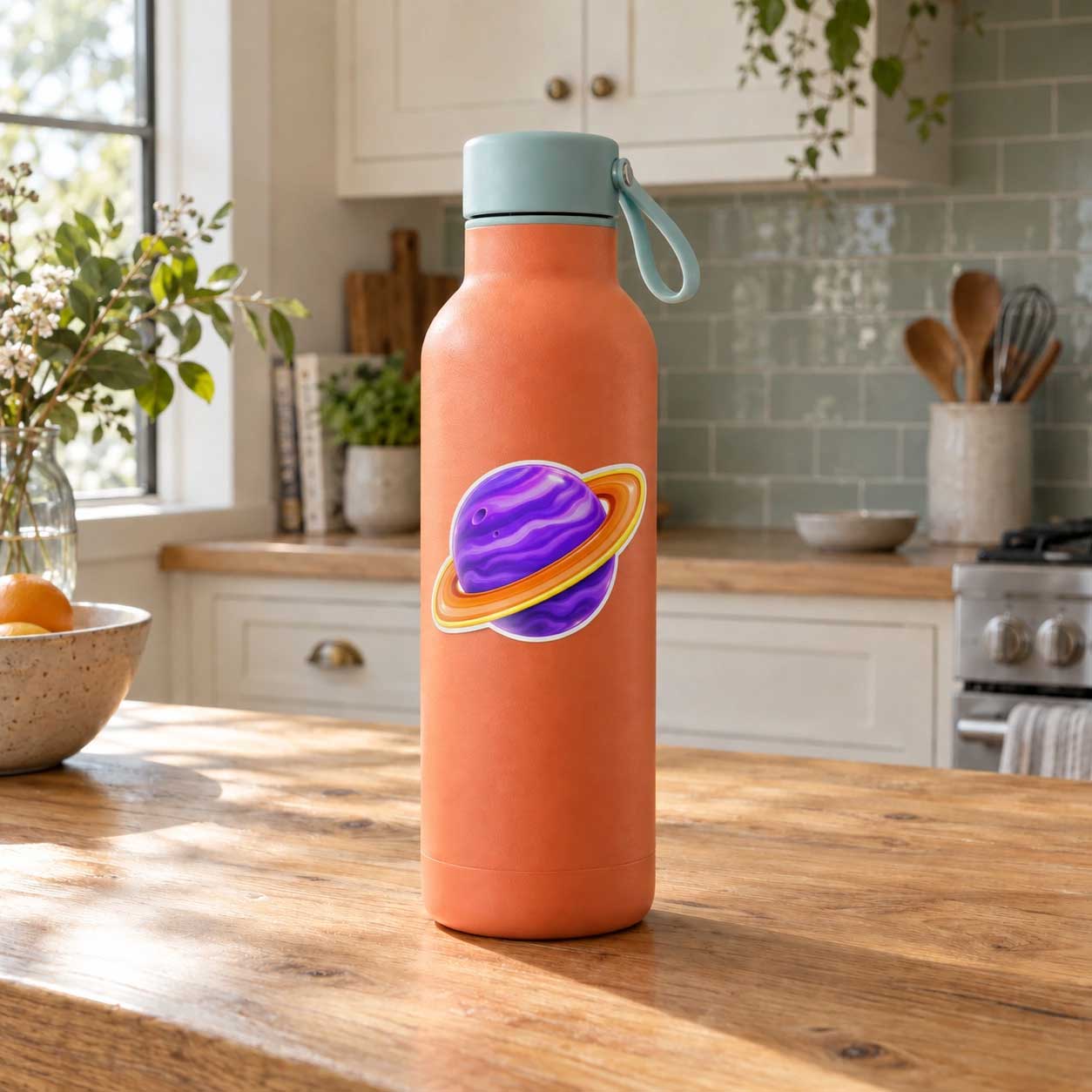
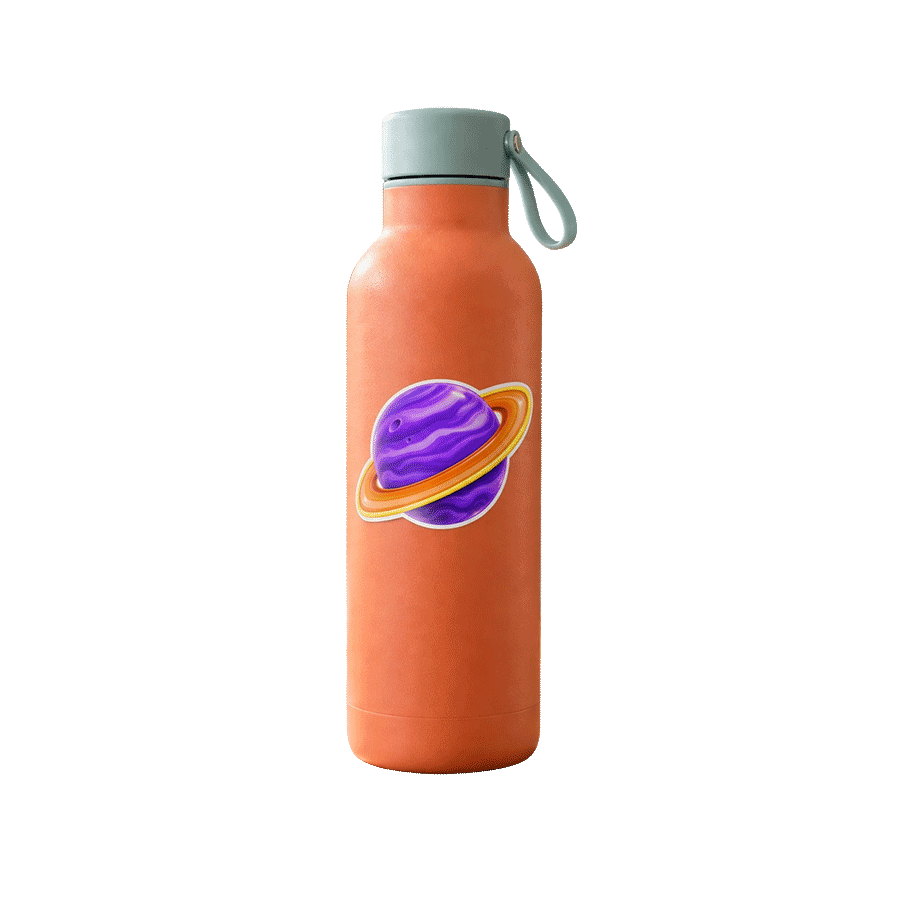
Remove Background Before and After Results
See real examples with clean edges, transparent PNG output, and results ready for web, social media, and more.

Background Removal Quality That Holds Up
Across Web and Real-World Uses
Background removal quality matters most at the edges. Fine details like hair, shadows, and soft gradients can make the difference between a clean visual and a rough cut.
Jukebox's free background removal is optimized for high-resolution output across social, web, and print use cases. This ensures clean edges for digital content, accurate cut lines for stickers, and consistent results across different formats.
The output is not just a transparent PNG. It is designed to hold up across real-world applications including social media graphics, website assets, packaging, and printed materials where precision matters.


Clean, Sharp Edges with No Rough Outlines
Hair, shadows, and curves stay smooth with no rough outlines or broken edges.


Works Across Photos, Logos, and Graphics
Photos, logos, graphics. Social, web, print. One result that holds up everywhere.


Clean Results That Hold Up in Real-World Use
Clean edges that stay usable across packaging, branded materials, and other polished outputs without extra cleanup.
How to remove background from image
Drop in your image and get a clean cutout in seconds. No selecting, no tracing, no effort.
Background removal works by figuring out what matters in your photo and erasing everything else. It handles the tricky stuff too, think wispy hair, soft shadows, curved edges, all without you lifting a finger.
What you get back is a sharp, natural-looking cutout with smooth edges and real detail intact. Ready to use exactly as is.
Download your transparent PNG and place it anywhere. A new background, a product mockup, a social graphic. It just works.
- No manual selection needed
- Fine details like hair and shadows stay intact
- Instant transparent PNG download
- Great for social, print, and everything in between


Jukebox vs Adobe vs Canva vs remove.bg Background Removal for Print
Compare free access, file limits, batch processing, free 4× image upscaling, transparent PNG output, image shape masking, creative cutout effects, and print-ready sticker workflows.
| Jukebox | Adobe | Canva | remove.bg | |
|---|---|---|---|---|
| Primary workflow | Background removal, built-in 4× upscaling, image shape masking, creative cutout effects, and direct Sticker Maker handoff | Adobe Express for quick background removal and design; Photoshop for detailed editing and masking | General design suite with background removal, frames, AI tools, and Canva Print | Standalone background removal service with web, desktop, and API workflows |
| Free access and signup | Free background removal with no signup or credits required | Adobe Express background removal is free, with no account required to get started. Photoshop requires a paid plan | Canva account required. Unlimited Background Remover use requires Canva Pro | Free website previews up to 0.25MP. High-resolution downloads require credits |
| Batch processing | Up to 50 images per batch | Adobe Express processes individual uploads; bulk background removal is available through separate Adobe enterprise workflows | Remove backgrounds from complete folders, selected images, or images in Canva Sheets | Bulk processing is available through the desktop app, command-line tools, and API |
| Upload and resolution limits | JPG, PNG, or WebP up to 25MB per file | JPEG, JPG, PNG, or WebP up to 40MB in the Adobe Express quick action | JPEG, PNG, HEIC/HEIF, or WebP up to 50MB and 250 million total pixels | JPG, PNG, or WebP up to 22MB; high-resolution output supports up to 50MP depending on format |
| Free image upscaling | Built directly into the background remover. Upscale the finished cutout up to 4× with no signup, credits, or paid plan required | Available separately through Adobe Firefly at 2× or 4×. An Adobe account is required, and free use is limited by daily generations | Available separately through Canva Image Upscaler. An account is required, and Canva Free use draws from a limited monthly AI allowance | No image upscaler is documented in the remove.bg web editor. Free downloads are limited to previews up to 0.25MP; high-resolution downloads require credits |
| Transparent PNG output | Free high-resolution transparent PNG | Free transparent PNG through Adobe Express; Photoshop supports masked and layered files | High-resolution PNG output; unlimited Background Remover use requires Canva Pro | Free preview PNG up to 0.25MP; high-resolution output requires credits |
| Refinement tools | Erase and restore tools with hard or soft edge controls | Adobe Express editing tools; Photoshop Select and Mask and layer masks | Erase and Restore brushes with brush-size control | Magic Brush erase and restore |
| Image shape masking | Mask your background-free image into circles, hearts, stars, bursts, flowers, leaves, geometric shapes, and dozens of other presets. Reposition the image inside the shape, then add fills, gradients, outlines, and effects | Adobe Express Crop & Shape crops images into circles, hearts, stars, ovals, and other preset shapes | Canva Frames crop images into a wide range of frame shapes | No image-to-shape masking feature is documented in the remove.bg web editor |
| Creative cutout effects | Outline, Layers, and Paper presets. Stack and reorder multiple subject-following strokes with solid or gradient colours, thickness controls, and Regular, Fade, Jagged, Zigzag, or Wavy edges | Adobe Express offers filters, shadows, shapes, and design elements. Photoshop can build strokes manually; no equivalent one-click multi-layer cutout panel is documented | Full editor with frames, borders, shadows, and filters; no comparable native multi-layer subject-outline stack is documented | Magic Background, Magic Brush, and AI Shadow; no comparable layered-outline or Paper preset is documented |
| Background options | AI backgrounds, stock photography, personal uploads, solid colours, and gradients, all inside the same editor with no login required | Firefly generation, Adobe Stock, colour backgrounds, uploaded images, and design tools in Adobe Express and Photoshop | BG Generator, stock assets, uploaded images, colours, gradients, and a full design editor | Magic Background and replacement colours or images, with Canva integration for further design |
| Sticker and cut-line workflow | Send the cutout directly to Jukebox Sticker Maker. The image contour automatically becomes the die-cut shape, with an adjustable border and production cut line | No automatic sticker cut-line workflow is documented; cut paths can be created manually in Photoshop or Illustrator | Canva Print offers custom die-cut sticker ordering, but no separate downloadable production cut-line PDF is documented | No automatic sticker cut-line or print-ready sticker PDF is documented |
| Print-ready output | Download a high-resolution, print-ready PDF with visible production cut lines, or continue directly to sticker printing | Continue editing or export the design; production cut paths and print setup require separate steps | Export the design or order through Canva Print; no separate downloadable production cut-line PDF is documented | Download the cutout or continue editing in Canva; no direct print-production file workflow is documented |
Comparison based on official vendor information verified September 2, 2026. Features, limits, and availability may change. All third-party names and trademarks belong to their respective owners; no affiliation or endorsement is implied.
Background Removal for Photos, Products, and Design Projects
Turn images into high-resolution transparent PNGs in seconds.
Photos for products
Clean up product images for websites, marketplaces, packaging, and catalogs. Perfect for listings, promos, and online stores.
Logos and graphics
Turn logos, illustrations, and design files into transparent PNGs you can reuse across web, social, and print projects.
Stickers and print
Create clean cutouts for stickers, labels, and print-ready artwork. Ideal for die-cuts, packaging, and custom printing.
More free tools for your next project
Calendar makerFree online calendar maker, add your photos and download a print-ready file
Pixel stretch generatorMake the pixel stretch effect online in seconds
Anti-AI text makerAnti-AI text maker for creating text that AI can't read
Color palettesBrowse 1,416 curated palettes by color, tone, mood and season
Font generatorCopy and paste fonts for Instagram, TikTok and Discord bios
Gradient makerMake vibrant custom gradients for web and print instantly
Bitmap makerTurn any photo into 1-bit dither and halftone bitmap art
Pattern generatorTurn any color palette into seamless geometric patterns
RGB to CMYK converterTrue CMYK conversion with a print ready download in seconds
Image upscalerSharpen and enlarge photos up to 4x without losing detail
Color palette generatorPull HEX, RGB, CMYK, and Pantone codes from any image
Contrast checkerCheck color contrast for accessible, readable designs
Convert DOC to PDFTurn any Word document into a print ready PDF instantly
Business card makerCreate custom business cards and download print ready files
Sticker sheet makerArrange your designs and print custom sticker sheets
Sticker makerDesign custom die cut stickers in any shape from your artwork
Instagram name makerTurn your Instagram handle into a custom sticker in secondsCommon Questions.
Yes. Jukebox includes a free image upscaler directly in the background remover. After removing the background, you can upscale your image up to 4x its original resolution for a larger, high-resolution transparent PNG with sharp, detailed results. It’s free to use with no signup or registration required.