


|
What is the difference between Offset and Digital printing?
Offset printing is our most commonly ordered and highest quality printing process. Our offset printing offers an amazing 420+ linescreen output (Stochastic Output) – this output is the sharpest quality around giving your pictures the best quality (most offset printers output 150-175 linescreen). Offset is the most cost effective (per unit) printing process for large quantities. Offset printing estimated turnaround is 5-12 business days depending on finishes. ![]() Click here to see the difference between 175 and 420 linescreen.
Digital printing is most suitable for small quantities (ie. 100 business cards) and when a fast turnaround is required (1-2 days for printing). The quality of digital printing is not as superior or sharp as offset printing.
We also have specialty digital large format machines exclusively for our Premium Posters. The prints from these printers are exquisite and very colour rich and sharp – the machine uses 11 inks (instead of just the usual 4 of CMYK) for exceptional colour accuracy and vibrancy. |
|||||||||||||
|
What paper stock options do you offer?
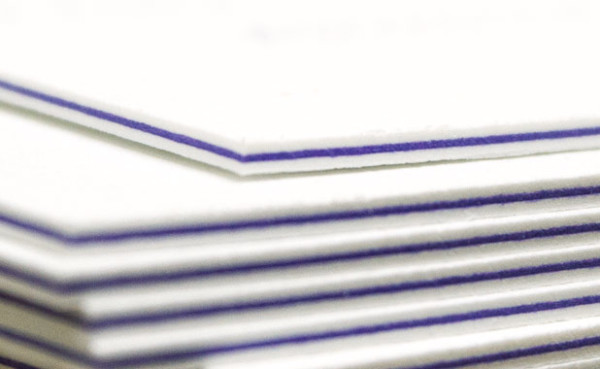
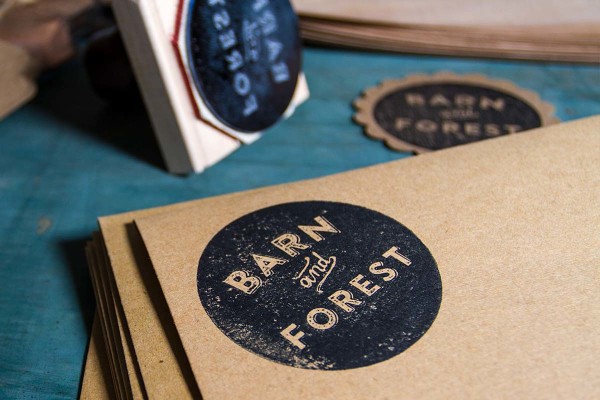
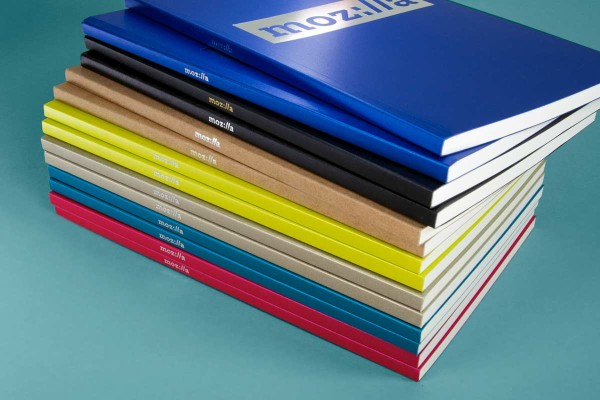
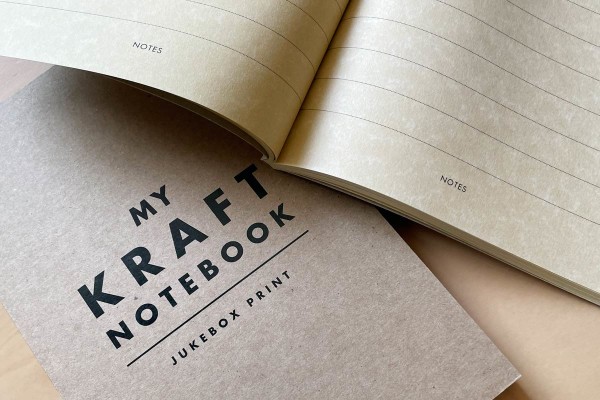
We have a wide range of paper stocks for our products. Most of our products are printed on bright white paper stock. We also have an new range of Brown Kraft paper that is offered with selected products (Business Cards, Flyers and Posters). Paper thickness for our cards is measured in points (PT) – the higher the number, the thicker the paper. Our Mega Thick 24pt business cards are some of the thickest available anywhere in the world. Click here for a comparison of paper thickness.
RECYCLED We offer a range of 100% recycled post-consumer waste recycled paper:
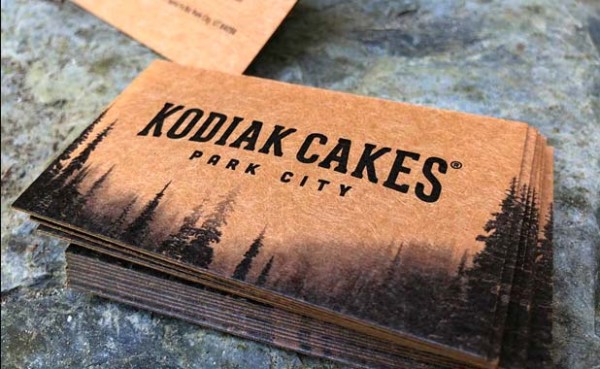
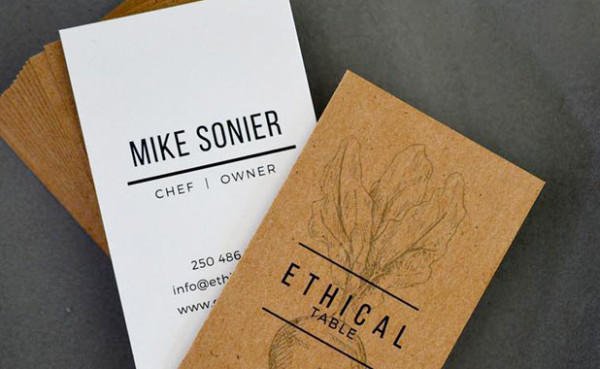
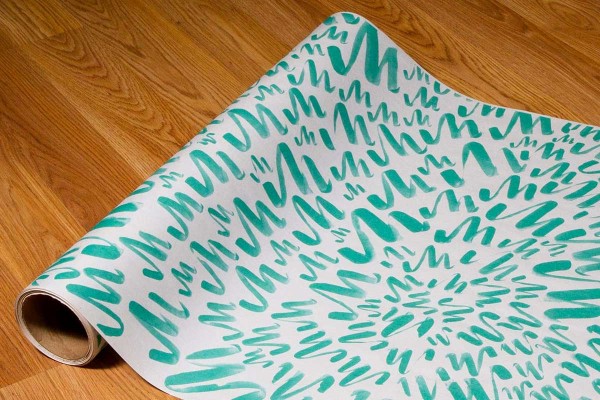
KRAFT PAPER Kraft Paper is a brown with a natural look and feel. We do not print white ink, so as the paper is brown colours are subdued – please keep this in mind when designing your artwork.
|
|||||||||||||
|
What paper coatings do you offer?
We offer a range of coatings on our products. The best way to understand our coating options is to see and touch them for yourself – you can do this by requesting a sample pack. Below is a listing of the coatings we offer – each product has different coating options (some coatings may not be available on certain products):
SUPER GLOSS COATED (previously called Hi-Gloss or UV Gloss) Super Gloss is a layer of shine that will bring out colours and make your print more durable. The coating is similar to the finish on glossy magazine covers. The Super Gloss coating will give resistance and durability against water (it will not be water proof, but the extra coating will give more protection than other coatings). One note for Super Gloss coating is that it cannot easily be written on – ball point pens will not write on the glossy coating and others may smudge or rub off. The coating can be written on with some markers (such as a Sharpie) however we recommend testing this before placing your order. If you want to write on your printed product, we recommend a Matte or Semi Gloss coating.
SEMI GLOSS COATED (previously called Aqueous) A luxurious silky coating with just a hint of gloss for those that want a midpoint between Matte and Super Gloss coated cards.
MATTE COATED (previously called Silk AQ) Matte coating is subtle and understated. Matte coated cards are also easy to write on.
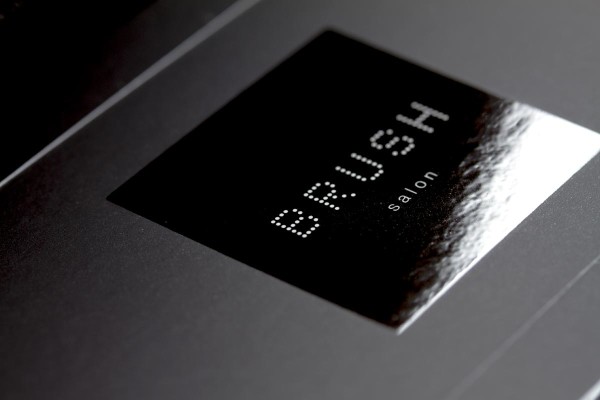
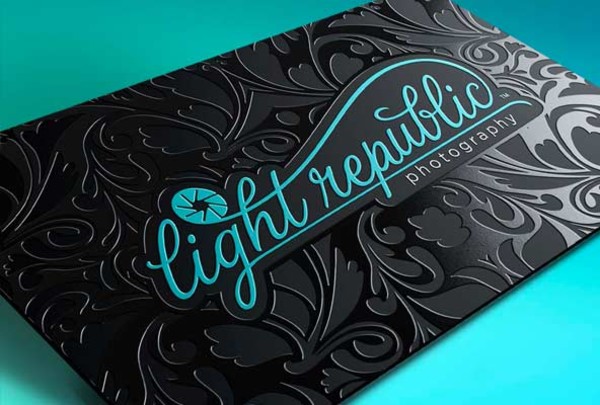
SMOOTH MATTE LAMINATE Smooth matte laminate is a premium finish that is great for a classy, elegant feel. It has a similar look to matte, but is very soft and smooth to the touch. This finish is perfect for cards that have a black or dark coloured background and is great for exclusive invitations and premium services. Smooth matte laminate is also available with Spot UV.
UNCOATED Great for a natural and earthy feel. Uncoated cards are perfect for environmentally-friendly organisations and events. |
|||||||||||||
|
Proofing options
“Proofing” is the final process of checking your artwork before it is sent to print. If our pre-press team notices any printing issues with the artwork that you uploaded you will be emailed an error or warning message with a detailed explanation. We have several options for proofing your order:
ONLINE PDF PROOF This is our recommended option for all orders. When your files are uploaded, our pre-press team will overlook your files to ensure everything looks good to go for printing and send you a PDF proof to your email for approval before printing. Please read the question ‘What do I do with my proof?’ for details of what to check when you receive your proof.
LASER PROOF This is a printed version of the Online PDF proof, printed on our Laser Printing Machine. Please note: printed proofs are for layout and content checking only – colour matching is not guaranteed to our laser proof (especially for offset printing as it is a different printing process than the proof). You may choose to have a proof mailed to you ($15) or pick it up from our Vancouver location ($10).
RUN AS IS Only select this option if you are 100% sure they are press-ready (prepared by a designer) and all details have been double-checked. As soon as your files are uploaded a press-file will be generated and send your artwork to print. No second chances, so please ensure your artwork is correctly set up – be very careful selecting this option. |
|||||||||||||
|
What payments do you accept?
|
|||||||||||||
|
What is Spot UV?
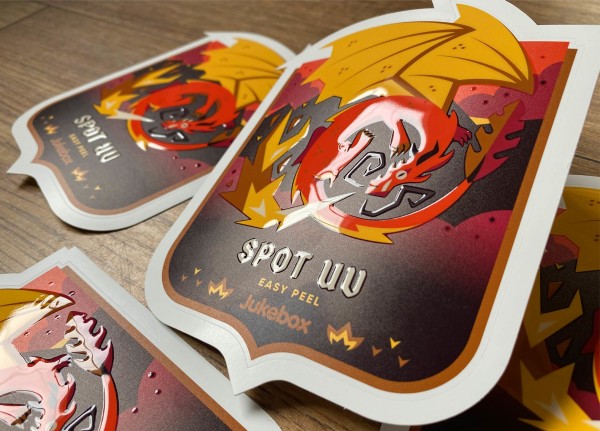
Spot UV is a extra coating of clear gloss that is applied to specific areas on your print. It is a specialty finish that adds an extra touch and eye-catching, but classy, dimension to prints. It can be applied to a small area or cover a large portion of artwork. Commonly, designers will apply the Spot UV on their logo or as an overlaid clear pattern. Please see our Spot UV page for further details, and an explanation of how to supply artwork files. |
|||||||||||||
|
When will my order be ready?
Production times vary for each product and will be displayed when placing your order. When placing your order, you will be able to select a turnaround time for your order – selected products are offered on a rush turnaround for an additional charge. All turnaround times are estimates only and based on full business days from when the customer approves the proof. You can check on the status of your order at any time by logging in to the accounts section of our website. If you have a specific deadline, please contact our office to confirm if you order can be completed in this time. Jukeboxprint.com does everything possible to complete orders as quickly as possible, however sometimes an order may be delayed due to press error or placed on re-print for not meeting our high quality control standards. For details on shipping, please see the shipping section of this FAQ.
WAIT & SAVE ORDERS, SPECIALS AND SALES Due to the heavily discounted rates of these orders, we cannot guarantee a completion or delivery date for these orders.
DIGITAL PRINTING ORDERS For Digital Printing "Same Day Service" orders, we require the customer to have approved their proof (or selected "Run as is") before 10am PST – If you have a deadline, please contact our office to confirm Same Day Service. Shipping time is additional (if required).
Jukeboxprint.com business days are Monday to Friday 9:00am-5:00pm, excluding British Columbia and Ontario public holidays.
|
|||||||||||||
|
What is the recycled content of your paper?
|
|||||||||||||
|
Can I split the quantity of my order?
The quantity of your order cannot be split into different artwork – such as a different employee name on half of the quantity. For example, if you place an order for 1000 business cards, they will all have the same artwork; however, you can order two sets of 1000 cards and use different artwork (different names etc.) – 2000 cards total. Please note: minimum quantities apply for all our products. If you are looking for smaller quantites of cards, but still with the superior quality and thick paper offered with offset business cards, our Small Quantity Cards might be what you are looking for. |
|||||||||||||
|
What is a ‘set’?
The best way to think of a set is as one piece of artwork – an order of one set will all have the same artwork; two sets can have two different artworks (such as two different names). Sets cannot be split. For example, if you order 5 sets of 1,000 cards you will receive 5,000 cards total. Each set can have different artwork. |
|||||||||||||
|
Why can't you print my colour (Pantone, RGB, bright green etc.)?
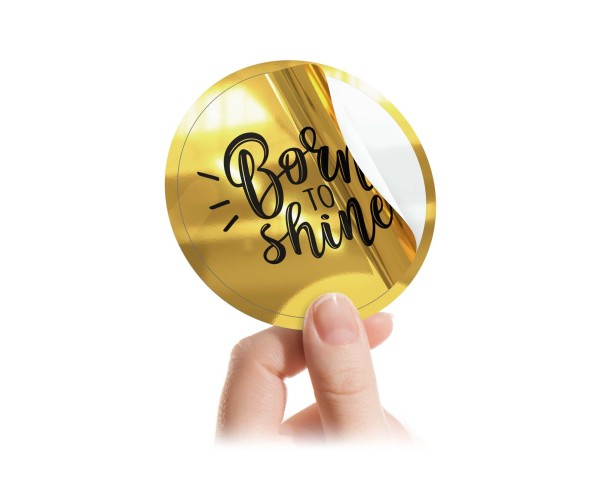
We are a CMYK (or “full-colour”) printer. This means all our products are printed using Cyan (C), Magenta (M), Yellow (Y) and Black (K) ink. The only Spot colours we offer are metallic silver on 24pt Mega Thick cards; and metallic gold or silver on metallic Cards. RGB is a screen colour display mode – it is not suitable for previewing colours for print. Some colours that can be displayed on screen in RGB cannot be printed in CMYK – fluorescent green is one of these colours. We accept file in RGB format but the colours will be converted to CMYK in your proof.
|
|||||||||||||
|
Do you offer colour matching?
We print our products in batches, which is how we offer our great prices – but unfortunately it means we cannot offer colour matching. On a rare occasion there may be minor colour shifting between print runs (up to 10%). |
|||||||||||||
|
I don't have any artwork or design – can you help me?
|
|||||||||||||
|
How do I setup my artwork?
The best way to set up your artwork is using our artwork templates. Please visit the product page of the item you are ordering to download the template. If a template is not available, email contact@jukeboxprint.com to request the template. Here are some basic specifications:
We prefer a single PDF with two pages (page 1: front; page 2: back) for each set of artwork. We also accept two single page PDFs per set of artwork. Handy tip: detailed naming for your files will help us process your order quicker (for example, “Front.pdf” and “Back.pdf”; or for multiple sets: “Set1_Front.pdf”, “Set1_Back.pdf”, “Set2_Front.pdf”, “Set2_Back.pdf” etc.). Please do not include any special characters in your file name (ie. !@#$%^&* ). |
|||||||||||||
|
What file formats do you accept?
|
|||||||||||||
|
What is the largest file size you can accept?
We accept files up to 100MB in size and you can upload up to 10 files for each order. This should be adequate for providing artwork for all our products – if you file size is too large, please remove unnecessary layers (Illustrator) or flatten your artwork (Photoshop). If you require further assistance please email contact@jukeboxprint.com for assistance. |
|||||||||||||
|
How do I send in artwork/design files?
The only way we accept files is through our website (we do not accept files via email or disk). When you have placed your order and completed payment you will be directed to a page to upload your artwork files. The link to upload files will also be emailed to you (with your invoice), or you can access it by logging in to the account section of our website. |
|||||||||||||
|
What is bleed?
Bleed refers to the artwork that extends past the trim size. The reason that printers require bleed is as your order will be printed on a larger sheet size, and then trimmed down. This additional small amount of artwork allows for any shifting that may occur during printing and trimming. If any artwork touches the trim line, it should extend past the trim line into the bleed area. The bleed should be a seamless extension of the artwork (there should not be any visible edge).
EXAMPLE
Standard Size Business Card bleed specifications:
Click here to download a sample press-ready file (3.5 x 2 business card). |
|||||||||||||
|
How do I submit my Business Card with Metallic Ink?
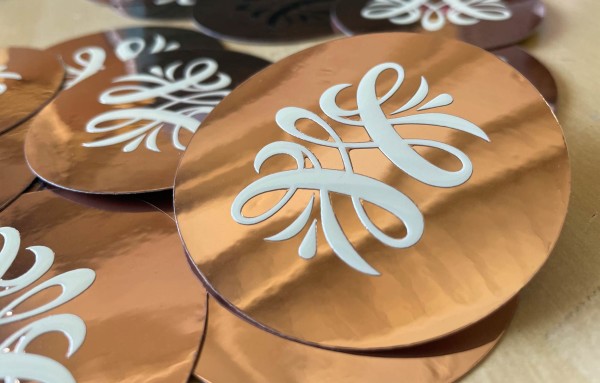
Metallic Silver is included in our 24pt business cards, or you can also order 14/16pt Metallic cards with silver or gold (at an additional cost). The following Pantone metallic ink must be specified in your uploaded PDF file:
Your graphic designer should assign the metallic ink to your artwork prior to uploading your files. Click here to view metallic ink set-up in Adobe Illustrator. |
|||||||||||||
|
Can you correct my files?
We will let you know if there are any errors or warnings for your artwork before printing, however any adjustment or correcting of files is not included in the price of printing. You have the chance to modify and re-supply your artwork file before approving the proof. Any adjustments or requested changes for print orders may incur an additional charge for the additional time required by our pre-press team or designers. We will always confirm and get approval before additional charges are incurred. We also have a team of highly capable and experienced designers at Jukeboxprint.com – request a quote for design services and our designers will help you out. |
|||||||||||||
|
Can you check if my artwork file is okay?
If there are any issues with the artwork you upload you will receive a File Error or Warning message. The only way to upload files is via our website when you have placed your order. Unfortunately we cannot check files before uploading them to our website – however if you use our templates and follow our specifications, your files should be good to upload. |
|||||||||||||
|
Why am I getting a ‘File Error’ message?
A file error message means that your artwork files have not been set up correctly for press. If you click the link in the email you received there will be a detailed explanation of the error and how to correct it. The Jukeboxprint.com Prepress team will always try to correct any possible issues with your artwork setup whenever possible, but sometimes this is not possible so you will receive a 'File Error' message. Your designer will need to fix this issue. |
|||||||||||||
|
Why am I getting a ‘Suggestion from Prepress’ message with my proof?
There is nothing necessarily wrong with your artwork, but as part of our service our pre-press team wanted to warn you about a certain issue (such as a colour warning, text too close to the edge or even a spelling error if they notice it). You may choose to correct this issue, or ignore the warning and proceed with printing. |
|||||||||||||
|
What issues can cause printing issues?
Jukeboxprint.com uses the latest technology the highest quality print, however there are some issues that should be avoided. Please check the following issues before you upload your files:
TRANSPARENCY Transparencies can sometime cause issues. These problems can often be avoided by using shades of the colour, instead of transparency (for example: instead of setting a black object to 10% transparency, set the ink values to CMYK: 0, 0, 0, 10).
OVERPRINTING White objects that are set to overprinting will not print – often this is not visible when the PDF is previewed, so it is always best to check that no objects are set to overprint. Using “multiply” has a similar effect as overprinting without the preview issue.
BORDERS Borders close to the edge don't cause errors, but it can lead to unwanted finished product. Any slight shifting that occurs during the printing and trimming process are highly visible when there is a border running along the edge. We recommend borders be at least 0.125 inches away from the trim line.
SAFETY MARGIN (text or graphics too close to the trim line) Due to unavoidable shifts that occur during the printing and trimming processes we recommend a safety margin (or padding/safe area) of at least 0.125 inches inside the trim lines – that is 0.25 inches away from the edge of the bleed.
FONTS We recommend converting all fonts to paths (outlined) or flattening artwork before uploading as this causes the least issues with fonts. You may also choose to embed the fonts in your PDF file.
BLACK We recommend using CMYK black (0, 0, 0, 100) or for a rich black (60, 40, 40, 100). Ensure your artwork is in CMYK mode before adjusting the black. Using an RGB (or registration) black, or other black values may cause an unwanted or unexpected output – the colour can shift to a black that has a brown, red, grey or blue tint to it (depending on the values).
GREY (GRAY) When using grey in your design we recommend using greyscale black (without any Cyan, Magenta or Yellow ink) In Adobe Photoshop, convert the Colour Mode to ‘Greyscale’.
|
|||||||||||||
|
What Shipping options are available?
We offer shipping to customers worldwide. Pick up is offered free of charge from our Canadian Vancouver (BC) and London (ON) locations. We offer four shipping options depending on your location:
|
|||||||||||||
|
How much will shipping cost?
Shipping costs will be calculated and displayed before payment is processed, or you can use our Shipping Calculator. Shipping cost is based on weight and delivery location (as an example, the average cost to ship 1,000 business cards to Canada is $14 via Fedex Ground). |
|||||||||||||
|
Is the shipping trackable?
You will be emailed a tracking number for your order when it is shipped. You can also check tracking numbers by logging into the account section of our website. |
|||||||||||||
|
Where are your pick-up locations?
VANCOUVERBritish Columbia, Canada
(604) 630 5580
2nd Floor, 341 Water Street
Located in Gastown, a block West of Waterfront Station (Bus, SkyTrain, SeaBus, West Coast Express). On the same side of the street as the Steam Clock, 70 metres up-hill; above Suraj Fashions and Gifts Souvenir Shop. Parking: There is limited on-street parking near the office, a pay-parking lot is located next to Waterfront Station or at the end of Cambie Street near Starbucks (Gastown). If you are picking-up a large order, please call our office for further parking options.
LONDONOntario, Canada
(519) 850 7720
560 Wellington Street (lower level)
Five-floor red brick building directly across the road from Victoria Park at the corner of Wellington and Wolfe Street. Parking: Free two-hour parking is available on Central Avenue and Hyman Street between Wellington and Waterloo. There is also pay-parking lot next to Centennial Hall. If you are picking-up a large order, please call our office for further parking options. |
|||||||||||||
|
My order is late or hasn't arrived.
Please check the estimated completion date on your accounts page. If your order is overdue, please contact our office for further details. If your order has been shipped, please contact FedEx or Canada Post with the tracking number you were emailed. |
|||||||||||||
|
How much will Design Services cost?
You can place a free request for a Design Services quote on our design page. The cost of your design fee will depend on what you require, the complexity of your design and the time for our designers to work on your design. Your quote will detail exactly what is included in the design services and you will be warned before any additional charges are incurred. |
|||||||||||||
|
Where can I download your PDF presets?
You can download our PDF profile settings here (for Adobe Distiller, InDesign and Illustrator). |
|||||||||||||
|
The product I want to order is not offered on your website.
Want to print a custom size, or have a specialty requirement, folding or foil? No worries, submit a Custom Print Quote Request and our print estimator will get back to you with a quote. |
|||||||||||||
|
What happens if I received a product that is defective?
Jukeboxprint.com carefully quality control checks all product before shipping. However, if you believe your item is defective or damaged during shipping please call our customer service line within 7 days to raise a quality control case. You may be requested to send a photo of the defective product, or in certain cases we will require samples of the defective product sent back to us to obtain a reprint. Unfortunately if the error is due to customer error (such as uploaded artwork setup) a reprint cannot be offered. If a reprint is produced all defective print product must be returned to Jukeboxprint.com. |
|||||||||||||
|
I'm looking for the most eco friendly option. What do I select?
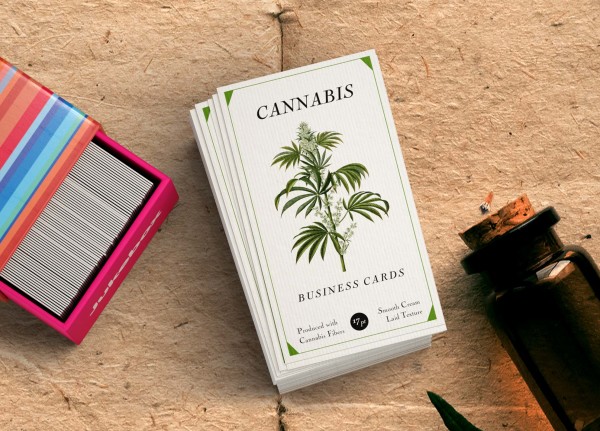
We are pleased to announce our new 100% post consumer recycled 17pt thickness card stock. We are currently launching this across selected products. |
|||||||||||||
|
What do I do with my proof?
If you requested an “Online PDF Proof” when you placed your order, you will be notified by email when your proof has been generated. Open the link to your Order Status Page in the email (you can also find this page by logging in to your account on our website). Download the proof to your Desktop and open it in Adobe Acrobat (free download from the Adobe Website). Carefully check over the proof, take note if there are any special notes about your order from our prepress team. If your proof is correct, click on the “Approve Proof” button. If there is anything that needs correcting, click the “Decline Proof” button – you will then be provided with a link to re-submit new files. |
|||||||||||||
|
What is the status of my order?
You can check on the status of your order at any time by logging in to the accounts section of our website. Click “Login” at the top right of our website to log in (or if already logged in, click “My Account”). You will be taken to the “Current Orders” section of your Account Manager. Here you will be able to see the status of your order.
|
|||||||||||||
|
Blind Shipping
By default orders are shipped out in Jukeboxprint.com branded boxes and packaging. If you do not want this, select “Blind Shipping” when placing your order. This option is useful for design studios who are ordering for their clients. |
|||||||||||||
|
How do I log in to my account?
At the top-right corner of our website, click the “Login” button. You will then be prompted to enter your email address and password. |
|||||||||||||
|
I have ordered from Jukeboxprint.com previously, do I have an account?
Customers who have placed an order since June 2011 will have an account on our website – linked to the email address you used to place your order. |
|||||||||||||
|
I forgot my password
To reset your password, click “Login” at the top right side of our website, you will be prompted for your email address and password. Enter your email address and click “Forgot Your Password?”. You will be emailed instructions on resetting your password. |
|||||||||||||
|
How do I refer a friend?
Refer a friend to our website and they will receive $10 off their first order. You will also earn credit towards your next order when you refer friends who also place an order on Jukeboxprint.com – up to $20 off your next order. Only customers who have a completed order in their account can refer and earn credit through our website. To refer a friend, login to your Account on our website and click “Refer a Friend”. Enter their name, email and message and click “Send”. They will be sent an email and receive $10 credit on their first order. |
|||||||||||||
|
I want to add a link to Jukeboxprint.com on my website or blog
|
|||||||||||||
|
I want to update my details or change my password
Your address and contact information is stored in your account. If you need to update this information, login to your account and click “Account Settings”. You can then make any changes to your contact information and click “Save Account”. We do not store credit card information to your account for security reasons. This must be entered on our secure checkout for each new transaction. |
|||||||||||||
|
I want to delete my account
Please email contact@jukeboxprint.com with a request to delete your account. |
|||||||||||||
|
I want to subscribe/unsubscribe to your eNewsletter list
Login to your account and click “Account Settings”. Your eNewsletter preferences can be changed at the check box “Please add me to your email list for exclusive sales and promotions”. To subscribe tick this box; to unsubscribe un-tick this box and click “Save Account”. |
|||||||||||||
|
Status and Discount Levels
We love to reward our loyal customers! All orders placed with your account will earn you discounts and rewards – the more your order, the higher status and discount level you will reach. When you log in to your account, your status level will be shown to the right of screen. |
|||||||||||||
|
What are crop marks?
Do not include any border (or die-line) on your artwork. Click here to download a sample press-ready file (business card). |
|||||||||||||
|
How do I add a QR code to my card?
|
|||||||||||||
|
If you have any additional questions, please feel free to call us or email directly at contact@jukeboxprint.com
|


.gif)